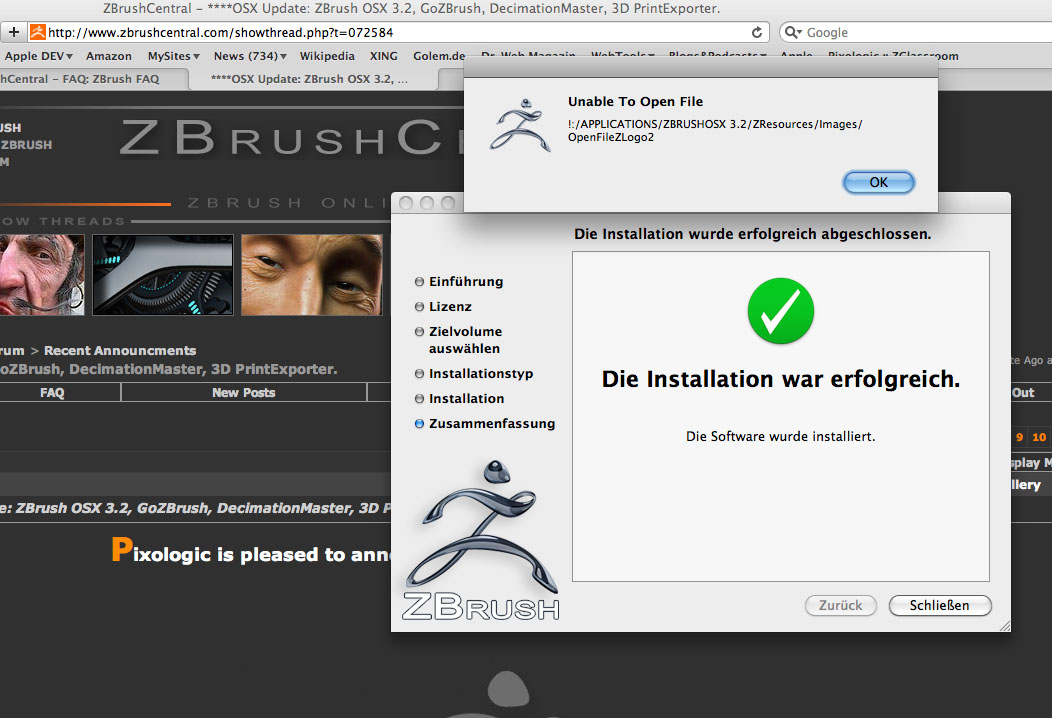
Try manually setting permissions for the ZBrush 3.2 folder. Do this by selecting the folder itself in your finder and pressing Cmd+I to get info. This will bring up a window that has the permissions at the bottom.
At the bottom right of that window, click the padlock icon and enter your admin password.
Now click on Everyone in the list and assign Read & Write permission for that group. Next, click the gear icon beneath and choose the option to apply to contained items. Then simply lock it again and try running ZBrush from in the 3.2 folder.
If the Everyone group already has Read & Write permission, change it to something else, use the contained items option, change it back to Read & Write, then use the contained items option again.
Hope that helps!