Howdie folks!
I’ve got a bit of an awkward problem here.
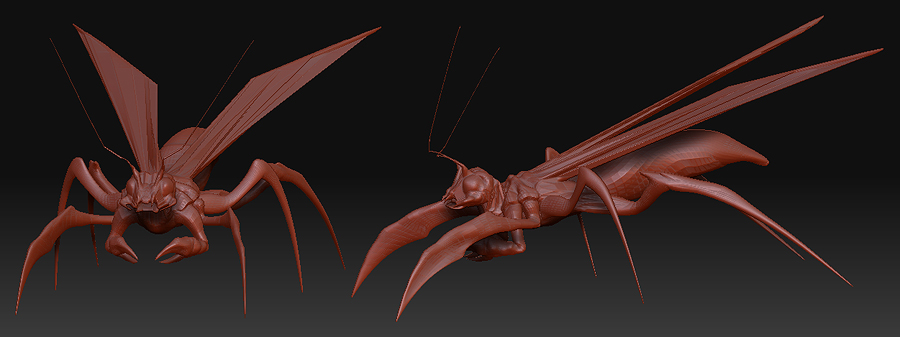
I made a model in Zbrush 3.0, ander later updated to Zbrush 3.1 when it came along.
I saved the same model from within Zbrush 3.1, not knowing there would be interface changes in the new version.
The problem is I can’t find one of the drawing buttons, and don’t recall the exact name, so I’ll try and give an as good description as I can.
When you usually draw in Edit mode using zAdd it builds upon the mesh, but there was another button that simply pushed and pulled the mesh, depending on zadd/zsub.
Now in 3.1 I’m stuck on the latter, so instead of adding to the mesh I’m pushing and pulling it, deforming the back sides and ruining my model.
I’m assuming I accidently activated a shortcut, but can’t find the button I used in 3.0 to switch between these modes. I’d REALLY appreciate it if anyone could help me out here  I’ve searched the online docs without success.
I’ll add the model aswell, might aswell gather some C&C whilest I’m here 
Attachments