Not sure what I might be doing worng.
Using ZBrush 3.1
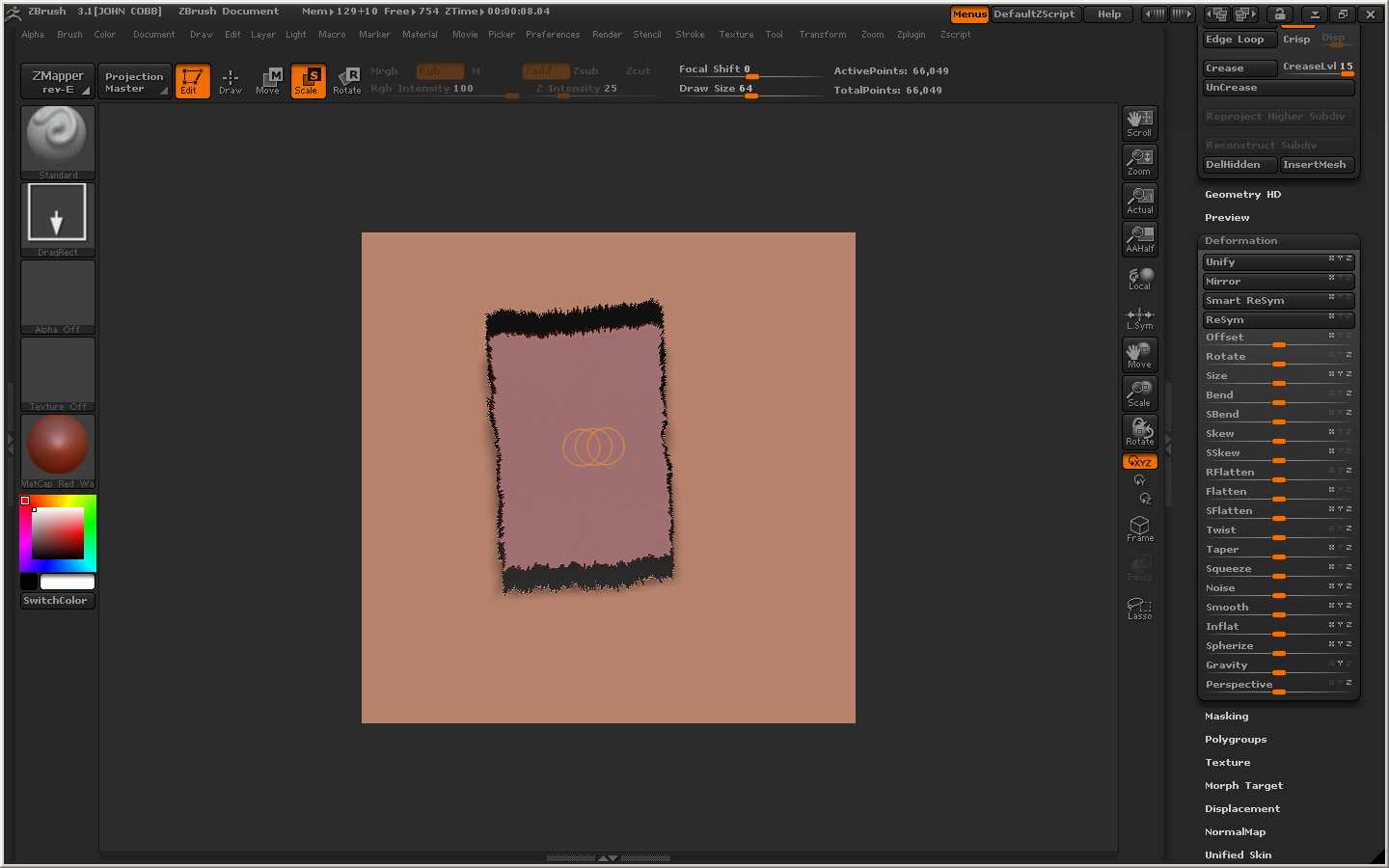
I filled the layer (from material color) drew the model (plane3d tool) onto canvas did a best render then used scale and it looks like it is erasing the fill color area (see image one)
Thinking render might corredct this I did another best render - didn’t work so I tried preview render and it did not correct it.
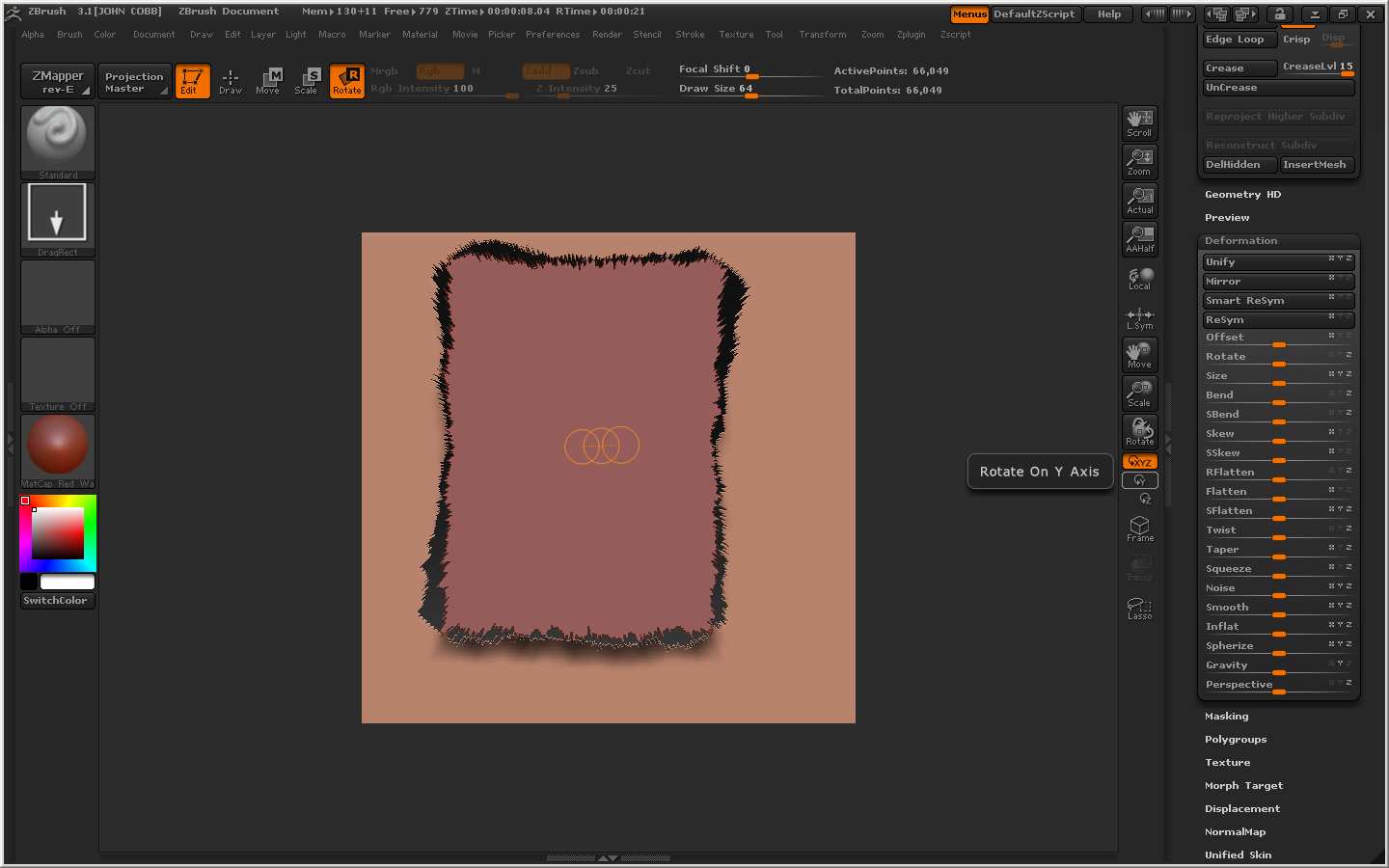
I then tried rotating and it looks like it is erasing the fill color (see image 2)
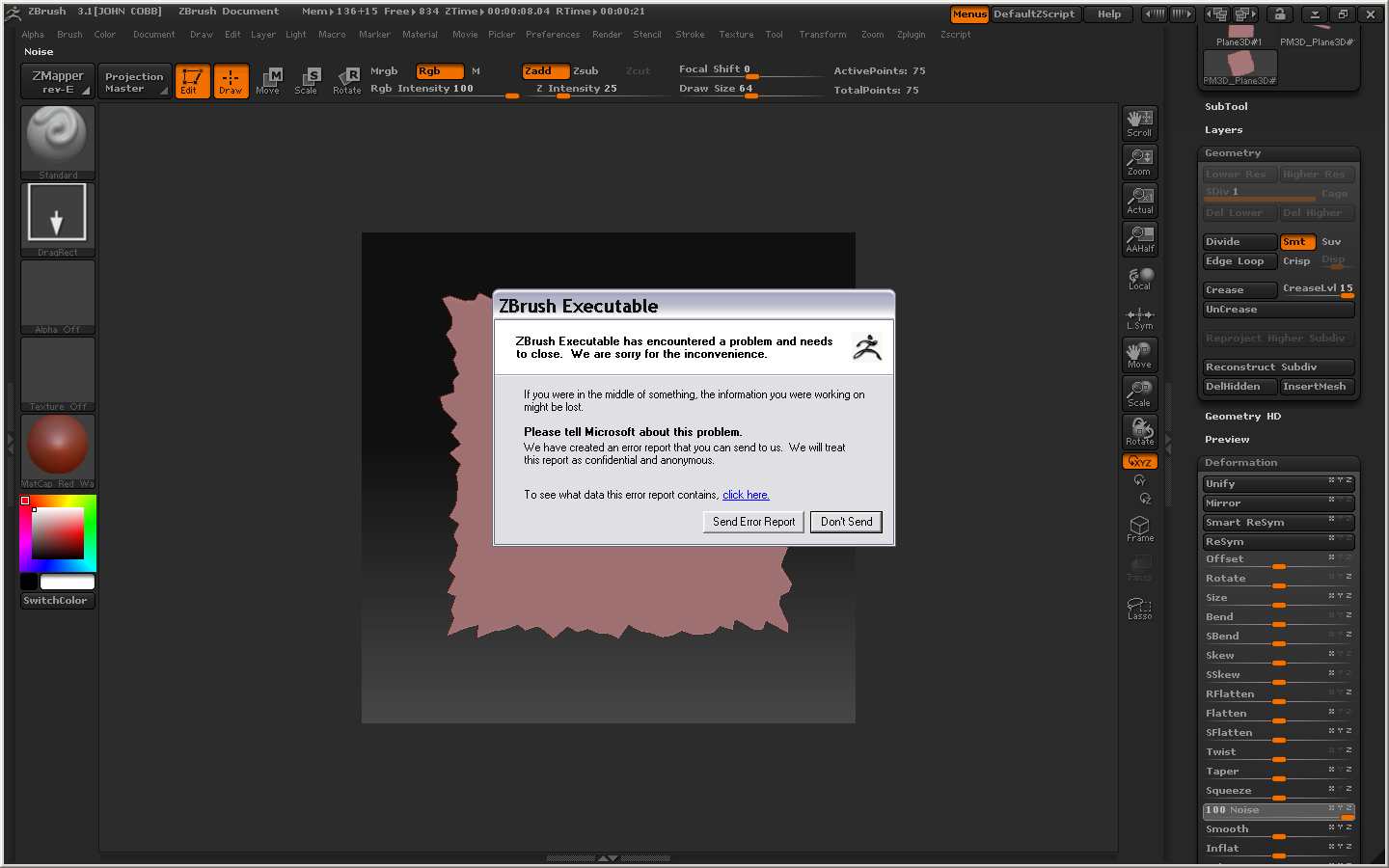
I cleared the layer and and redrew the model onto the canvas and zbrush crashed (see image 3)
computer info
pc xp home 32 bit
ram 1.5 gigs
HD 160 gigs
I saved a zscript the only thing I did not do in the zscript mentioned above is that I did not do a best render before scaling, moving, rotating and zbrush did not crash. And when the eraser effect dissappeared.
TIA
Attachments