ZBrushCentral

ZB4Rb help with some steps

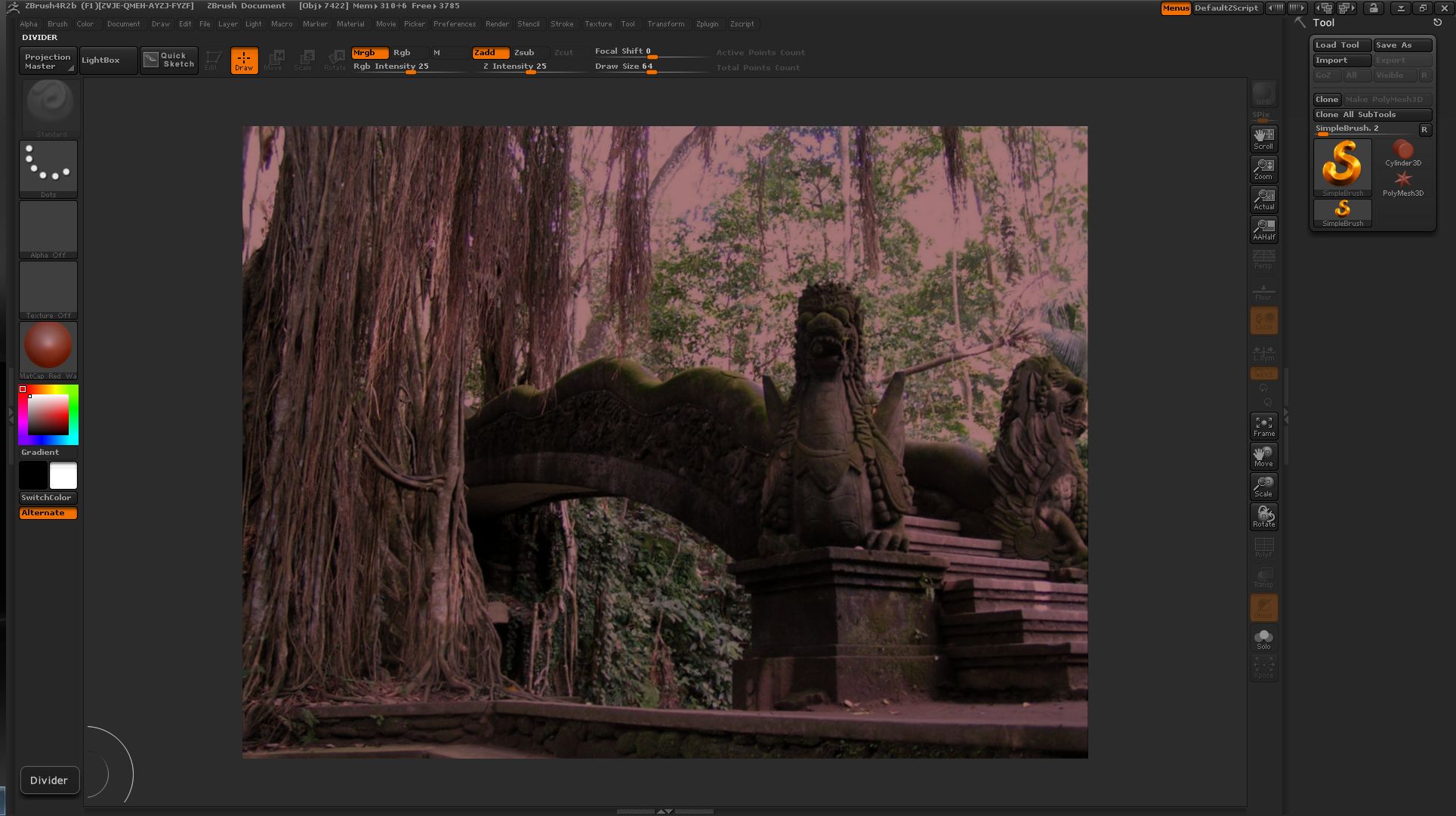
It has been awhile sense I have done this in ZBrush and would to fine out how to get the Doc import back to the orginal color to work on.

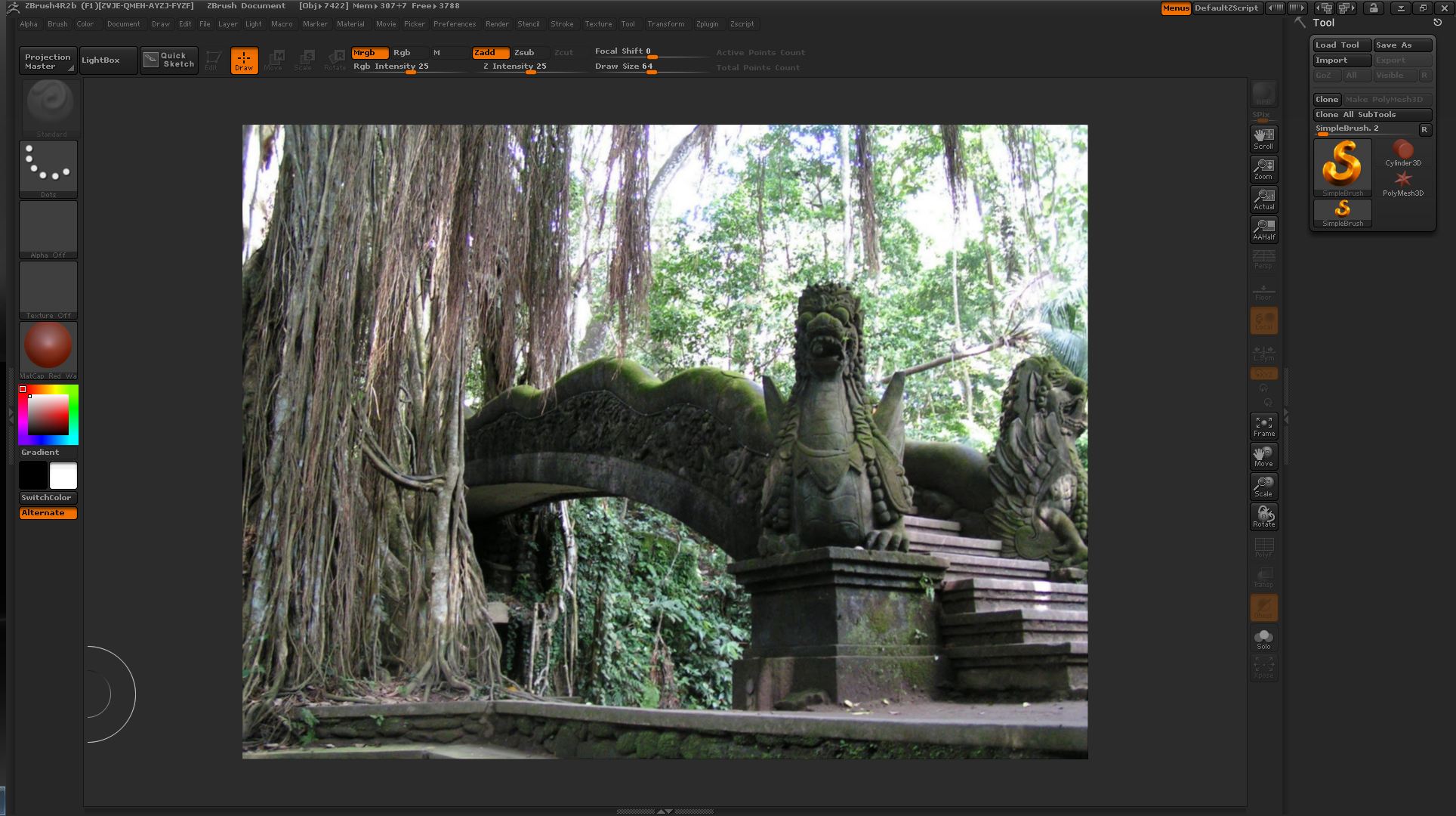
  1. image to import as document

  2. Imported as a document

  3. Image when Flat render is turned on

How do I get the Flat image render to stay that way? When i do a best render It turns back to the image coloring in step 2.

Attachments

1.jpg

Import As Document.JPG

Changed Render To Flat Render.JPG

Amazing bro ! Really love this one! Looks like a photo,
would you mind posting a image where you can see the sculpting of it?
Is everything done in zbrush?
Looking forward seeing more from and great that you are back mate,
Cheers,
Kenny

Kenny, I believe that IS a photo, the words “import” and “image” kind of suggested that. :slight_smile:

You should use the Skin Shade material I don’t think the Flat color material stays active if another material is chosen. You’ll need to turn on M or MRGB and do an object fill from the color menu. With the Skin Shade material it should be bright enough to work with.

I’m not sure, but the redness comes from the material right, so it should be as simple as assigning the flat color material? Or?

yes , the flat color material will fix that for you. Even in the state where it is red cause of the red material , you can still select a 2.5d paint brush tool , activate only M (not rgb,mrgb) and paint over your entire document with the flat color material selected and it’ll paint the red away.

OK here’s how I got it to work

  1. Before importing the image as a document set the mat to skinshade4
  2. Import the image as document

I then used a ztool over the image using different Mat color and the imported document image stayed the same so the 2 steps should work,

KC-Production - The imported image a photo

Teyon - Thanks for your help. Note I tried the fill from color and it completely changed the document to a solid of the mat color.

VictorCS - Yes the red color comes from the red mat. The flat render gives the image it’s orginal look but when mat mat is changed will render into the color of the selected mat color

I just tried this Namek.
I activated M then selected FlatSketch01 mat then selected the SimpleBrush with DragRect selected and drag over the document.
Thanks for the tip