ZBrushCentral

ZB4 R3 STill fails with Transpose Master

Hi To all mates.

Here i come with an old question , this one is brainwashing me!

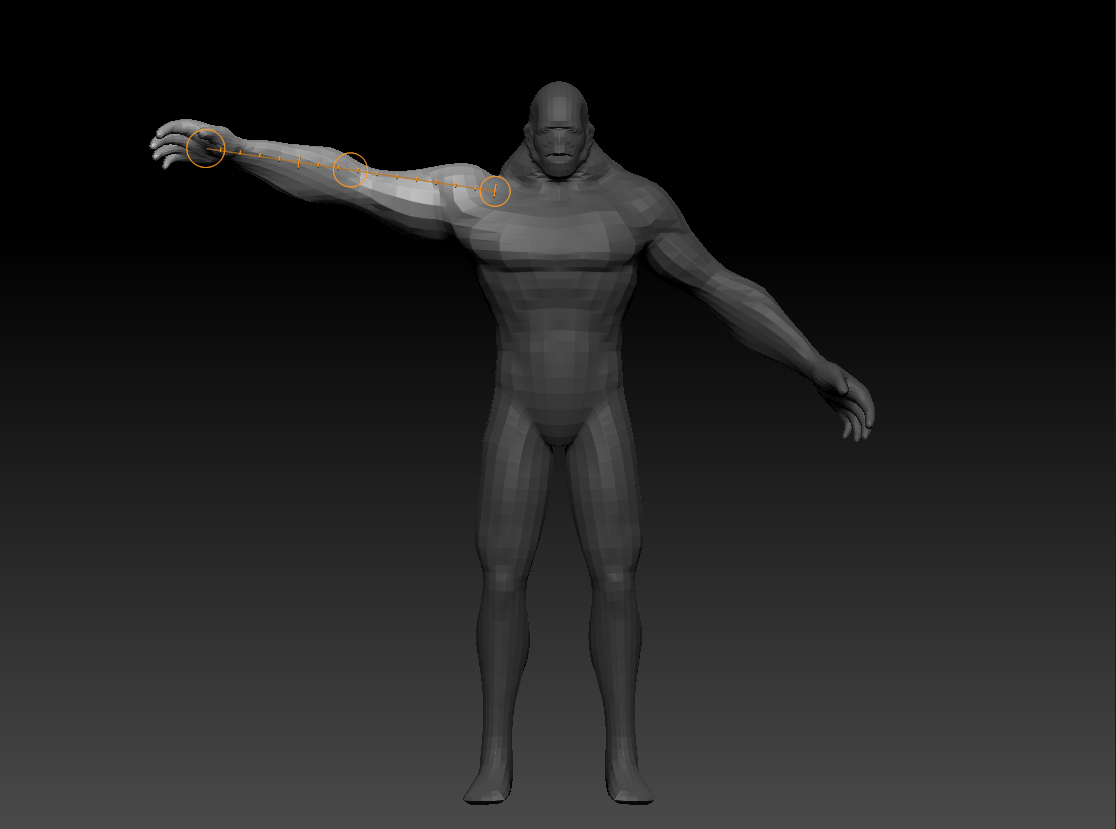
I have a model sculted with different SUbTools and i want to pose it with Transpose Master , i haved some issues with last versions of Zb but i see that still crashes in ZB4 R3. The thing is that if i move independently the objects theres no problem , as you can see in the first screenshot , i can move normally the base mesh without any problem.

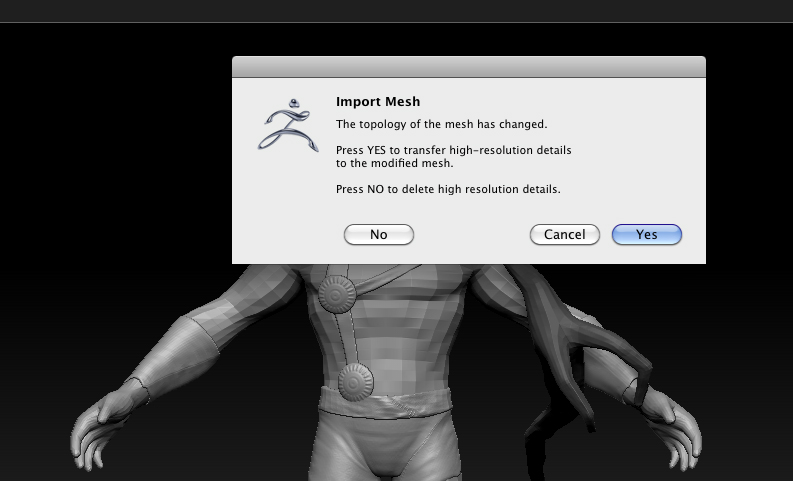
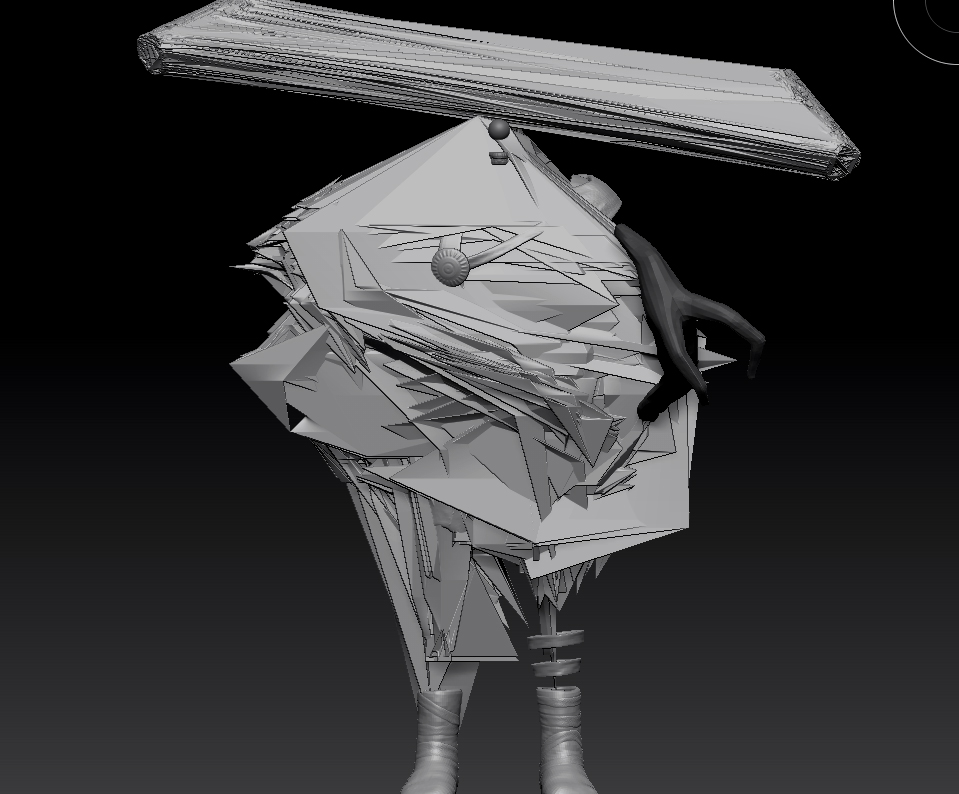
But when i switch on all the subtools in the lowest level and i do the same operation using Transpose Master that´s what happens , Click on Tpose Subtool and it appears one advice on Screen that is hurting me , Your topology has changed … even i push Yes or No it ends Crushing my model and i don´t understand Why , the model has clear UV´s , not too much polygons … at the end , this is a solid base mesh and Zbrush ends crushing it…I don´t know if someone can help my to resolve the problem but i´m quite fustrated at this moment.

Thanks to all mates.

Attachments
Captura de pantalla 2012-05-11 a las 09.12.21.jpg

Captura de pantalla 2012-05-11 a las 09.14.18.jpg

Captura de pantalla 2012-05-11 a las 09.16.15.jpg

There was an update to Transpose Master released in April - make sure you’ve got it from the Download Center. You’ll need to remove the previous version of TM before installing. The update may help with this (you’ll need to start over creating a new pose mesh etc.) but it is possible that it won’t. If there are problems with a subtool then TM won’t solve these. You can test a subtool by exporting an OBJ and then importing it back in - if you get an error then you’ll need to sort out what the problem is. You shouldn’t get the ‘Topology has changed’ message when using TM. That only appears when something is getting screwed.

Hi Marcus,

Thanks for your reply … YES! this was the problem , i had the old TM plugin and with the new one works Perfect!!

Great and thanks again , this was the new of the day for me :wink:

Great! Thanks for letting me know. :slight_smile: