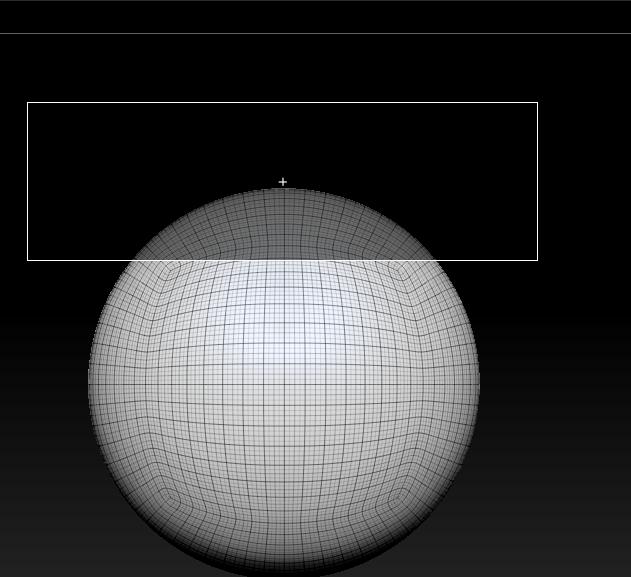
when using CLIP BRUSH to cut something out with dark-mask , it often made a strange result (as FIGURE one.jpg and two.jpg) …
Attachments
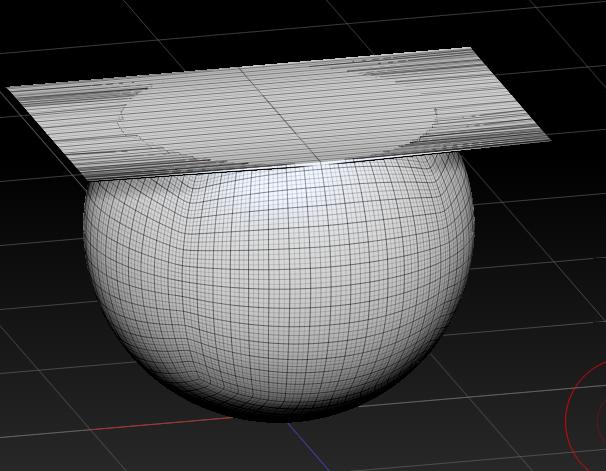
when using CLIP BRUSH to cut something out with dark-mask , it often made a strange result (as FIGURE one.jpg and two.jpg) …
Your just not using the Clip Brush correctly. You don’t have to press Alt key. Clip brushes don’t cut, they compress.
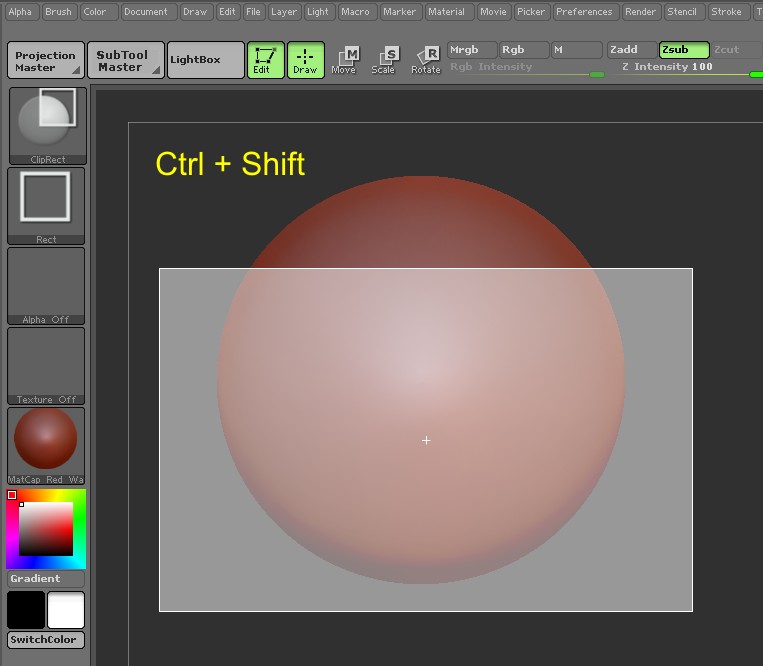
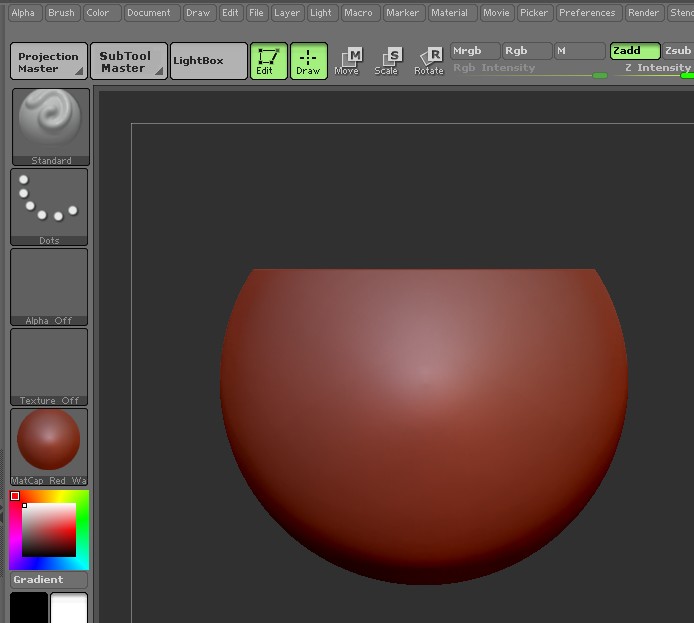
ZBER2:
i know that way as you’ve done ,but the “dark-mask cliping” sometime work fine…:rolleyes:
The main use of Alt with Clip Brushes is to clean up existing holes and not for use as your Figure1 depicts. It can be used for cutting small notches and the like, but the closer the crosshair gets to the geometry, the worst the result. The title of your post indicates “clip brush problem”, but the problem is not with the Clip Brush. 
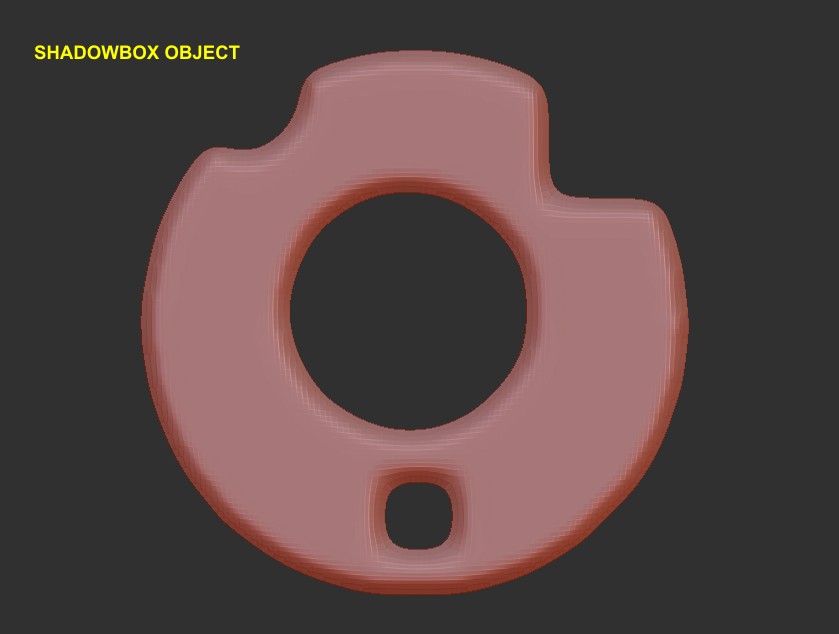

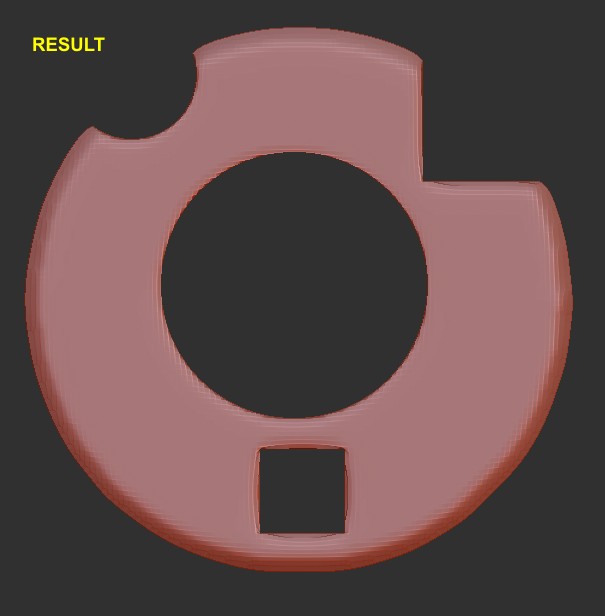
“but the closer the crosshair gets to the geometry, the worst the result.”
yes…um…i think that is a problem too
i think the white-mask cliping is mean “the part i wanna keep” and the dark-mask cliping mean “the part i don’t want”…but,whenclipong with retangle,we get an “unimagined” the result :evil:
personally,i don’t think that kind of result is “expected” by official… :eek: