ZBrushCentral

ZB3 Smoothing tears geometry

Hello fellow artists. I need to draw upon your vast knowledge.

As a newby to ZB3…and ZB2 for that matter - I am have trouble solving a few bizzard problems.

I have imported my model from Lightwave as a OBJ or DXF and from other packages - but I have the same problems.

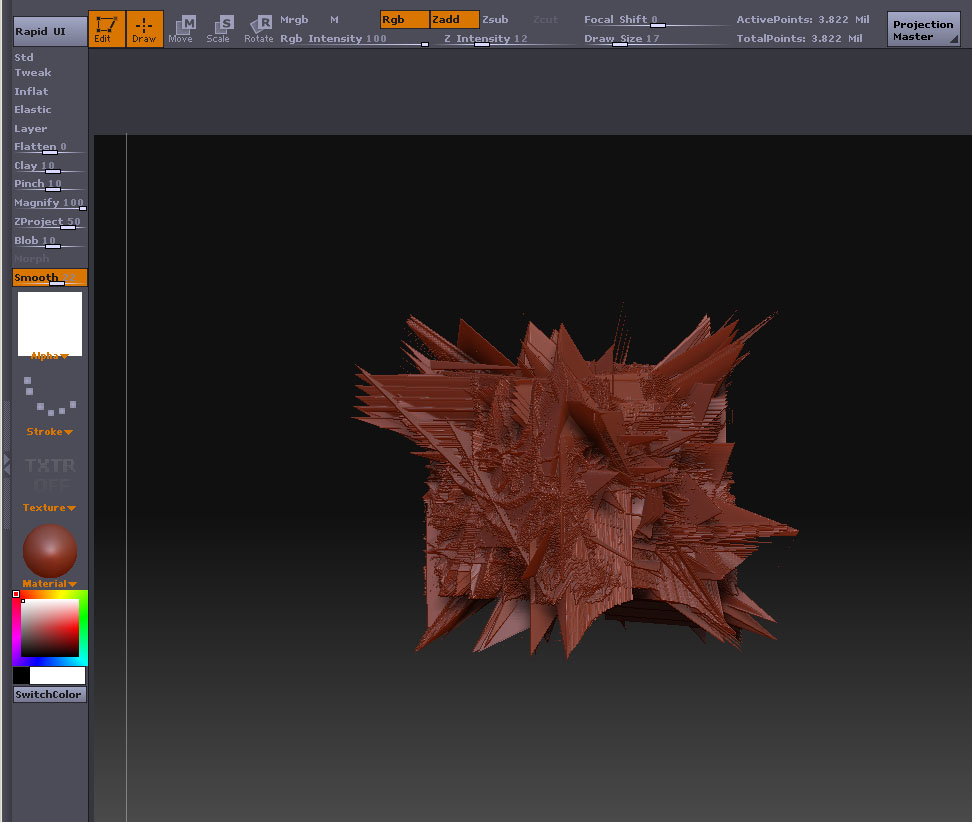
  1. When I try to divide the mesh it implodes

  2. When I try to smooth the mesh it tears inward even when Z intensity is set to 1.

These meshes are heavy. I lowered the geometry but, it made no difference.

I have tried other models of mine and the same thing happens.

Please see the attached images.

Any help would be appreciated VERY much.

Regards, John Cooper

Attachments
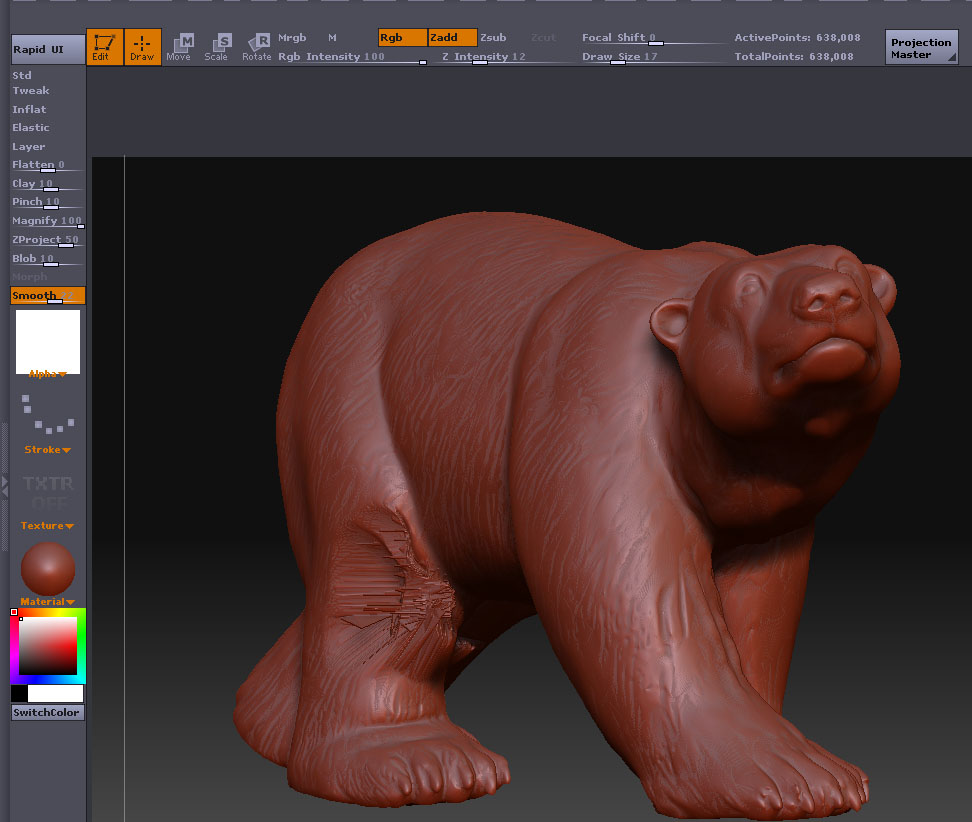
Smoothed.jpg

Subdivided.jpg

Your mesh probably has some bad geometry in it. Such as edges connecting > 2 polys, and other such things.

try this

go to tools and select the polymesh (starshaped) tool then scroll down the tool menu til you see import and click on that…try these settings.
merge - on
tri2quad - about 40
and weld - .01

see if that helps at all

Thank you Aminuts. I will try this tonight and let you know how what happens.

Thanx for your time and support.

John Cooper

I tried your suggestion - It work like a charm! I spent 3 days trying to solve this.
I am about to do some VFX work on a film and I needed to get this right…

If I can do anything for you or help you with any project - contact me!

Thank you very much.

John Cooper

Cool, I am glad it worked for you! :smiley: