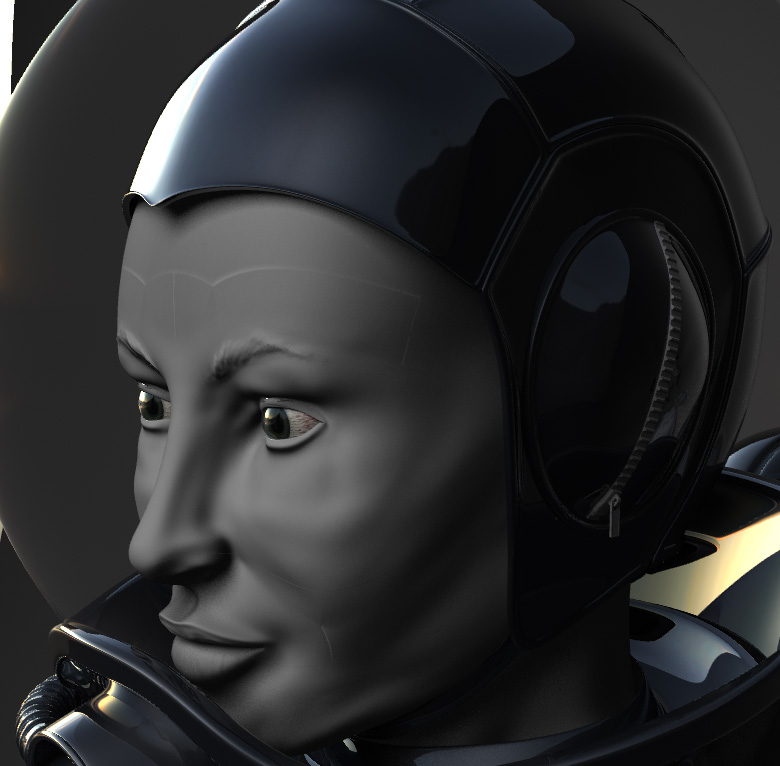
I’ve imported a basemesh from LW, sculpted it and exported from ZB including disp and normal map. I’m going by Steve Warner’s guide from the Wiki but I am getting odd seam errors. The errors have appeared on more than one model so I’m thinking it’s something in my procedure.
ZBrush sculpt, level 5, GUV tiles, disp and normal map 2048
[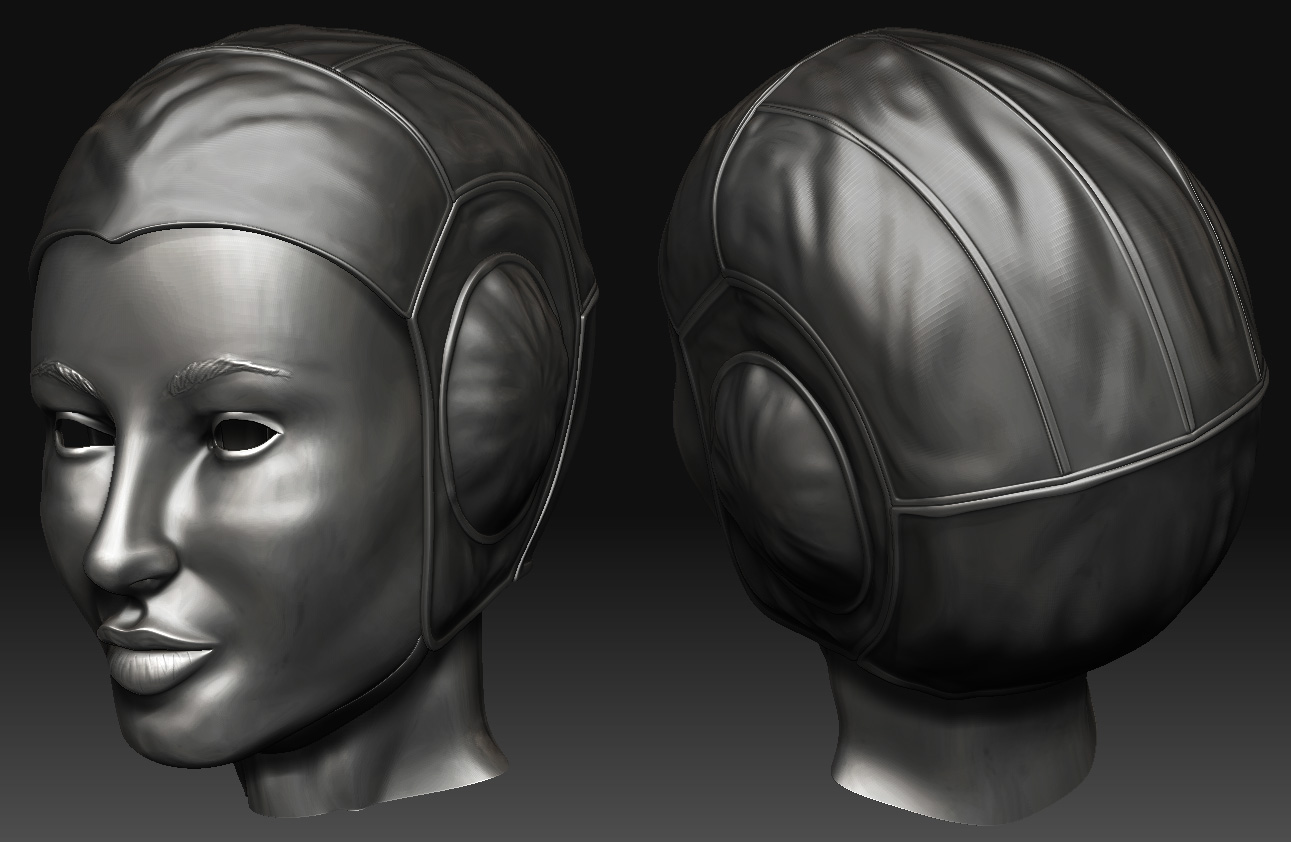 ](javascript:zb_insimg(‘156233’,‘qotrm.20.jpg’,1,0))
Tried switching between CC sub-d’s and standard sub-d’s. I didn’t originally have Smooth UVs activated in ZBrush. After the sculpt and it failing and turned them on. Not sure if that is the same as hitting SUV first. Have any of you encountered this before? I see a couple of search hits with similar results but none of them had any answers.
Thanks for any help.
Attachments