ZBrushCentral

ZB bump to Maya

Hey there,

Having an issues with my bumps in Maya. I using the displacements created in ZB for all the Geo detail and then I patch a bump from the same Disp image file in a bump and then shader.

The prob is, although the displacements are working fine, the bumps are showing AUV seems… I would have thought that if the Disp is working that the bump should too!

Ive tried a number of things such as playing with the filter parameters in Maya, seperating 2 different image file for the Disp and Bump… but no luck.

Seems like a few are suffering similar probs, anyone got any solutions?

Thanks… again
for bumps I make a dp map the “old way” (tool - create dp) convert it to texture, fix seams and use the bump viewer material.

I’m having the same problem and can’t seem to find a solution anywhere.

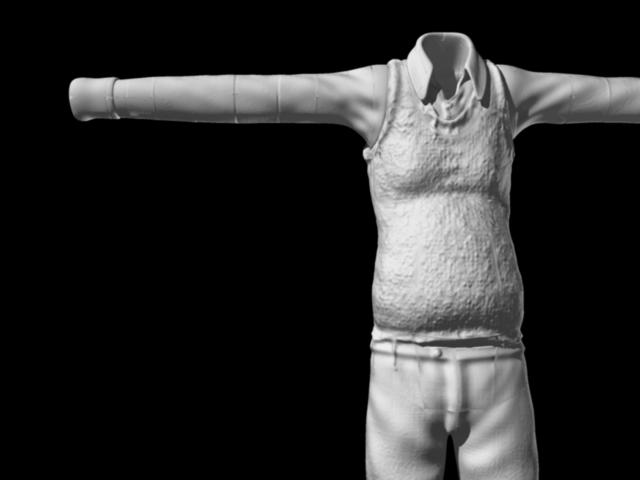
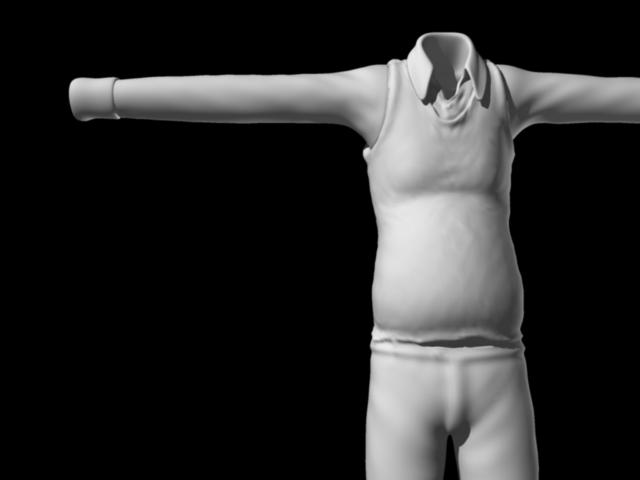
mike1974: I tried that method but it is still producing the same annoying seams. This isn’t happening in Modo renders so it must be something to do with the ZBrush to Maya pipeline.

Here are a couple of images that explain it visually:

First the displacement…

Body_Displacement_Test_03.jpg

Any help would be greatly appreciated.

Attachments

Body_Bump_Test_03.jpg

Found the solution here.

cheers

REALLY?! WOOHOO! I’ll give it a go…

Does it work OK for you? As in, all the models you were having trouble with?

Cheers

So far…

Well, I gave it a go and no luck for me :frowning:

Still a lot of seams to deal with, possibly even worse than before. :mad:

Not sure if I did something wrong but it looks like I’m going to have to unwrap my models in Modo. Damn shame…

me too have problem with bump maps seems in maya…and the link does’nt work anymore :frowning:

The link he’s refering to is actually:

http://highend3d.com/zbrush/tutorials/modeling_zspheres/140-2.html

~Mike D.

I see, now its working…will have a good look at it hope to fix my problem…Thanks!:slight_smile:

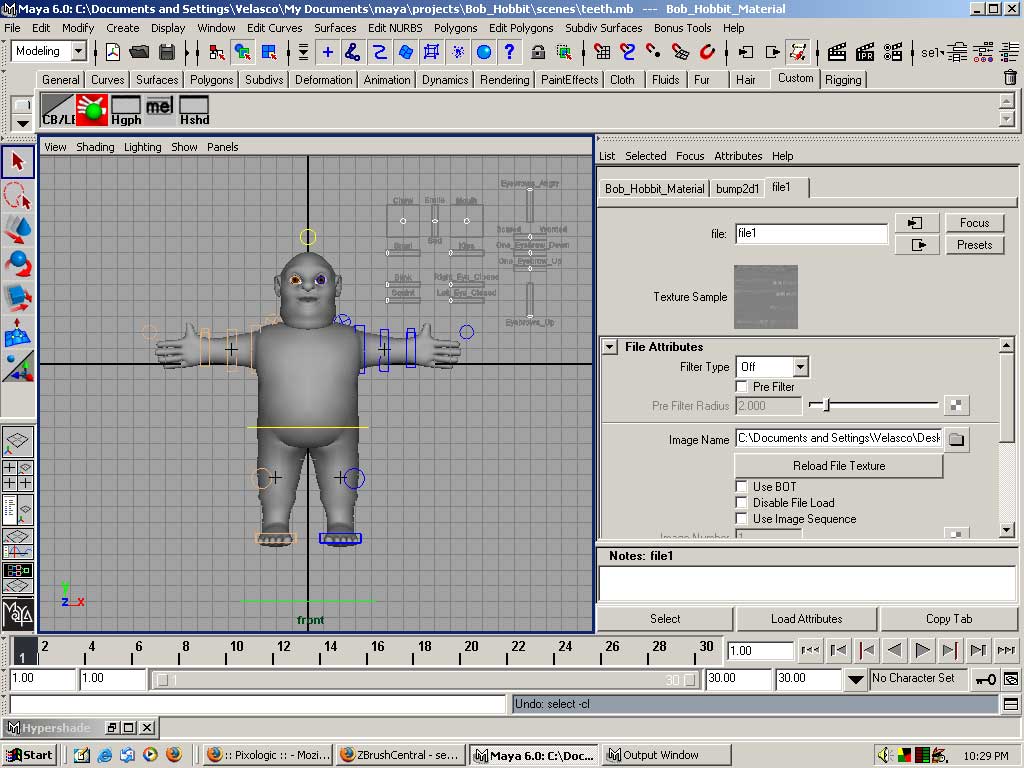
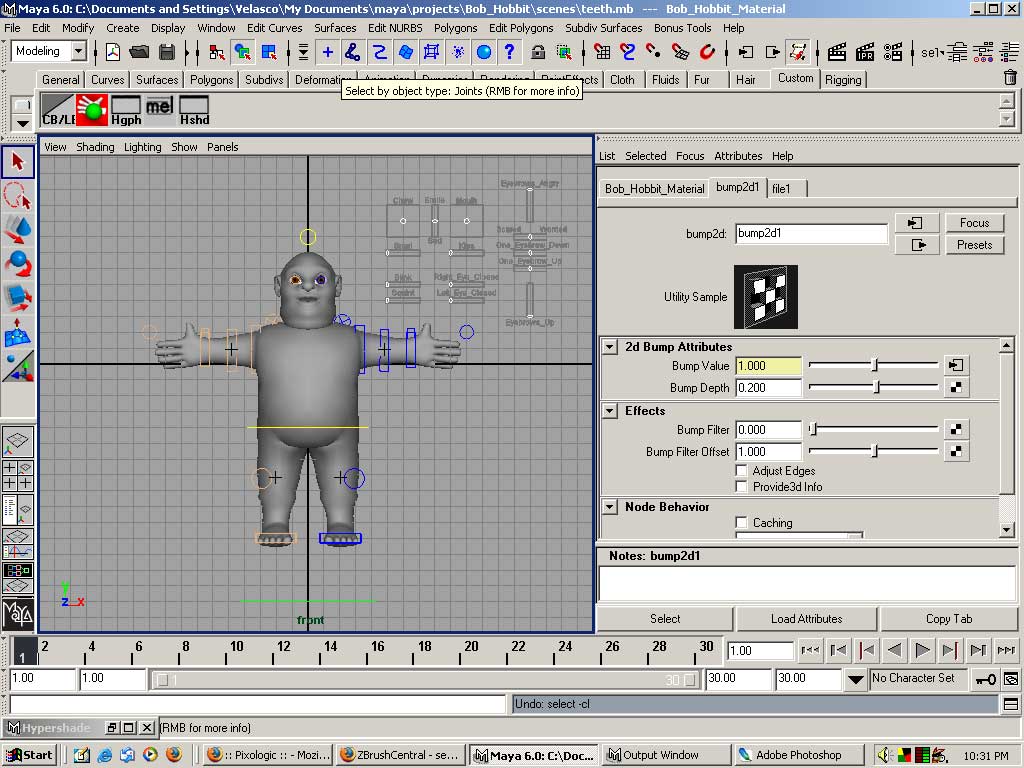
In Zbrush, after importing the bump map as a texture, fixing the seams as stated above, and then exporting it; these settings have worked for me in Maya.

[Bump-Map-In-Maya.jpg]Bump-Map-In-Maya-2.jpg

Adjust the Bump Depth if you want to make the bumps more visible in Maya Software Renderer.

Adjust the Minimum Subdivision from the Subdivision Approximation to make the bumps more visible in Mental Ray.

By the way, the model you see in the pictures will be a free rig. I’ll release it as soon as possible. I wanted to release it 3 months ago but I had to put it off due to personal reasons.

Thanks for the info czeroone. I look forward to playing with your rig :slight_smile: