hi there,
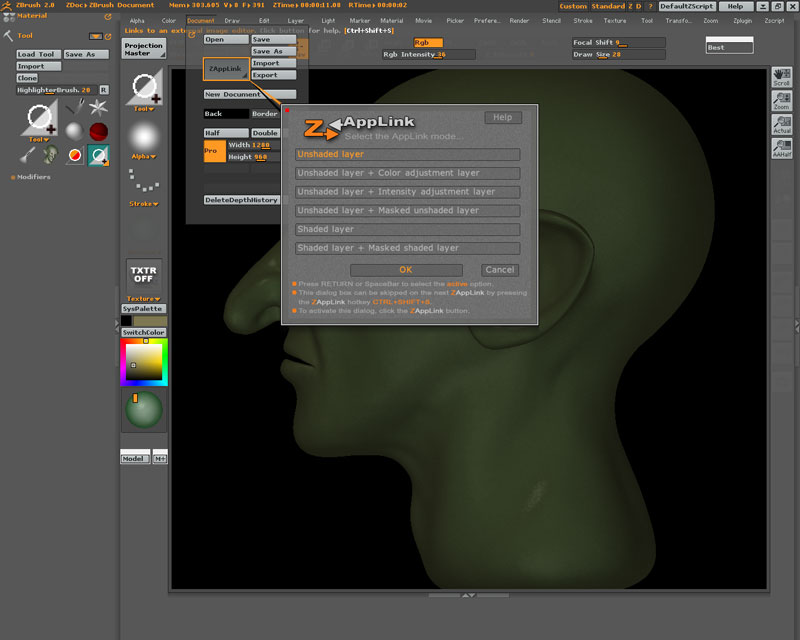
my ZAppLink failed to launch Photoshop and there’s no Set Target App button in the interface so i cant set it manually. Does anyone know how to get it working, please?
Thanx 
Attachments
hi there,
my ZAppLink failed to launch Photoshop and there’s no Set Target App button in the interface so i cant set it manually. Does anyone know how to get it working, please?
Thanx
Find a Pshop file somewhere on your drive. Right click on the file icon and go to “properties”. In the general tab, near the top, there should be a line that reads “Open with”, and then the program that file extension is currently associated with. There is a button next to it that says “change” that you can use to set to the program you want to associate .PSDs with.
Zapp will open whatever program is associated with the .psd extension.
sorted, thanx