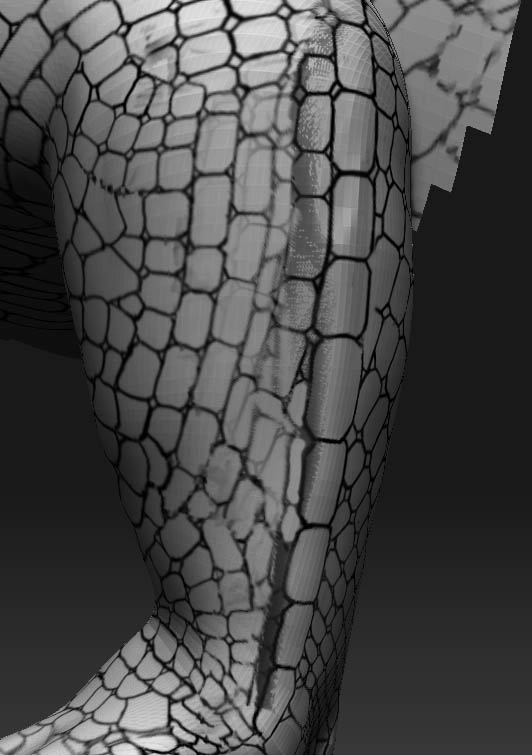
It appears that when applying the texture, you went too far onto the side and the texture, having nowhere to go since its a projection system, sheared off the side of the model. Simply make sure that you dont try to cover too much of the model when projecting the texture. Save yourself a lot of time and rotate around in smaller increments to avoid all that cleanup work. Think of a cylinder. If the texture is projected from the front onto it, it will look great in the viewport. When the texture starts to hit the apex curve it cannot wrap around the cylinder, so the texture falls off into space. The residual strecth into space results in the artifacting. Hope this makes sense 
![[ATT=]pic.jpg[/ATT]](http://javascript%3Cb%3E%3C/b%3E:zb_insimg%28%27%27,%27pic.jpg%27,1,0%29)