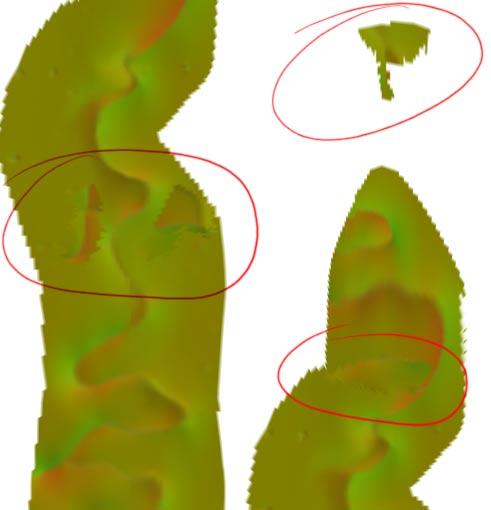
For some reason i get alot of artifacts when i paint seams using ZAppLink. Im pretty sure the problem doesnt happen until i pickup the object, i cant be sure beecause its off screen.
I position the objectso that the begening of my seam is visible.
I start fixing it and everything goes fine.
I dont paint to the edges, i dont paint off of the object.
So I save it from CS3, pick it up in ZBrush, rotate it to a fresh part of the seam, rinse and repeat.
by the time im done with that seam, I zoom out a bit to view the entire seam and theres crap (artifacts) all over it. even in a part of the mesh where I have removed the texture so I dont mess it up. I planned on cloning (in CS) the seams onto my texture map but I cant seem to finish a single seam without getting this stuff somewhere on my texture map.
Why could this be happening?
Ive inverted the normal map samples so the artifacts stand out a little better…
please let me know if I can stop this…

Attachments