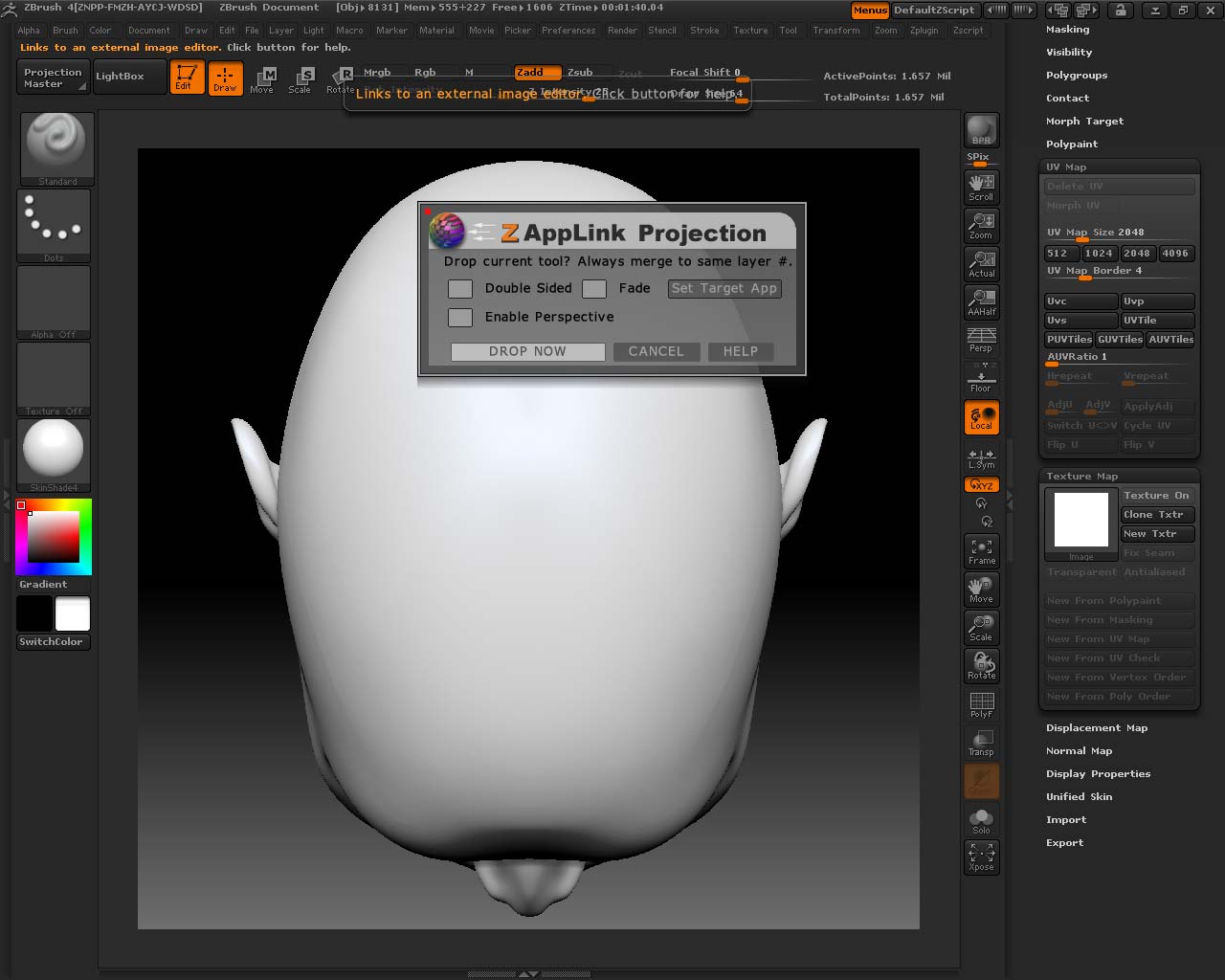
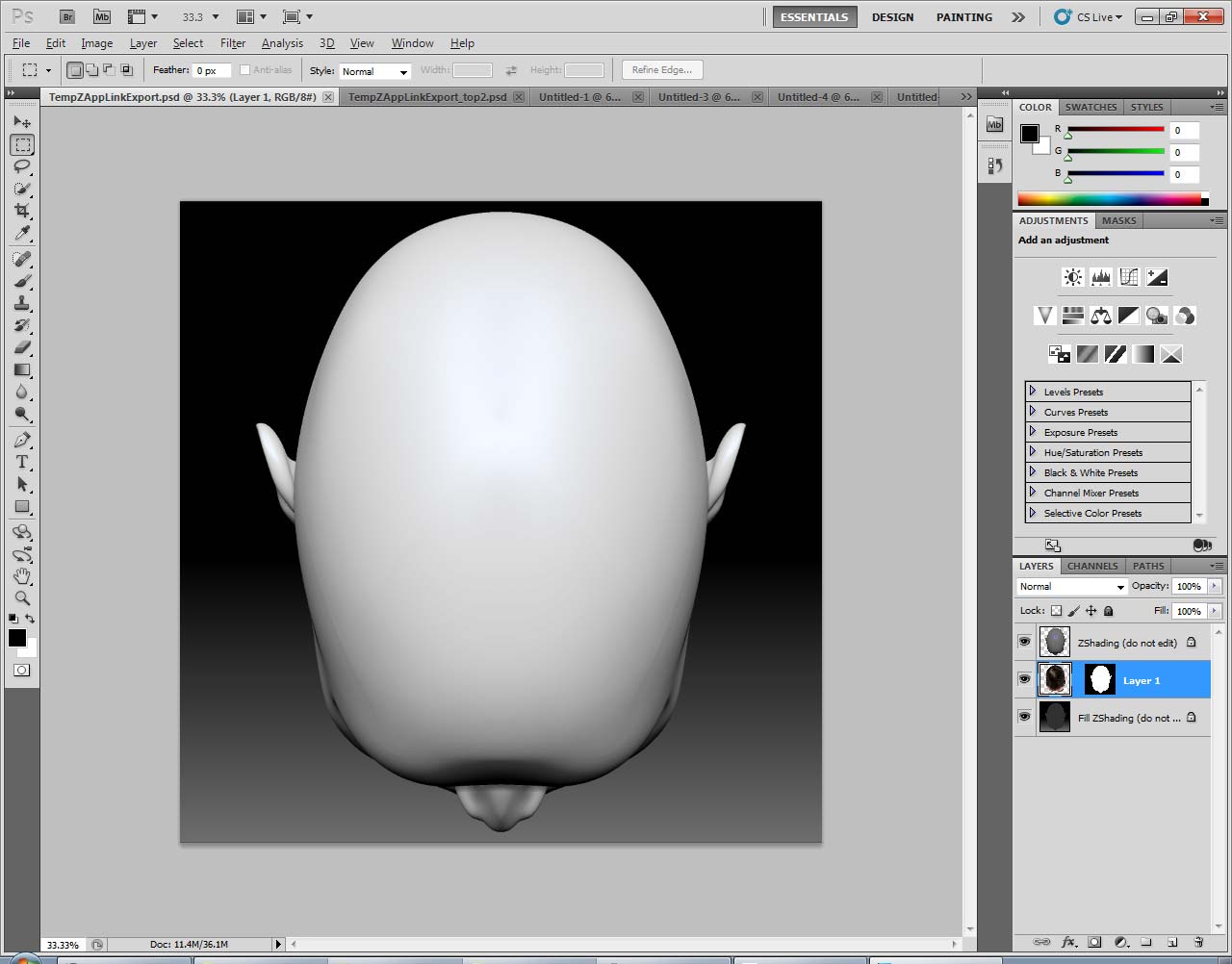
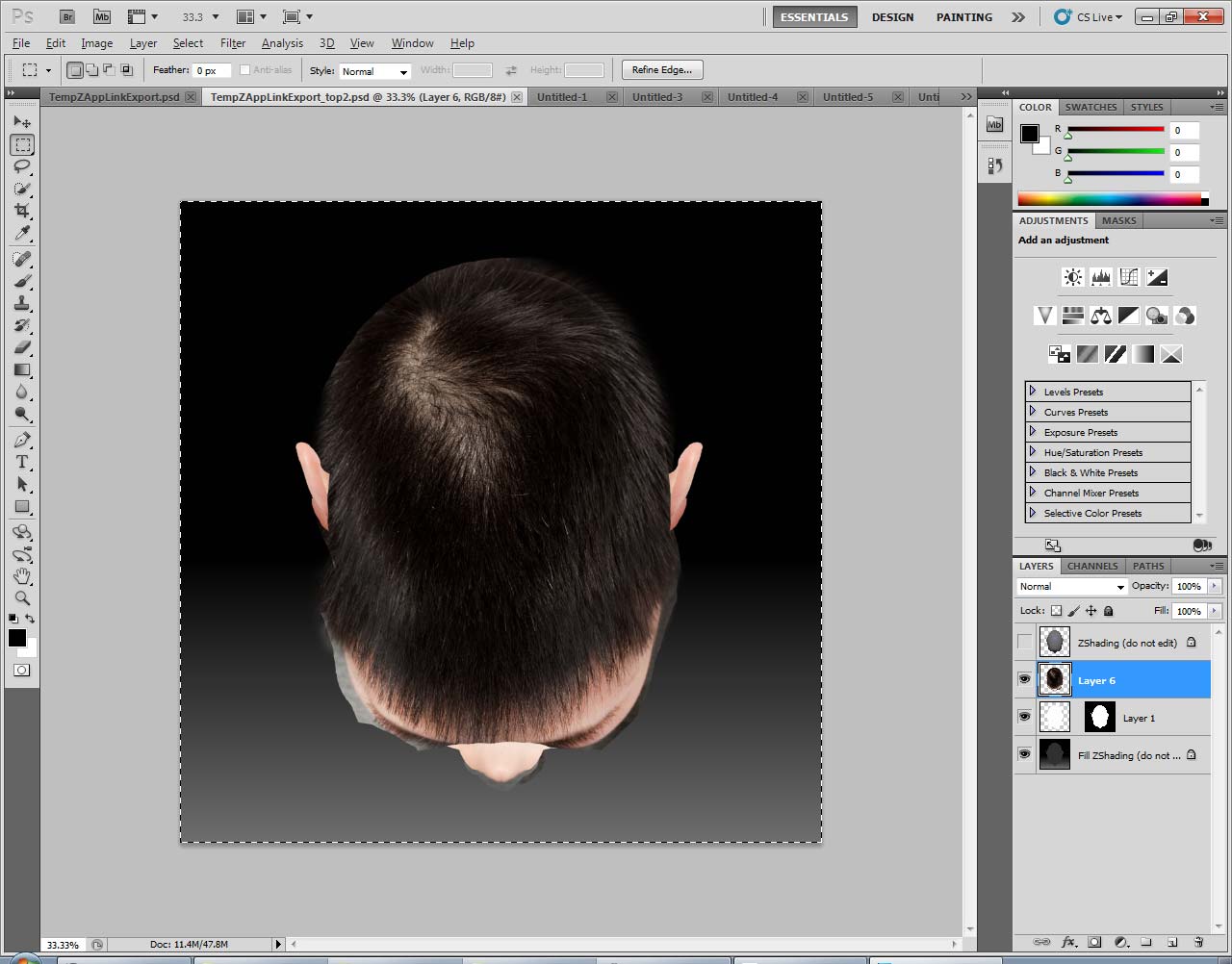
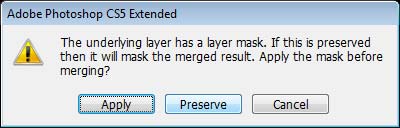
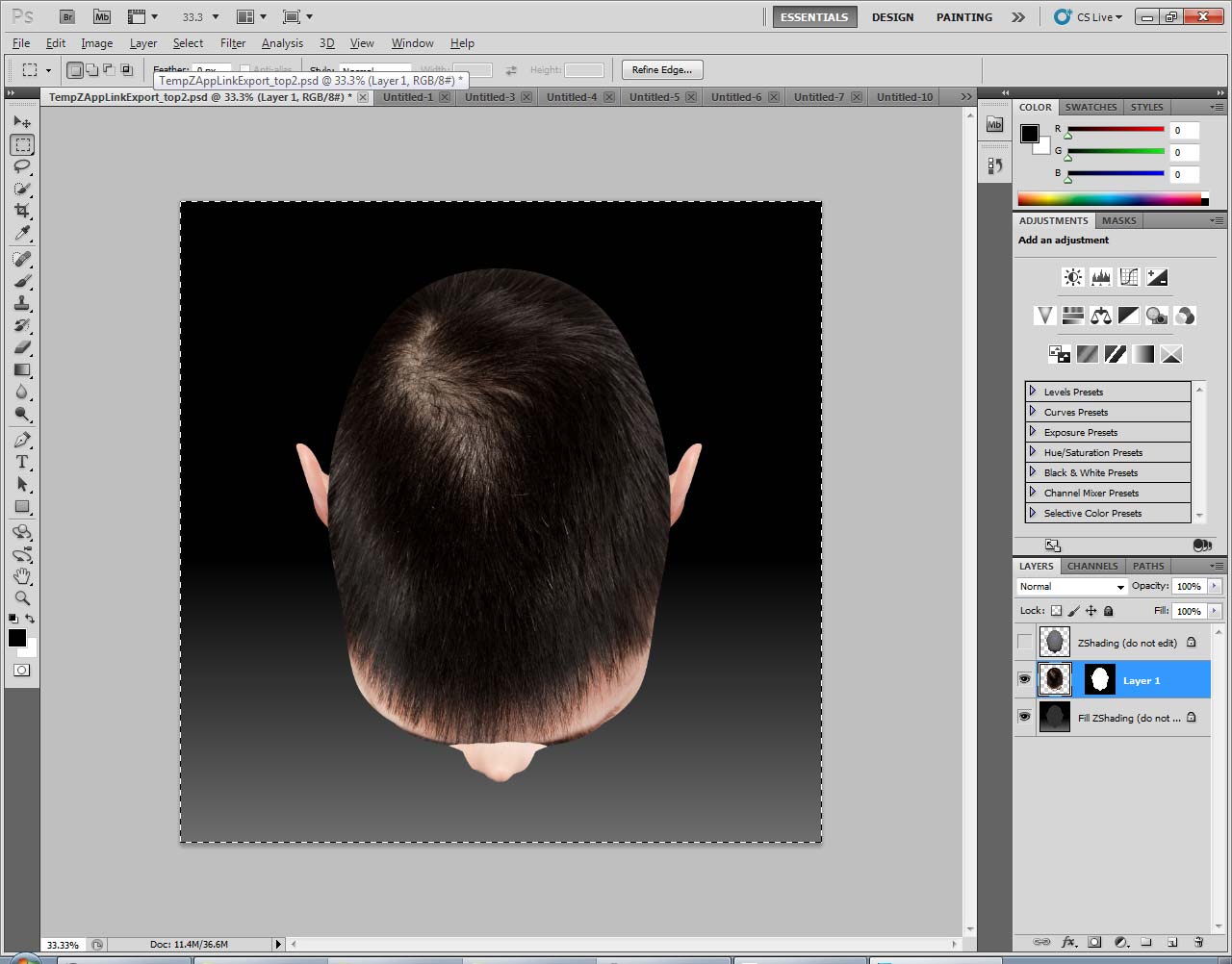
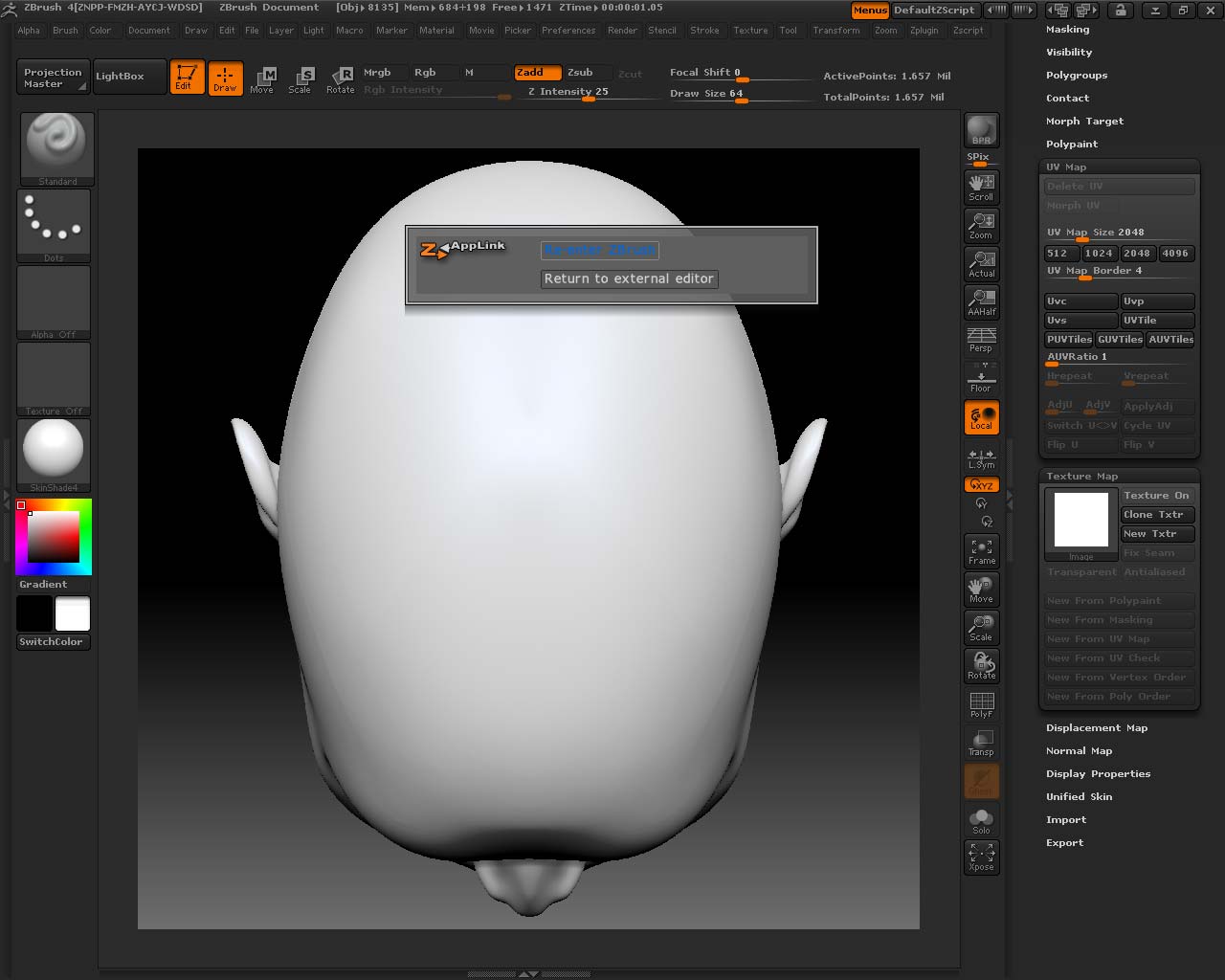
I open Zbrush. I change the document size to 2000 x 2000 as instructed. I hit “resize” and then scroll out until the full document is in view. I load my tool and hit “T.” From here, I change the material to “SkinShade4” and then go to UV Map to make sure the map is at the right size. I then go to “Texture” and hit “New Texture.” From there, I bit the button “ZAppLink.” (pic 1) I turn off “Fade” option and drop it into PS. (pic 2) From PS, I make the texture layers between ZShading and the mask layer. (pic 3) When I am done, I merge the texture layers to the Mask layer, but I hit the option “preserve.” I then hit “Save.” (pic 4 & 5)
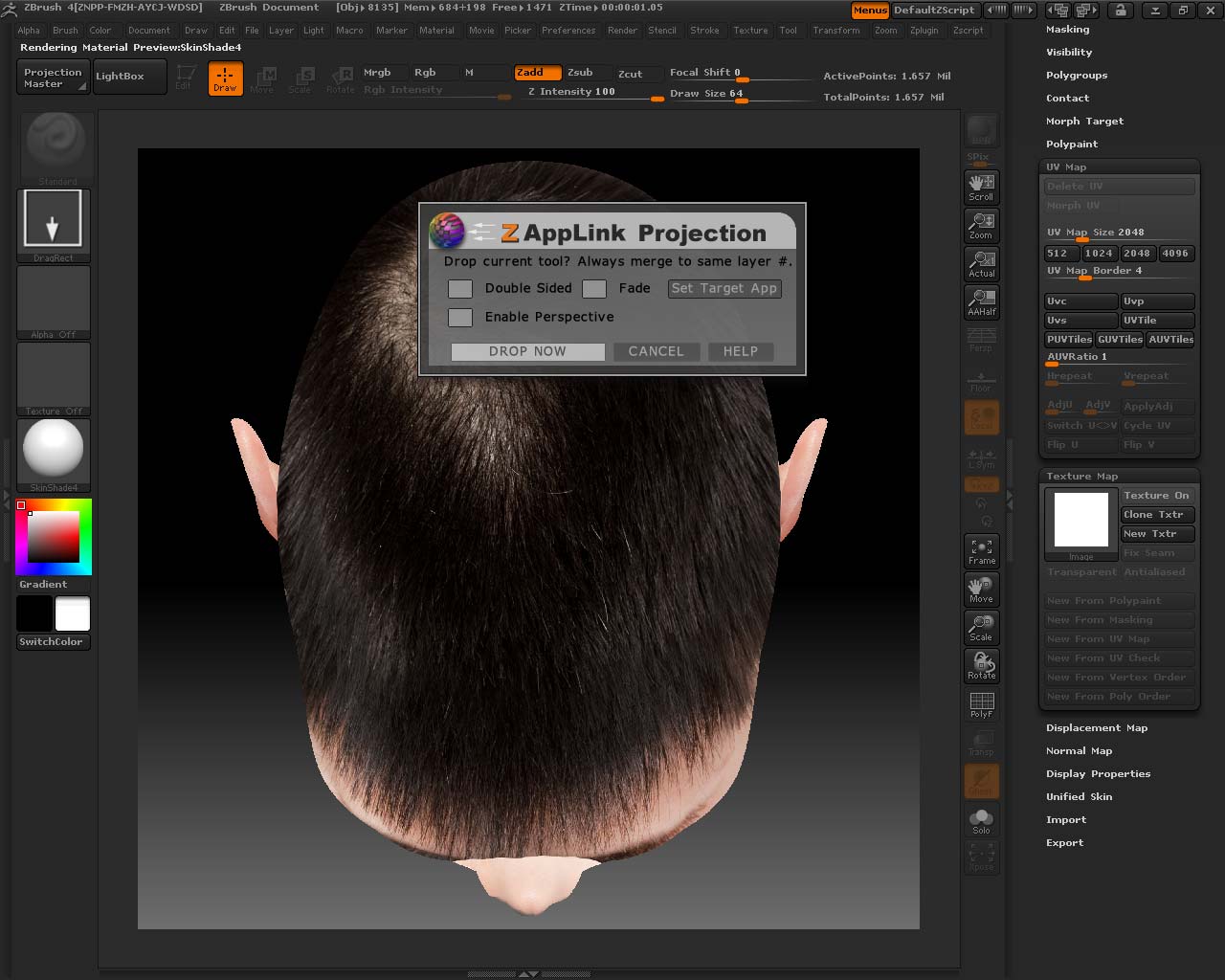
Then I go back into Zbrush and this is when the trouble starts. ZBrush asks me if I want to go back into ZBrush, I hit “reenter ZBrush.” (pic 6) I can see my texture on the head, all looks normal. But this is when I get mixed results! Usually, when the ZAppLink icon comes up, it asks me to drop the texture. I hit “Drop now.” (pic 7)
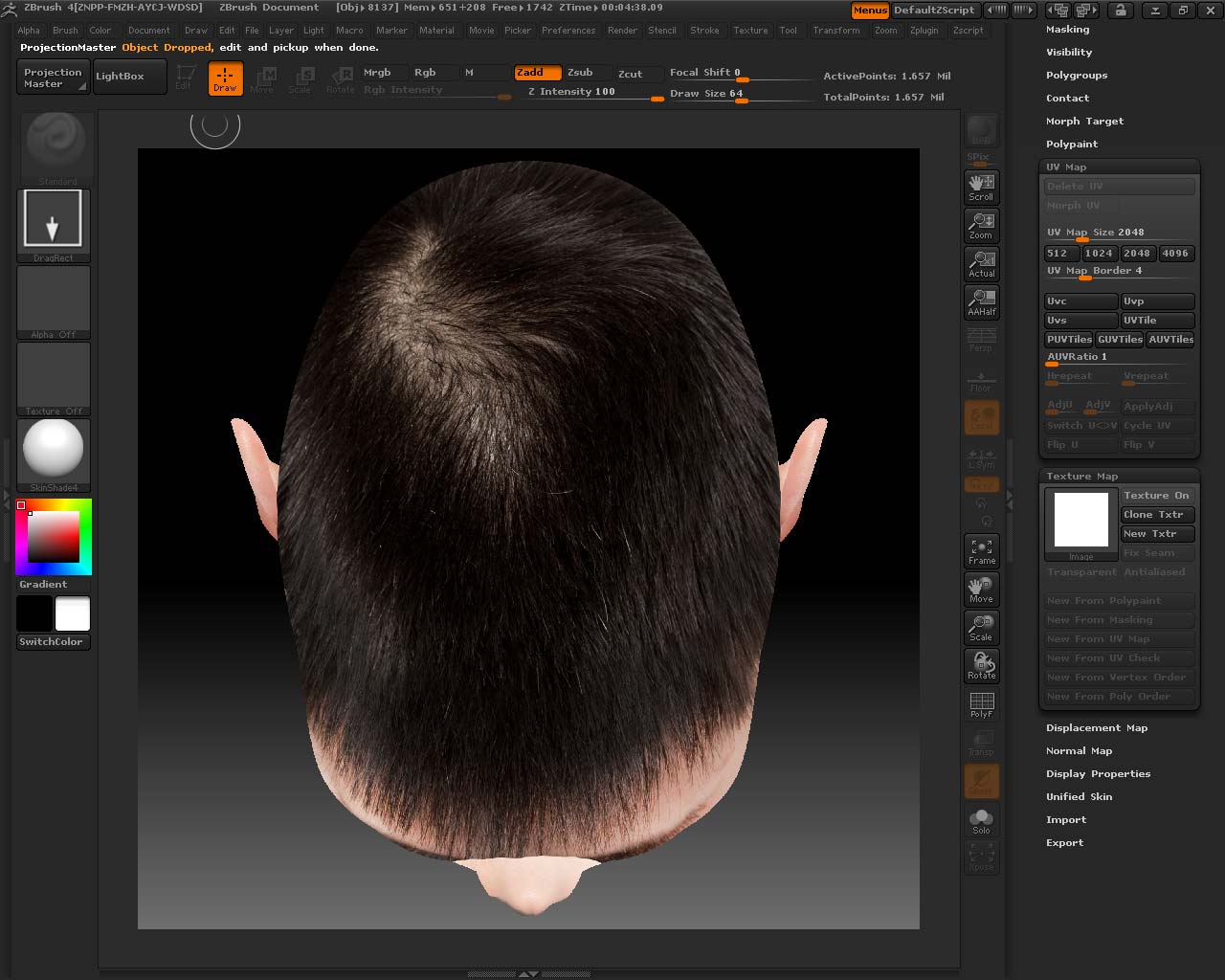
Usually, after I hit that button to drop, my texture vanishes completely! I have no idea where it goes, but it completely vanishes. But as I was making this demo to post up, a new error started happening!
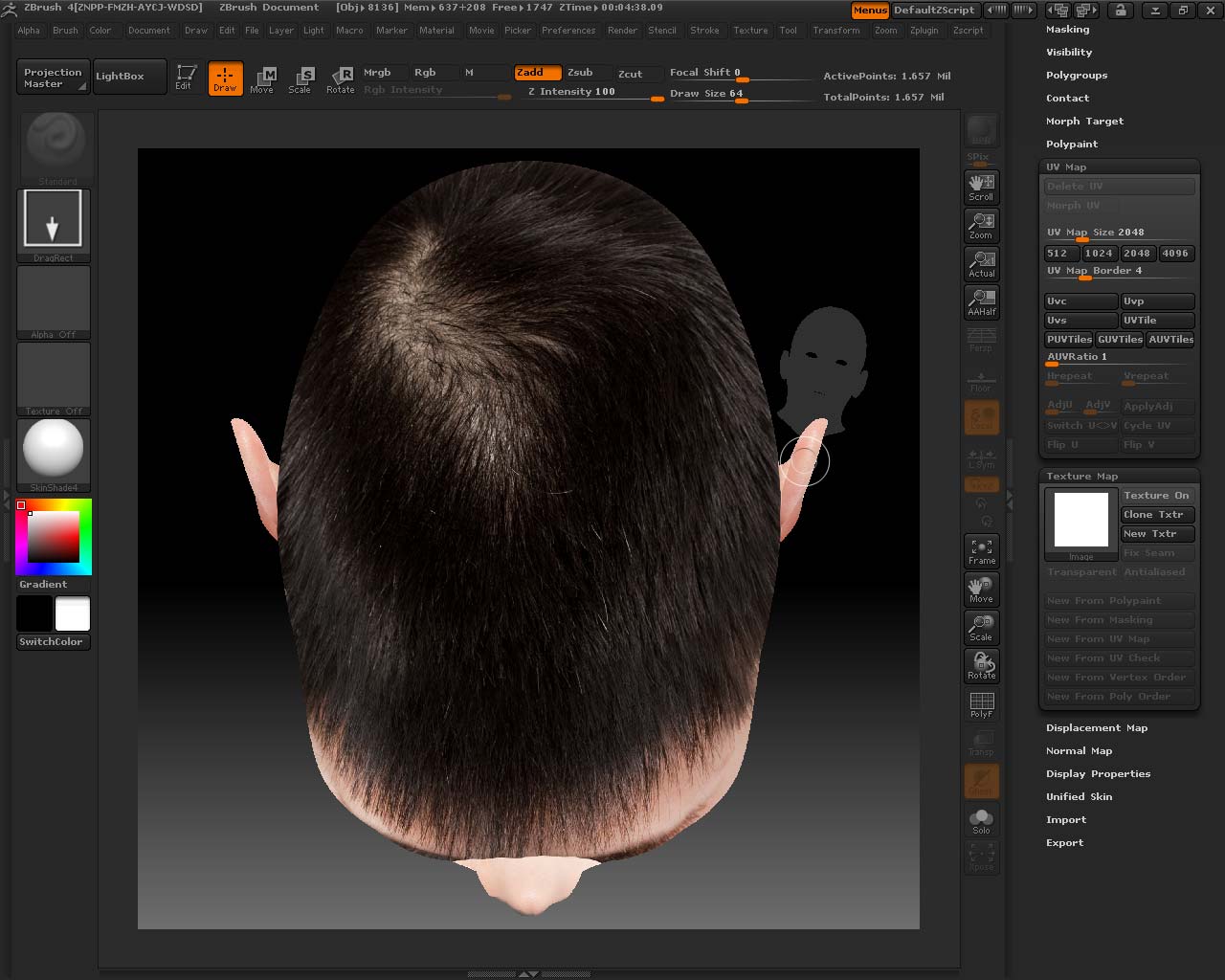
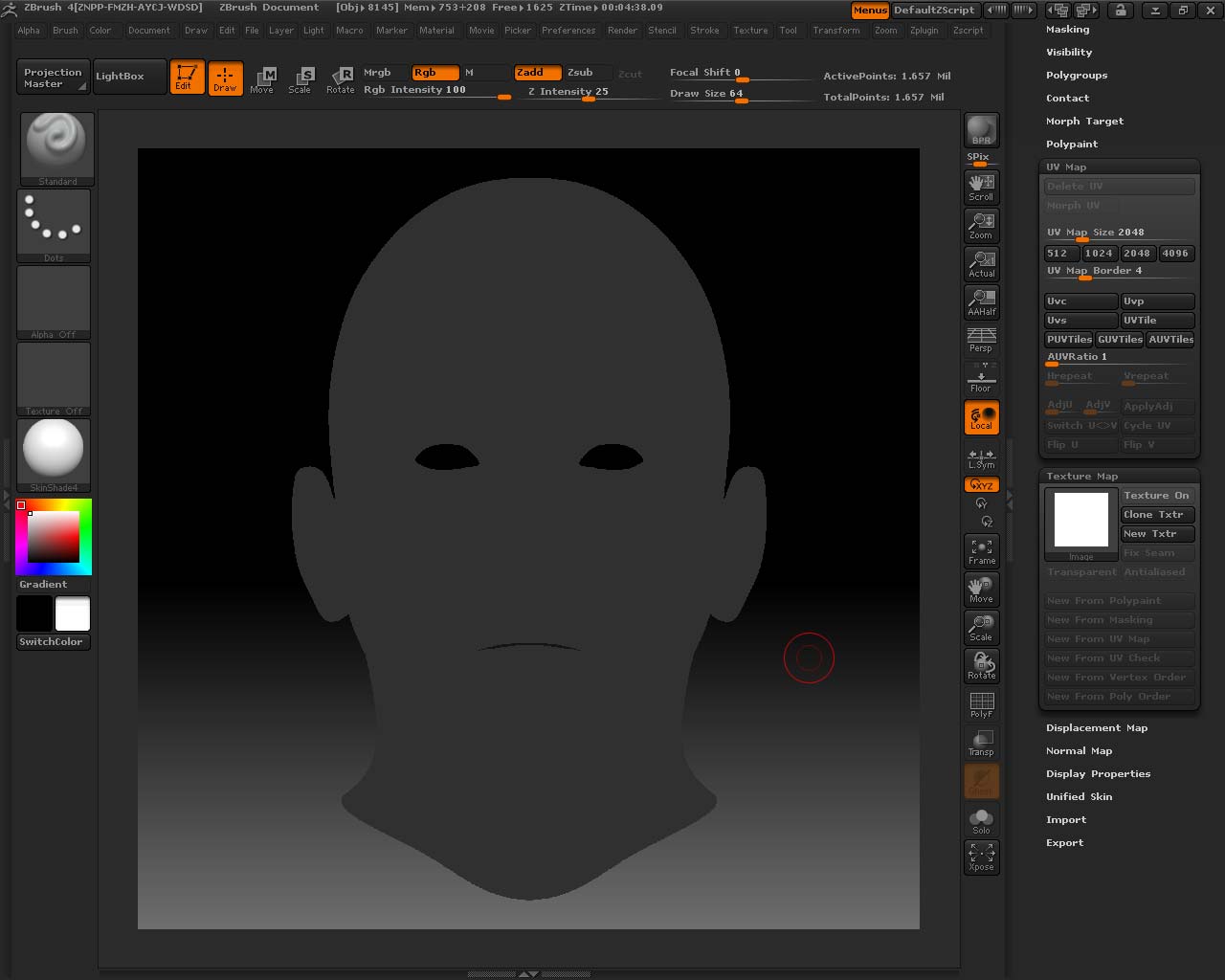
Now the texture does drop onto my mesh (pic 7), however, now the texture is not showing in my texture menu window to the right (pic 8), and the head is no longer editable! I try to turn my head, and instead my pen draws up a new GREY head (pic 9)! Very strange!! I cannot do anything else, so I am stuck having to clear and make a new document. However, now when I try to drop my tool, it comes out only as the grey head, even though the material should be “SkinShade4!”
Attachments