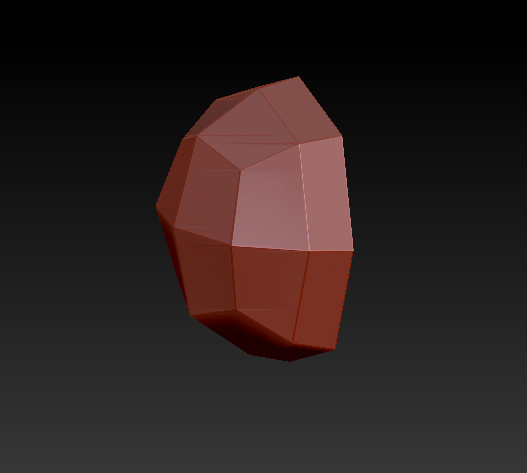
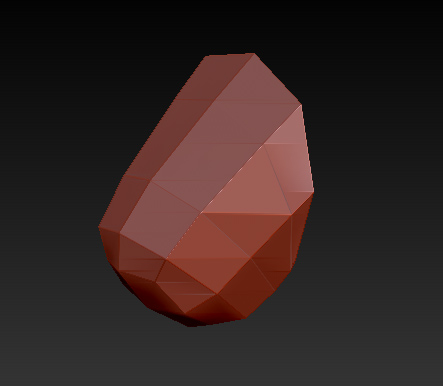
This is EXACTLY how it was with Z4 as well… and in fact with every version of ZBrush since ZSpheres were first introduced.
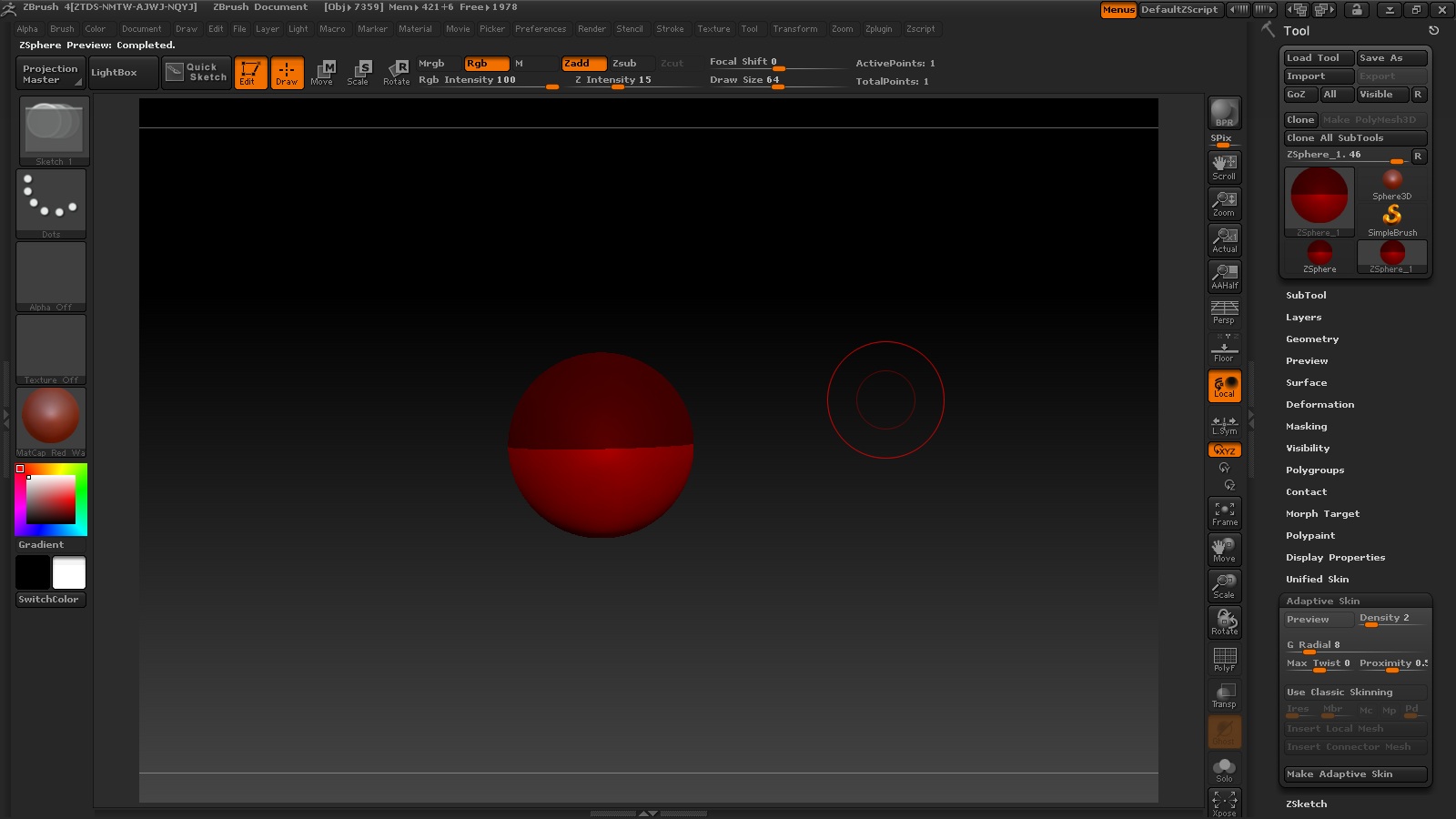
The root ZSphere is a placeholder. It does not actually contribute to the model’s geometry. If you only draw that one ZSphere you will get a half sphere when you preview it.
When you add a second ZSphere, that’s where geometry starts truly being calculated. However, if that second ZSphere is drawn off center then the resulting mesh will be skewed. For best results you always want to try and draw the children exactly on the parent’s X/Y/Z axes. Using symmetry helps with this, as does holding down Shift while drawing the root so that it’s squared to the canvas.
FYI, I just did this with both 4 and 4R2. I created an identical pair of ZSpheres with the child being drawn exactly on the root’s Z axis. (At the point closest to the camera.) Both versions gave me an identical preview. I see no changes between 4 and 4R2 in this area.