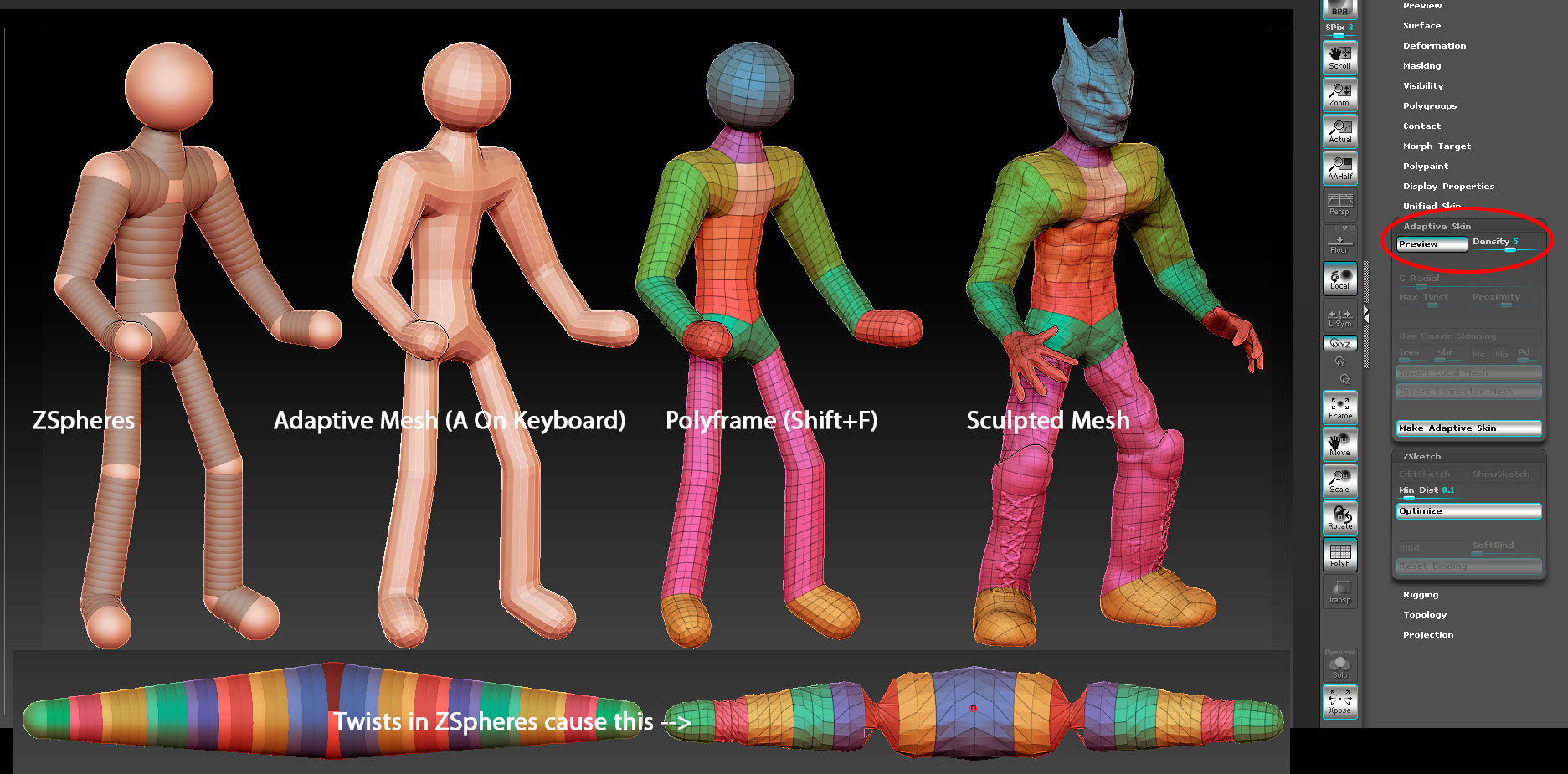
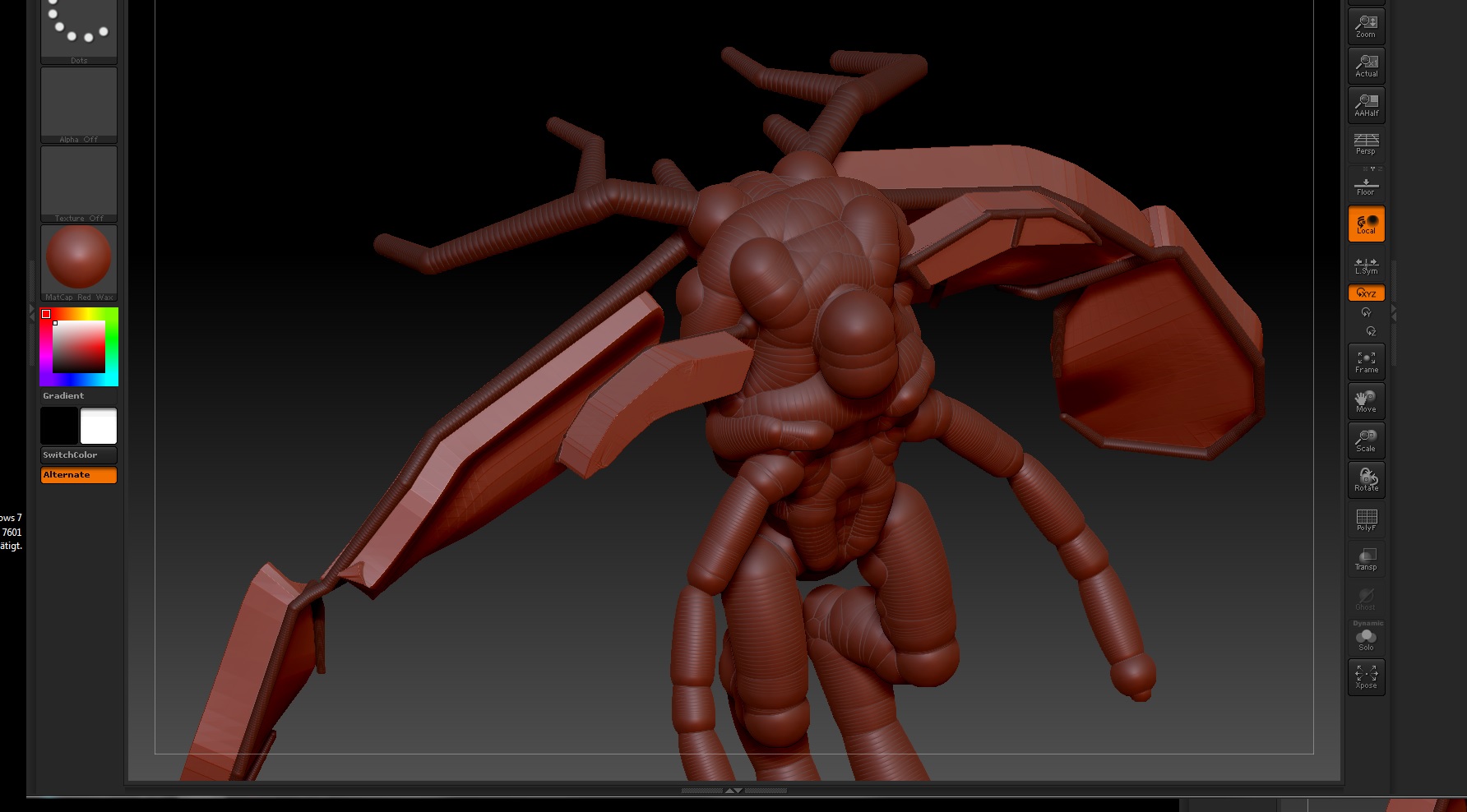
It looks like you’re getting way ahead of yourself. I’m seeing what looks like a ZSphere base, the ZSketch over it and then an adaptive or extracted mesh. I think you should take a step back and work on your ZSphere base, shaping very rough anatomical forms, before jumping into the sculpting process. While in ZSphere / ZSketch mode, if you hit “A” on your keyboard, you can see a preview or adaptive mesh. From there, hit Shift+F to make sure your topology is nice and clean. My guess is that your wings are going in different directions because there is a pretty good twist in your geometry that is affecting the direction of the normals of the polygon are facing, which would probably indicate a problem on the ZSphere level in this case. You might want to start with something a little more simple if this is your first sculpt, rather than a winged creature or maybe add your wings in as a separate sub tool later.
I’ve attached an image that might help. Excuse the anatomy of the character, as it was just a quick sculpt to illustrate what I’m trying to get across.
Also, if you’re looking to make a winged creature, I recently came across a video posted on zbrushhangout.com that shows some pretty good methods to do so. Might be worth checking out… Sculpting Video
Attachments