Hey guys,
I’m pretty much a noob so forgive me but I have searched high and low for an answer to my problem but I obviously can’t find the right search terms because I’m coming up blank.
Basically, I’m trying to create a custom face normal map using Zbrush for a mod. I export the mesh using the modding tools as an obj, import to 3DS Max to delete the lower LODs, eyes and lashes, export as obj with ZBrush preset and then import as a tool.
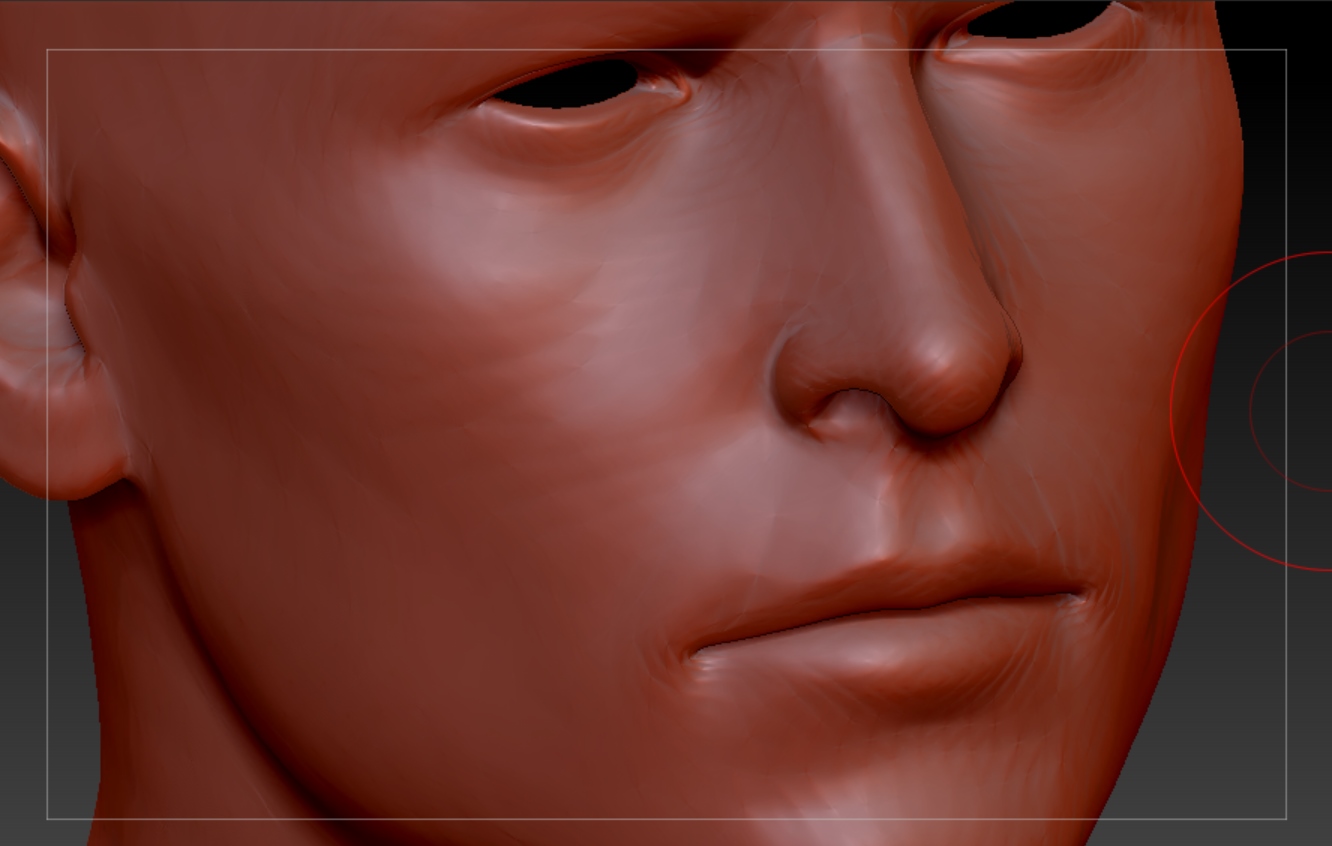
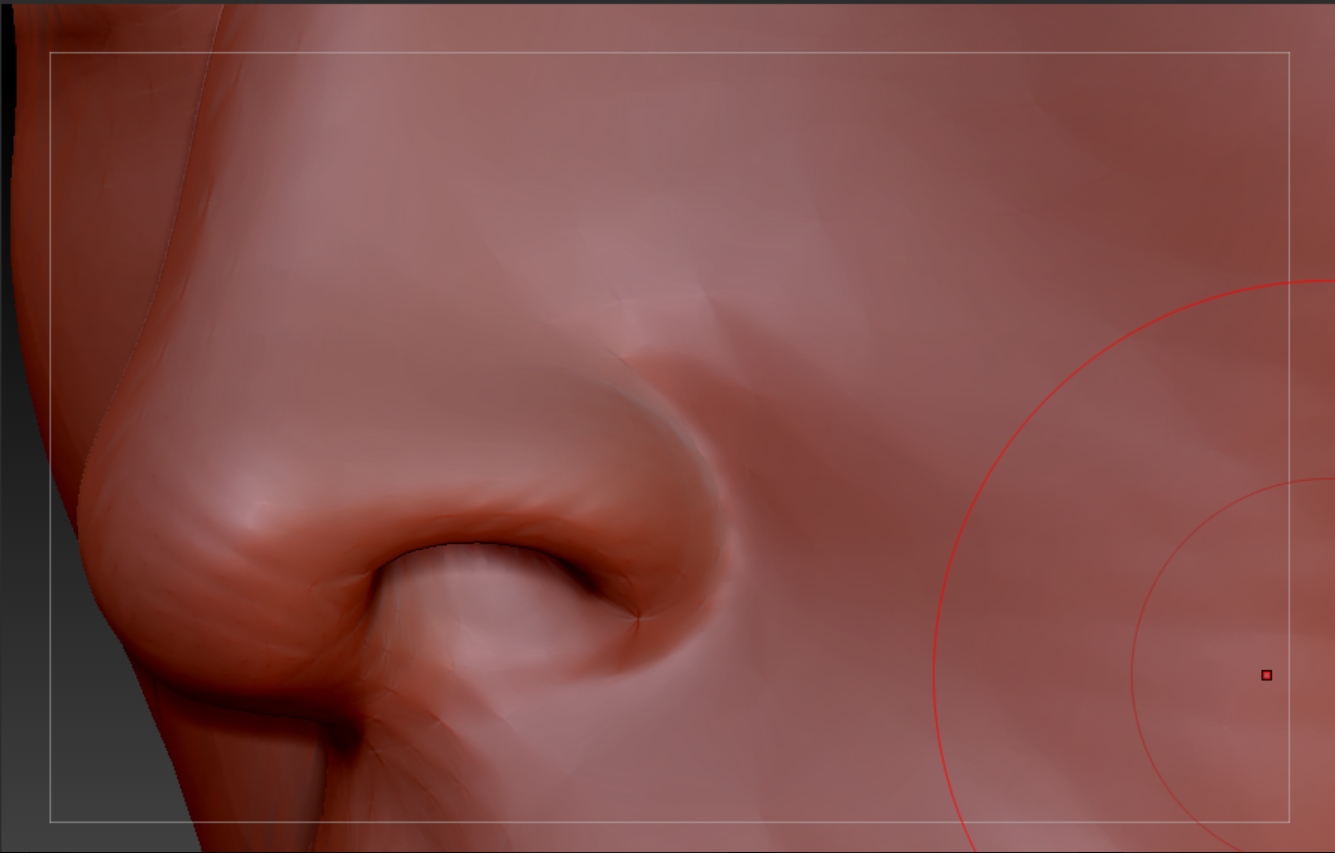
After I draw the mesh on the canvas and subdivide however the surface of the mesh kind of pinches itself causing wrinking in some places. Also I can clearly see the vertices and edges on the mesh. Using the smooth brush doesn’t help at all.
Here’s what I mean (sub 5 so you can clearly see the effect but it is there at 6 and 7 too) :
It’s most visible using certain materials like the red wax but the real problem is that it shows up on the normal map as well.
I can “fix” the mesh to a certain extent using ZRemesher but then I lose my UVs which I have to keep the same as this is for a mod.
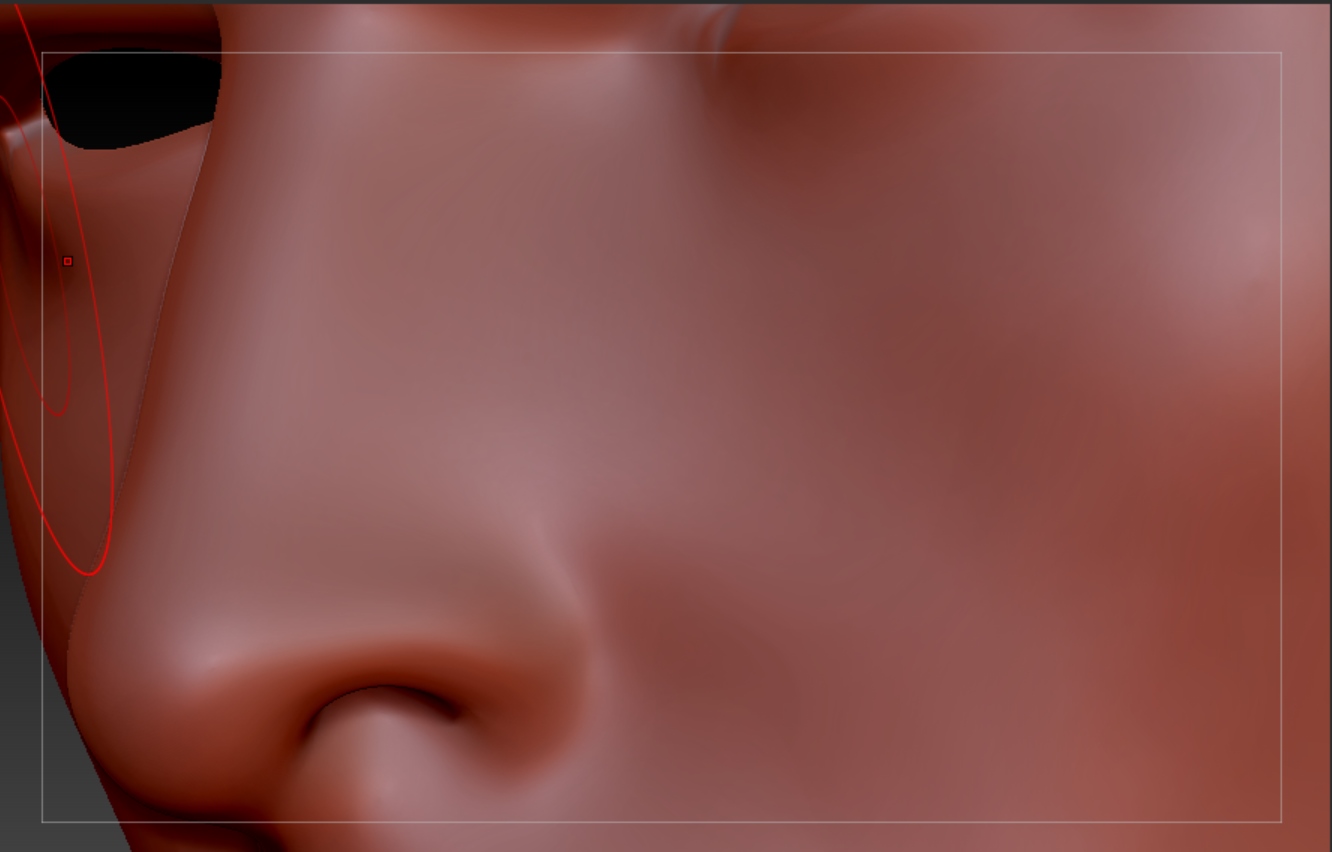
This is after retopo and that smooth surface is obviously what I’m looking for.
Might this be some problem in the process of import/export between applications? Also the problem was even worse before until I upped the global scaled to 1000 but increasing it beyond that made no difference.
Any help would be appreciated.
Thanks for your time,
Jack
Attachments