When selecting polygroups I guess I hit some kind shourtcut that gave me this kind of screen. How I can comeback to standard workspace colors? And what is this red square?
Attachments
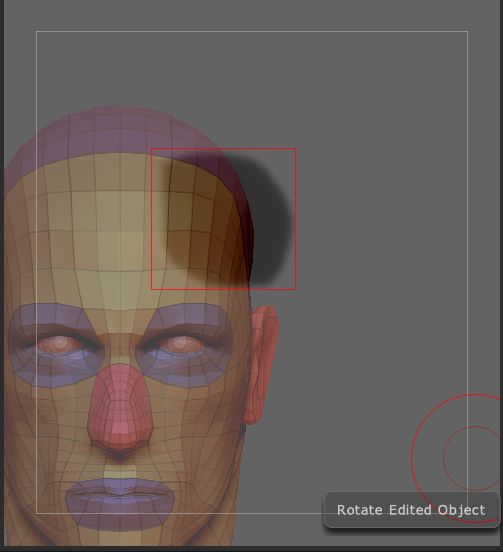
When selecting polygroups I guess I hit some kind shourtcut that gave me this kind of screen. How I can comeback to standard workspace colors? And what is this red square?
You’ve activated the stencil. What you did was Ctrl+Shift draw with the lasso and then released the keys before the mouse. This activates the stencil based on the area you’ve drawn. To avoid this happening again just be sure to let the mouse up first. You can turn off the stencil in the Stencil palette (shortcut Alt+H).
Thank you kindly Marcus for help 