Hey! This’ll be my first post so I’ll make it short for now.
I’ve been working on a character sculpt for a couple of days now and I’m finally finished ( second attempt actually ).
I had a premade mesh from Maya, UVs and Normals were fine ( as far as Maya was concerned anyway ) and the first time I sculpted the character everything went fine.
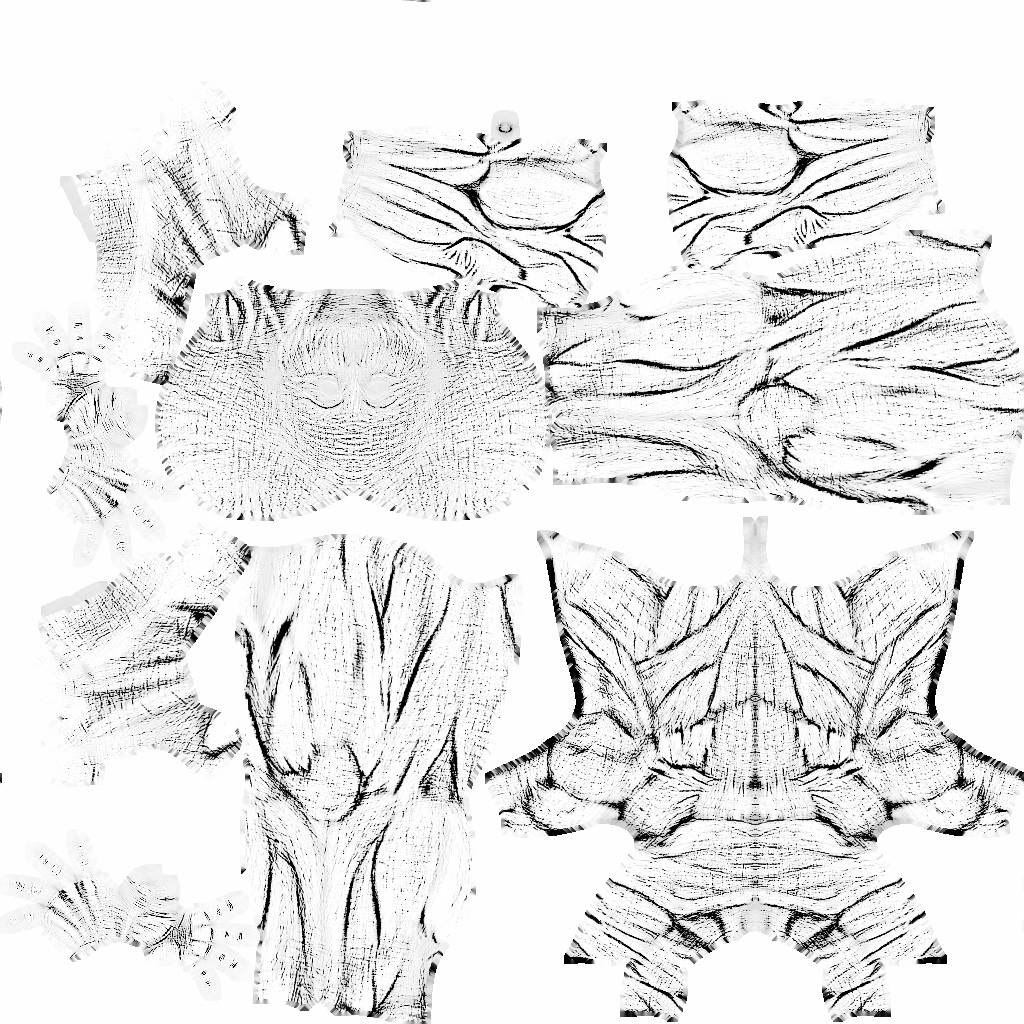
The problem however was when I finished my second attempt and I only had to export the maps out of Zbrush I encountered something really wierd. I exported out Cavity, Displacement, and Normal maps, the cavity looked fine, but the normal and displacement lacked a lot of the body parts, I’ll include images below as it’s rather hard to explain but basically most of my texture is gone. It looked like the Normals were flipped on bigger parts of the Body.
Basically, if you take a look at the cavity map below and compare it to the Normal map, you’ll find that there’s big parts of the Normal map missing as if the export only took the hands into account.
Attachments