I can’t seem to get allot of models to bake out correct normal maps.
Example:
High res
[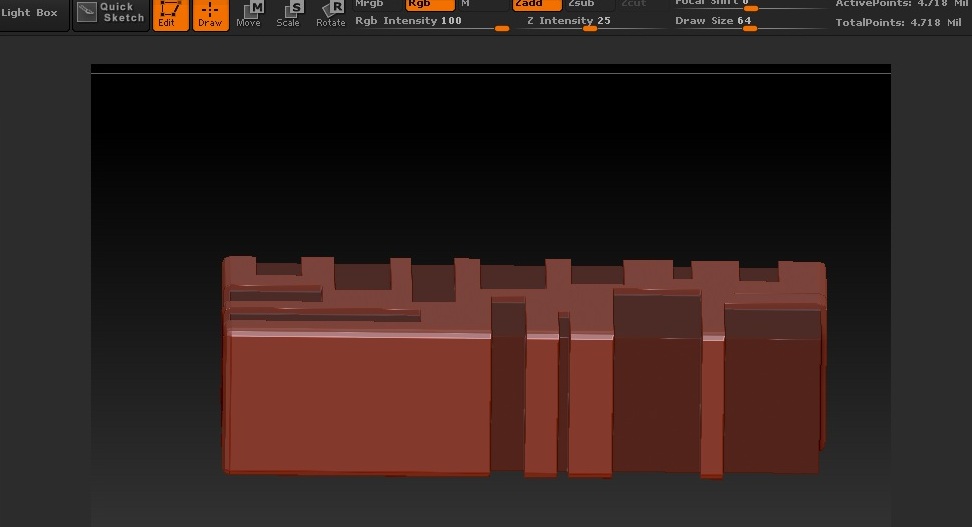 ]
]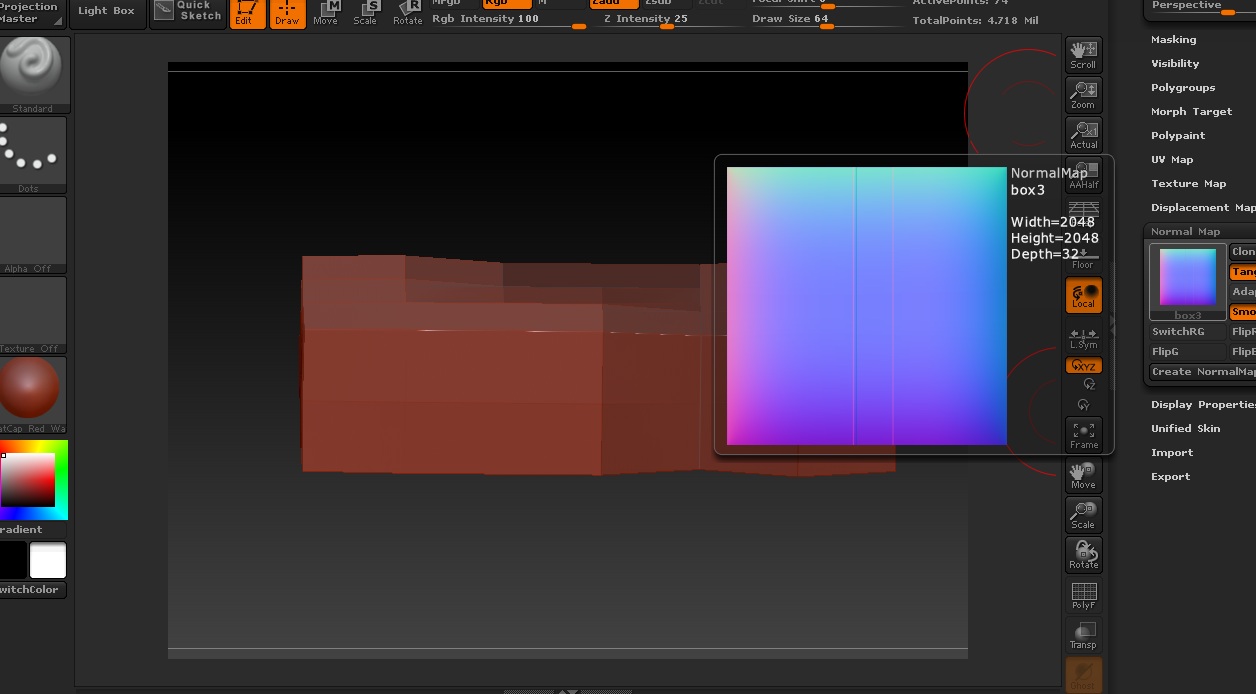
I can’t seem to get allot of models to bake out correct normal maps.
Example:
High res
[]
It looks like it’s not UV mapped, or if it is then most of the values are out of range.
I thought as much, I can’t get anything to line up in any other program. Are the UV’s supposedly exported inside the .obj?
My 3x3x2 box when I unwrap it and preview the line with the new uv tool turns the whole box orange (the color showing the uv line). I’m wondering, how is that possible? Are the UV’s transferred in the obj?
My max 2010 also crashes when I import a psd displacement map from zbrush. That’s odd… any idea what I can do about it?
UVs can be transferred in the obj as long as you set it to in whatever obj exporter you use.
Richard
In this case I’m having trouble mapping the normal maps onto the models in 3ds max. Whenever I do they come out all garbled like the uvs weren’t brought over or read correctly.
A simple export of the model, then applying the normal map made in zbrush right before exporting should lay the normal map correctly, but lays all over the place.