Hi guys
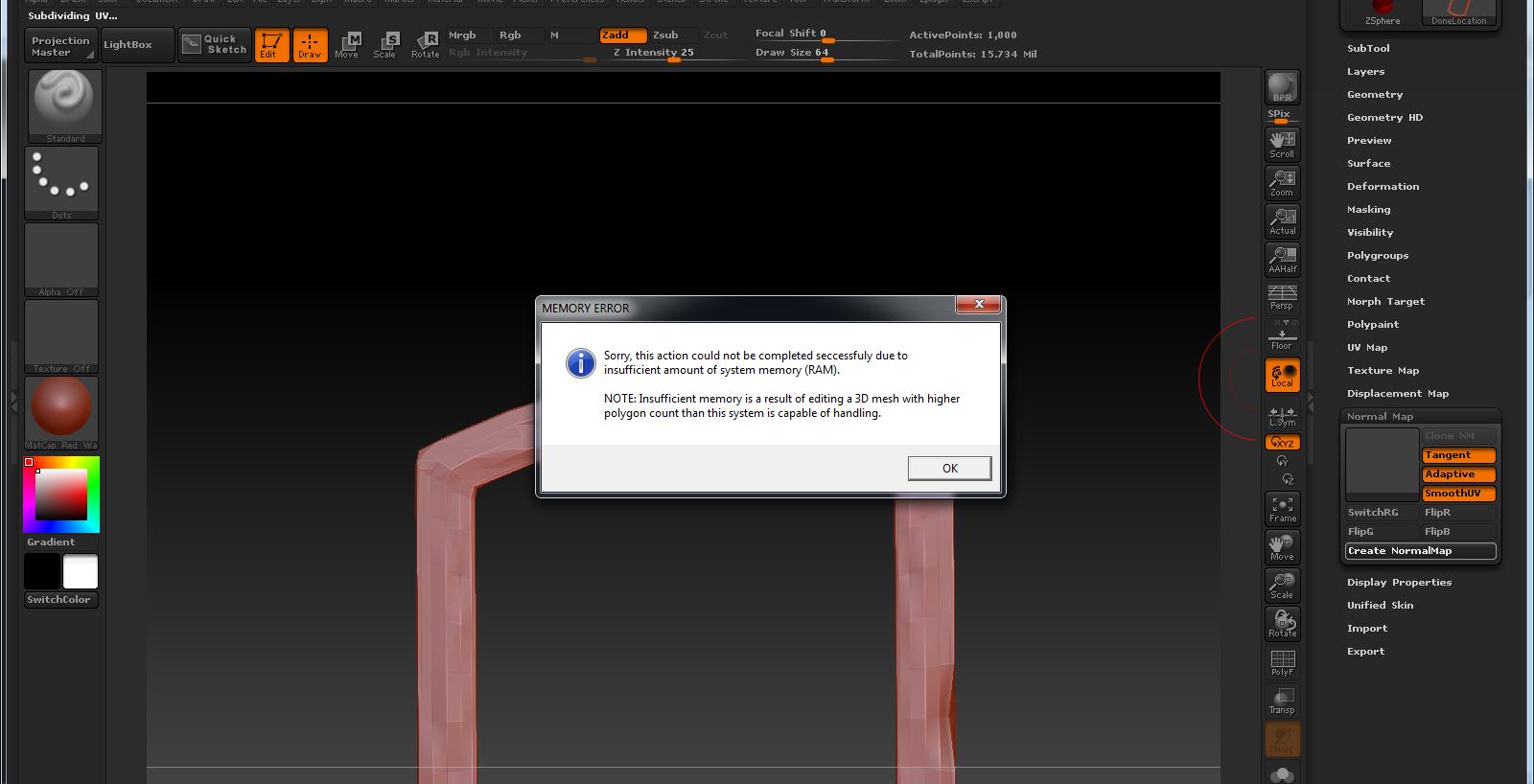
I have a problem? my machine is 16 GB ram and when i try to creat a displacment map or normal map am gitting this massege
I dont know way did this rams amount not fine ??
So any advice please
thanks in advance!!
Attachments
Hi guys
I have a problem? my machine is 16 GB ram and when i try to creat a displacment map or normal map am gitting this massege
I dont know way did this rams amount not fine ??
So any advice please
thanks in advance!!
Zbrush is 32 bit , so it will use 3.2 GB at most. the other 12 GB of ram in your pc will not be used.
Zbrush is not 64 bit, but it will use 4gb of ram on 64 bit OS.
Last I heard, anyway.
I dont actually know if thats his problem or not. We’d have to know more about what he was working on, and what size map he is trying to generate/export.
Hi guys
thanks for you help
but you just surprised me that ZBrush can’t go for more than 4 GB
will
i was working on a window stone frame and i was trying to generate maps in the default size no changes
ok is there’s any way to make Zbrush use the rest of the ram???
It has been announced that the next version of Zbrush will be fully 64 bit, which should theoretically let it use all your ram.
However, that is still not necessarily the problem. Even the current version can work with huge polycounts and people use it every day to export large detailed maps. Unless your object is higher density/much more complex than it looks, something else is amiss. What is the max polycount on that object?