ZBrushCentral

why so far?

ok
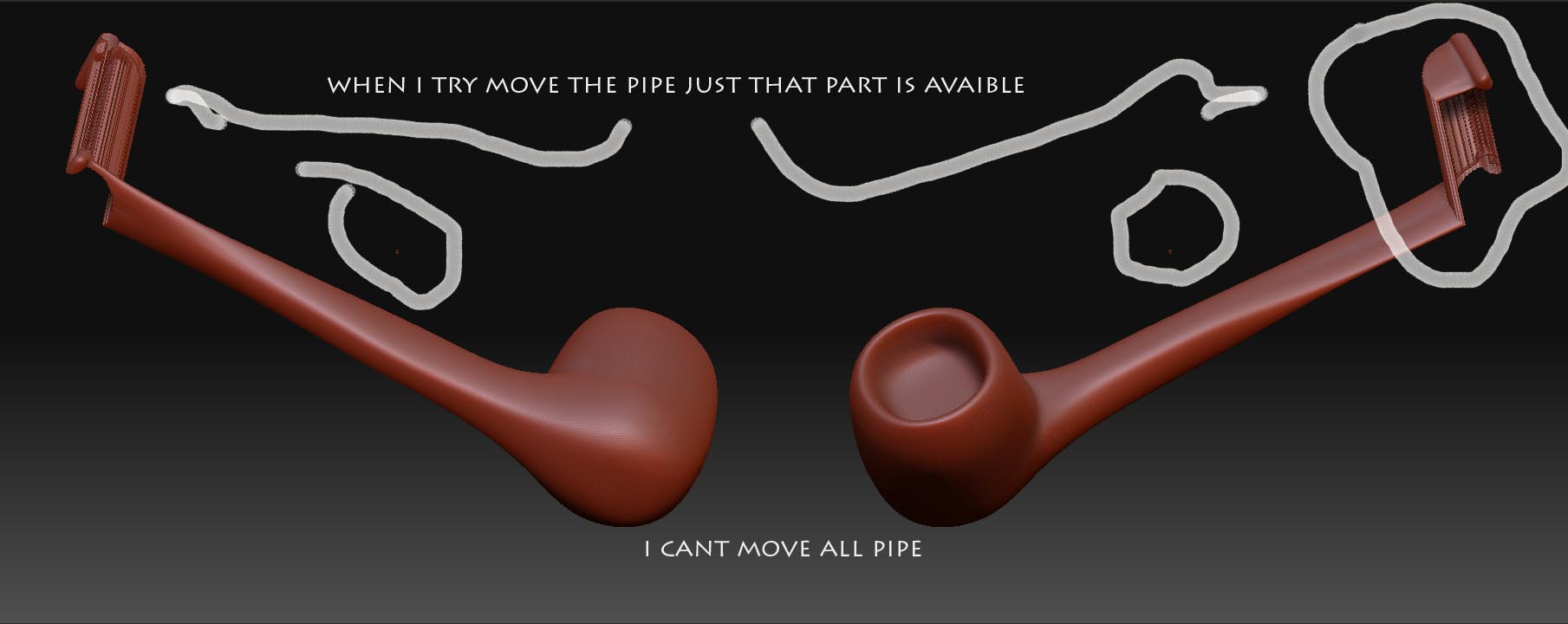
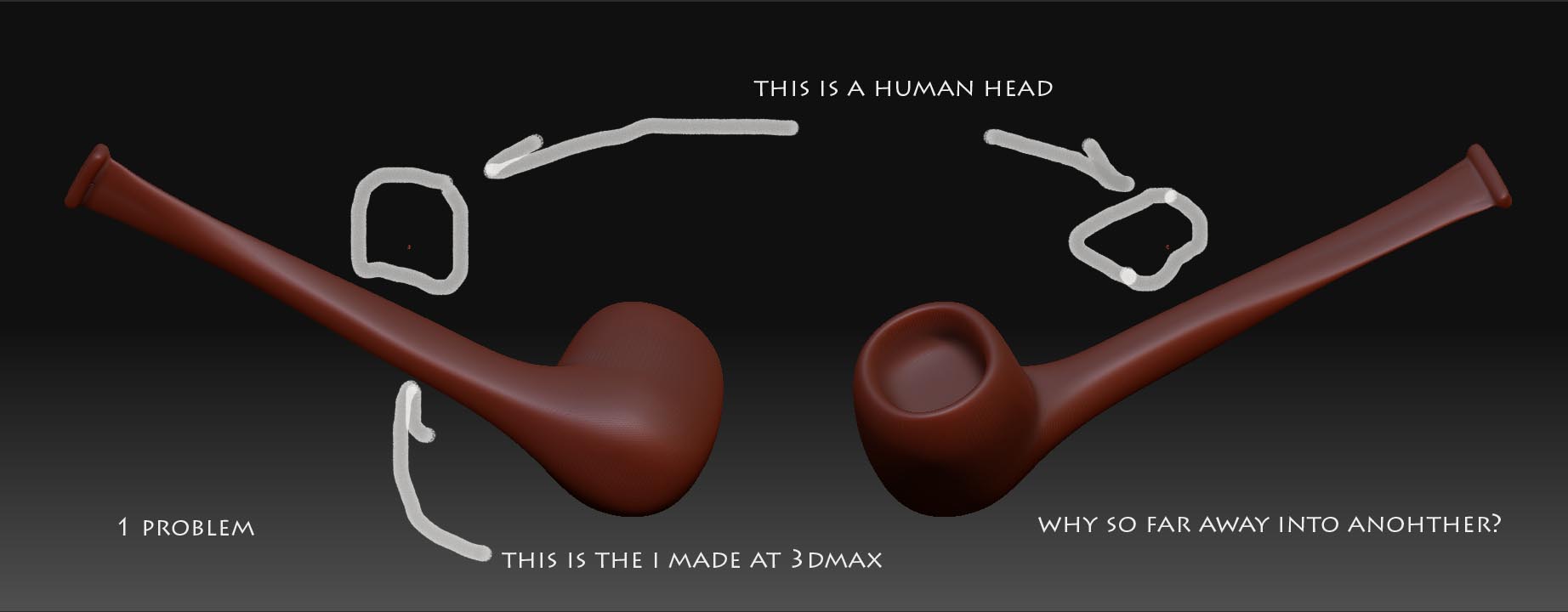
so when i make a object in 3D max and export as .obj to zbrush all is fine but after I do that and try to append this new obj to another obj that i made at zbrush they are so far away and i can move them. just a part of the object are avaible to move and distortin all…
WHY?
there is a special setting to export to zbrush…?
there something tools that i must change at zbrush to enable append a obj from another softwere?
tks alot!

Attachments
problema 1.jpg

problema 2.jpg

Issue #1:

Are the two objects constructed in the same worldspace (i.e. the same file) ? If they’re constructed in two separate files, its often difficult to gauge where and how big they really are in relation to each other. In this case, ZB will just center the objects, and you’ll have to manually position/scale them in relation to each other.

Generally speaking, if you export two objects from the same file (same worldspace), one should append (as a subtool) in the same relative position/scale to each other. If this is what youre doing and still getting these results, then something is amiss, but I would need to know more about what youre doing.

Issue #2

It looks like somehow or another the object acquired a partial mask. Go to Tool>Masking and hit “clear mask”, then try the operation again.

i’m pretty sure you model is too large, if you look in the tool: preview window it will probably take up all the space, this is also causing you model tearing or deforming, what you need to do is a Tool: deformation : UNIFY.

ok guys
tks for atention but this is only happend when i import a obj from 3dmax
when i work with all thing creation in zbrush this is not happen…
i try to move all pipe, in this case, but only a little peace is avaible to move and all other part of obj seems frozen…

click
TOOL: DEFORMATION: UNIFY

ok
i will try and rpaly to u
tks alot!

Works!!!
Tks Alot!!!