ZBrushCentral

Why is this happening? (pics included)

I am using 3ds Max 9 and 2008 (problems exist with both), I have created my models in Max and UV unwrapped them (no overlapping seams, quad like polygons etc)

    I am following the 'Zbrush to 3DsMax - Zinfo' found on the web
    
    [http://www.zbrush.info/docs/index.php/ZBrush_to_3ds_Max](http://www.zbrush.info/docs/index.php/ZBrush_to_3ds_Max)
    
    The problem I have are present with both UV mapping in Max and the AUV, GUV tiling within zbrush (after re-importing OBJ of course)
    
    The problems also both happen when using a stored morph target and generating the Dis. Map from that, and secondly allowing Zbrush to change the lower sub-d levels upon dividing geometry and then generating the Dis.Map from that, then Re-importing the changed OBJ back into Max
    
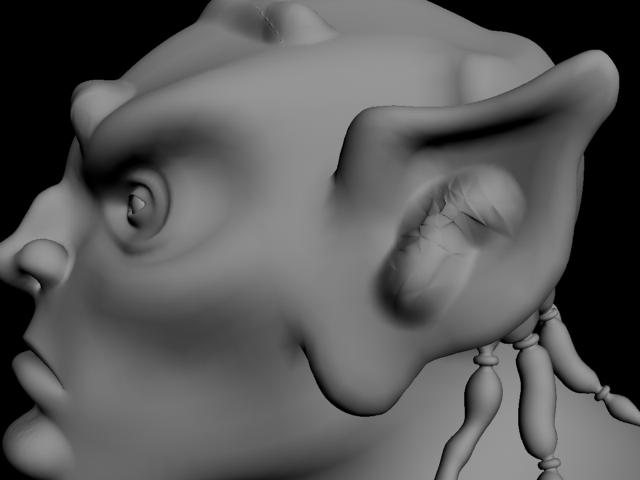
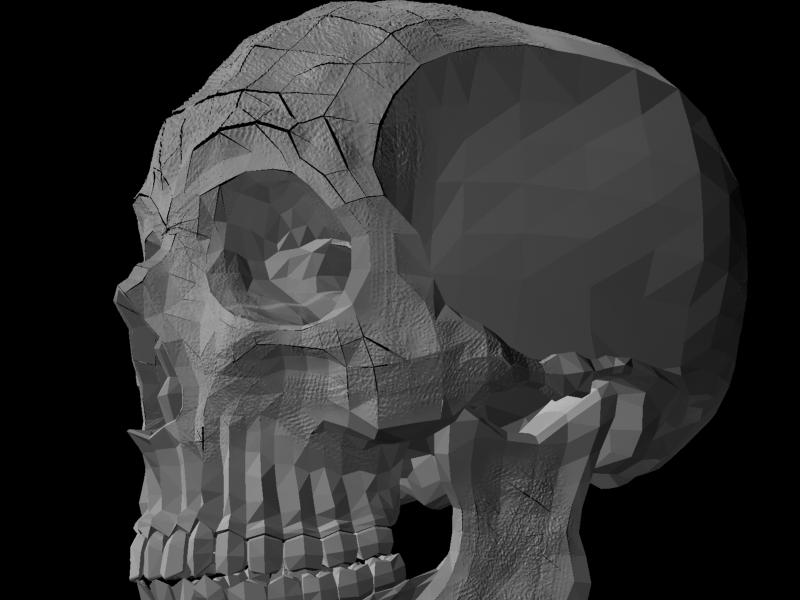
    Below are two images from 3ds Max 9 renderer, using the Mental Ray displacement. The strange thing is that the displacement seems to be affected by the turbosmooth I place on my OBJ. 
    You can see the non-smoothed polygons under the Displacement itself. 
  
  There are two images, the first with Turbosmooth Iterations 1, the 2nd with Iterations 2

You can see the difference between the two :
    As the one with Iterations 2 have more unsmoothed polys due to it being subdivided again


    I know you need to put a turbosmooth on the OBJ but why is the displacement being affected by the iterations on the Turbosmooth itself?

Attachments

Turb1DIS.jpg

Turb2DIS.jpg

hey! try not to use DPSubPix settings…just leave it at 0 (zero).

may be that’ll help! Luck!

P.S> keep trying, keep on tweaking the settings…and ull find YOUR best way of Disp Render! :lol:

I do use adaptive and not use DSubix, also smooth UVs

If anyone else can help It would be greatly appreciated, meanwhile I gonna install Max 8, see if it works on that

I dont understnad this its still doing it

Attachments

goblin.jpg

bumpity bump

you don’t need to place a turbosmooth on the object at all
in the mental ray settings, find the number of render subdivisions and up that.

If i dont put TSmooth on, I get this

Attachments

notgood.jpg

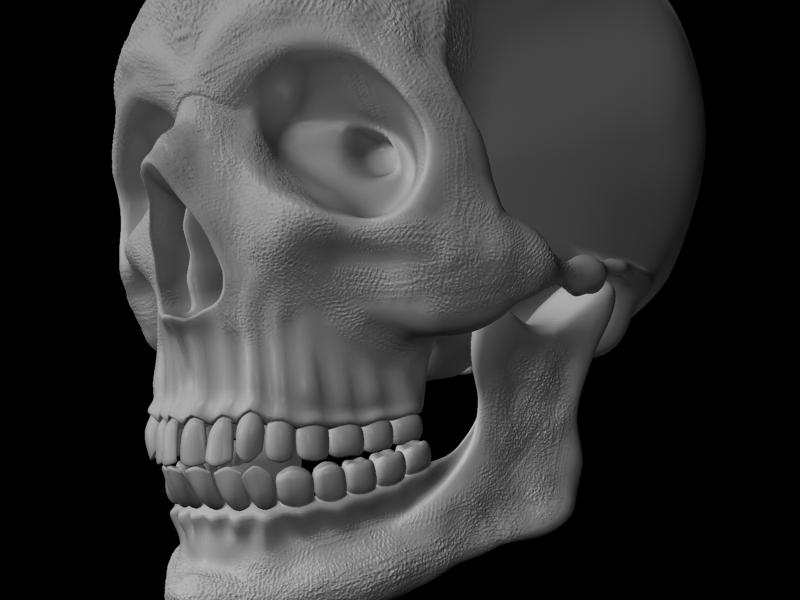
Well high-frequency detail works fine

Attachments

Ok.jpg

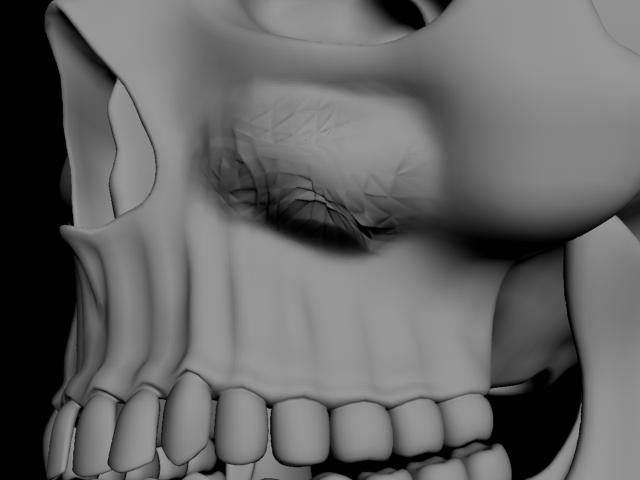
But when I start blocking thing s in with low frequency detail I get this

Attachments

doh.jpg

hey there.

it looks like its bumping a tesellated version of your geometry.

did you export your OBJ from MAx to ZBrush with a turbosmooth in the stack?

hey thanks for the reply

eerrrm I dont think so, I will try it again
however the UNwrap modifier was still in the stack when I exported it to Zbrush

Also when i up the iterations on the TSmooth after applying the Dis.Map the increased tesselation shows up in the final render

heya,

try exporting it with nothing in the stack and let us know how it goes :slight_smile:

best of luck!

yeah its still doing it, Tried it with nothing in the stack,

It seems like it would be quite a common problem but nobody seems to have had the same problem before

the Dis. Map has to be in RGB also yes?

I also tried the 16-bit maps and still the same problem, with Smooth Uv on and off

Also Dsubpix and Adaptive modes

Again I have followed the exact settings in the zbrushto3dsmax.pdf and lots of variations

howdy,

Just to check when you re-import your obj into max, you did convert it to an editable poly object right?

yes I converted to a edit-poly from an edit-mesh before i add the TSmooth and Dis.Map

I also tried changing the various settings within the Renderer under Shadows & and Displacement (i.e changed soft to segments)

Also tried changing the texture filtering in the Material browser

obviously when i render the model without applying the Dis.Map the tesselation isnt there

and when I apply the Dis. Map, its there again

It happens to all my OBJ’s and only where I have displaced the mesh, In other words the tesselation doesnt show up where I havent added detail