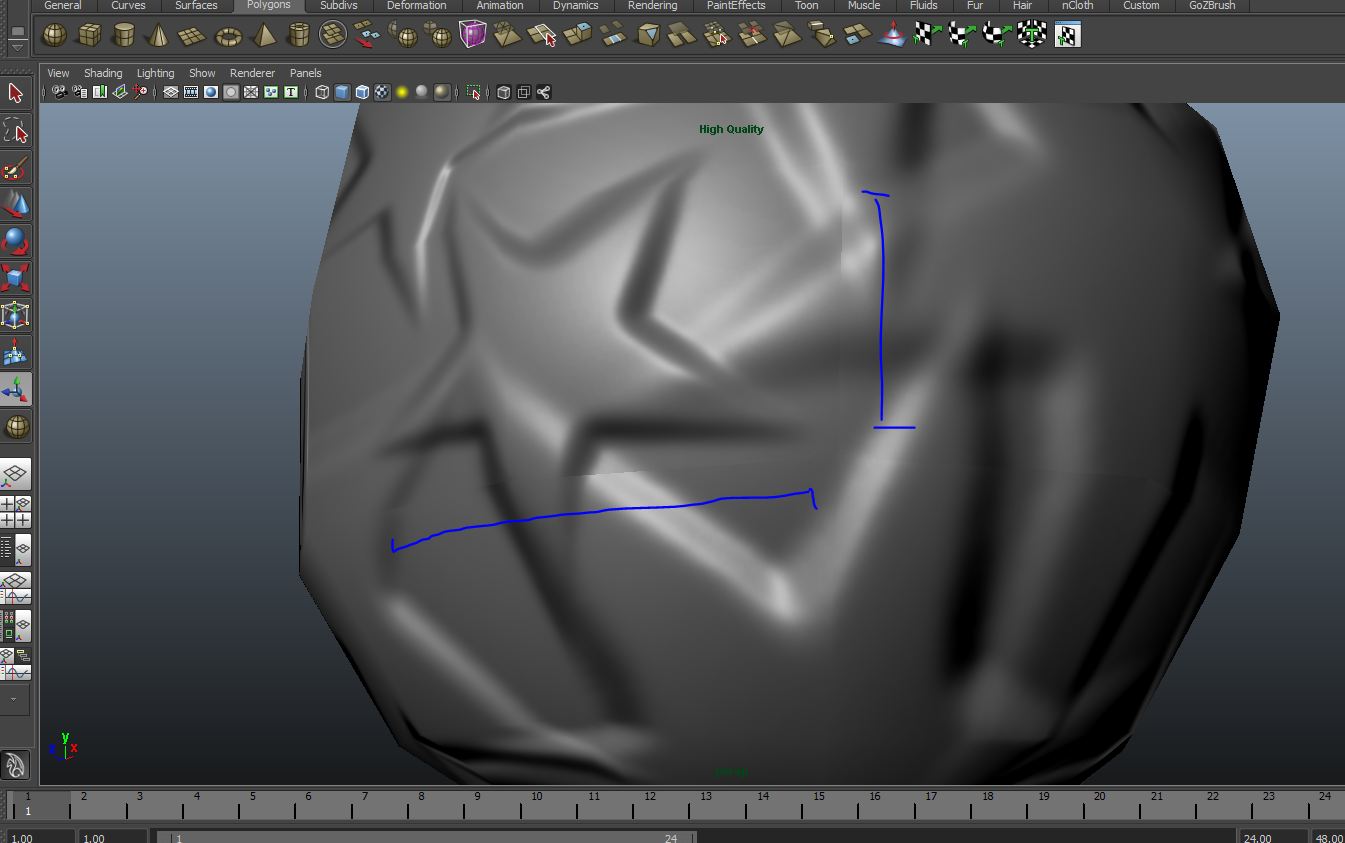
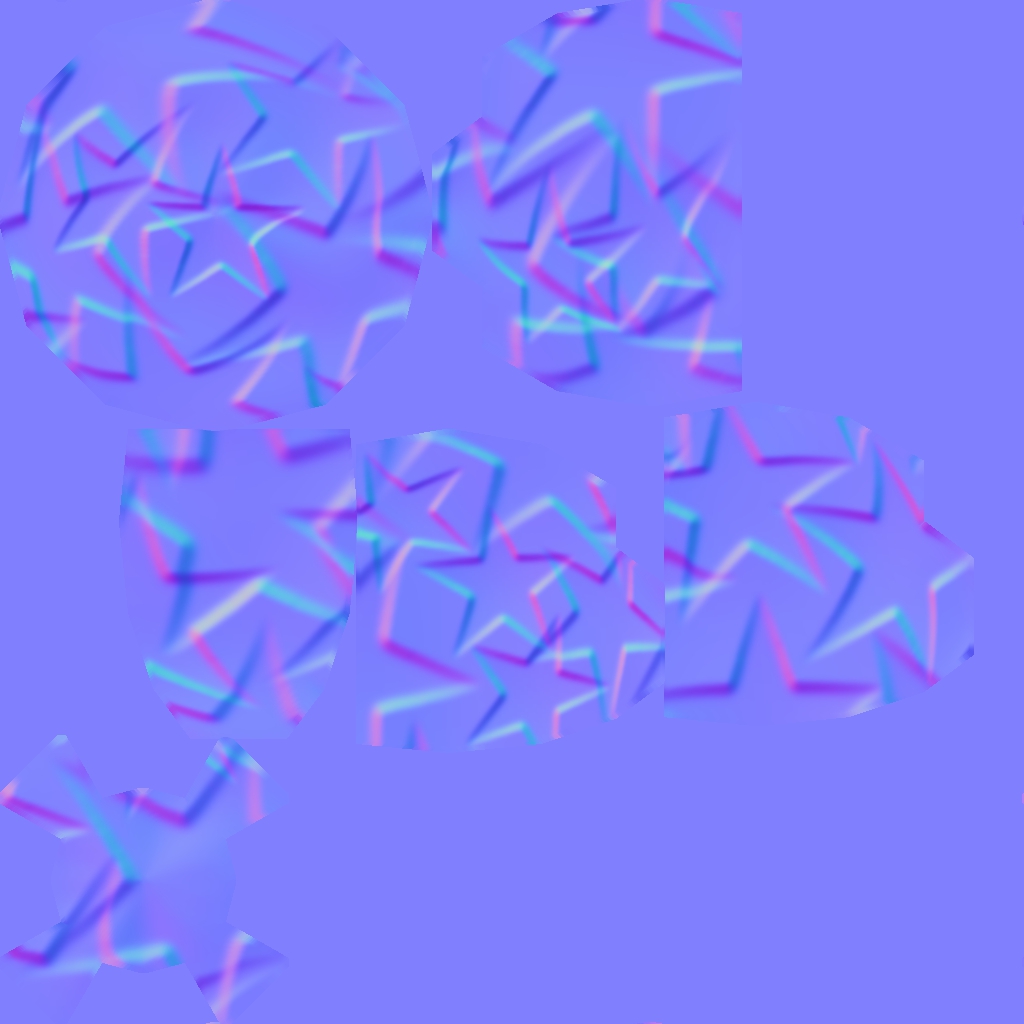
each model exported from “zbrush” with a normal map keeps seams.
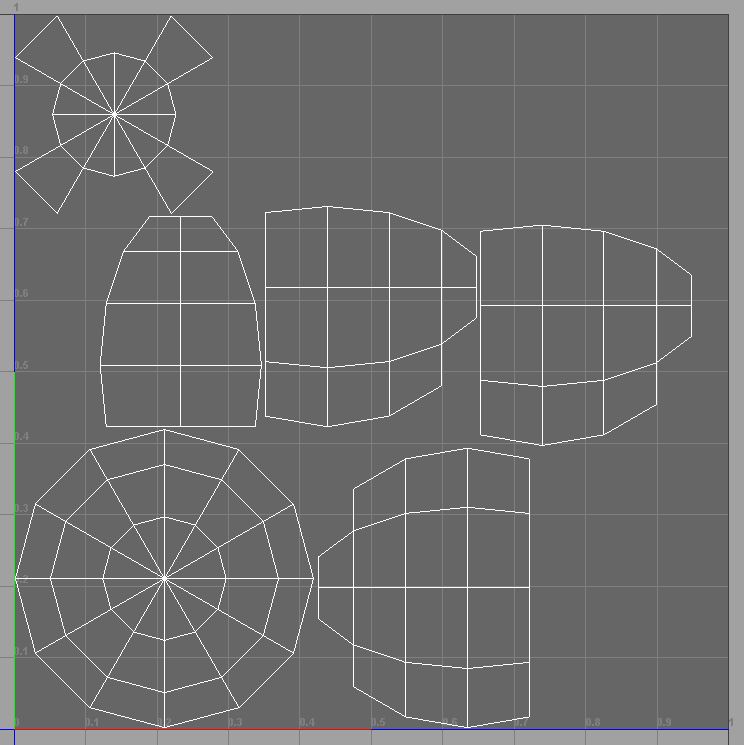
I’ve been doing various workflows, making the model completely from hight poly zbrush, and even created UVmap from zbrush, but either way I have the same problem, does not fit the normal at the edges where the seam there, I have no island 0-1 out of space, I am not overlapping in any island, no hard surface or crease and the mesh is not open in those areas, I would love to believe that I only need to press a button but it seems that it is not.
not only happening in “Maya” also happens in “3dmax” and “Unity3D.” I think the problem is fully focused on the creation of the normal map.
see HD
if someone can tell me what’s going on, I’ll be eternally grateful. : D:)
Attachments