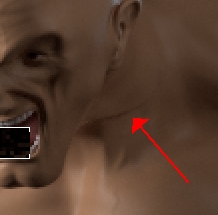
Because of this I have visible seam when rendering displacement.
How I can create displacement maps with same values ?
Attachments
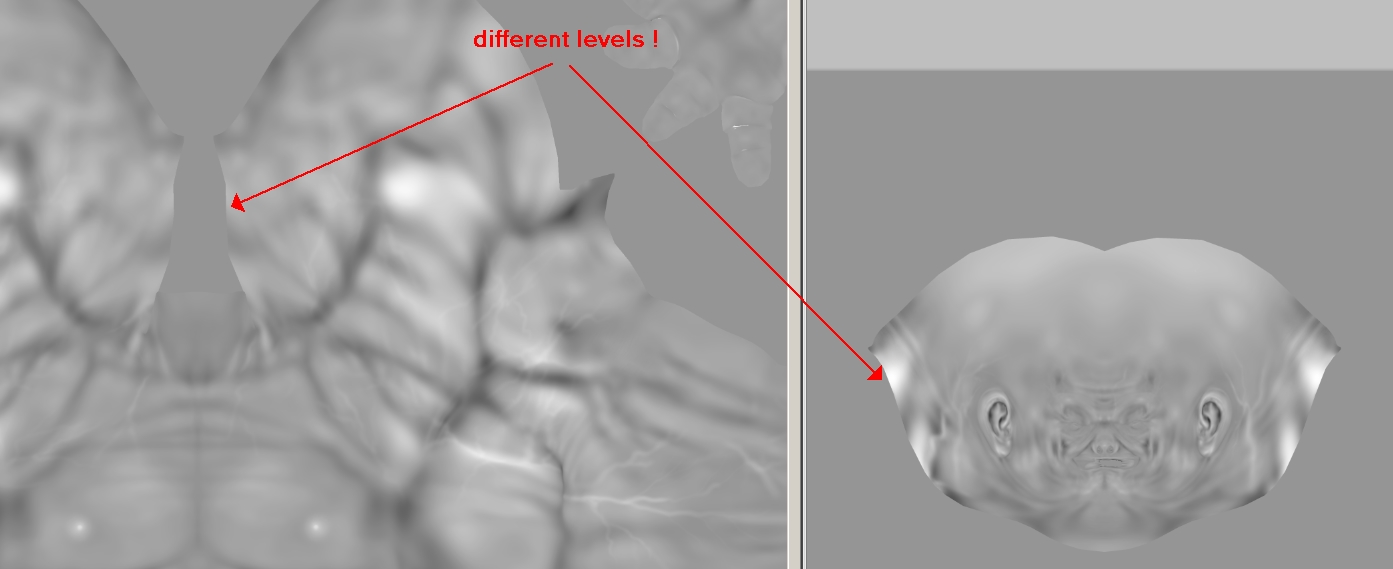
Because of this I have visible seam when rendering displacement.
How I can create displacement maps with same values ?
You can use the ‘16 bit Scale’ option of the Multi Map Exporter plugin available from the Download Center .
Ordinarily ZBrush will optimize the displacement to make best use of the available range but this does mean that you will have to adjust the maps separately in your render application. Using the MME 16 bit Scale option will mean all maps are the same value but you may need to experiment to see what Scale value gives the best output for all maps.
Alternatively use 32 bit maps which have the values baked in and don’t need adjustment.
Ok I will try with 16 scale option because I tried 32 bits but it doesn’t work too good with vray .
even with 16bits the seam still exist.
I give up