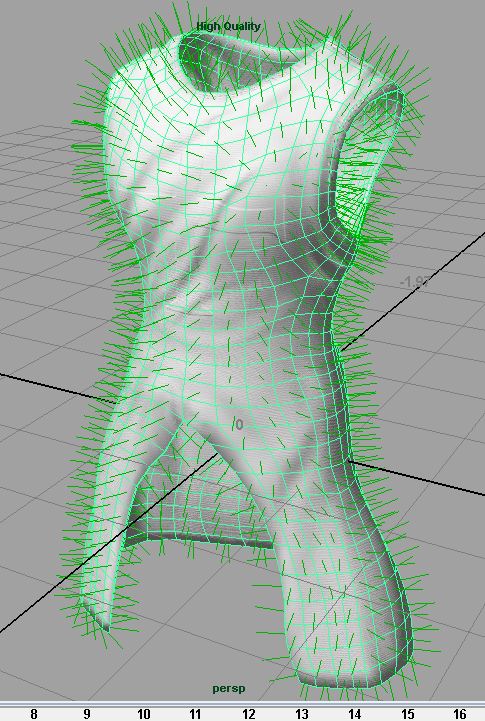
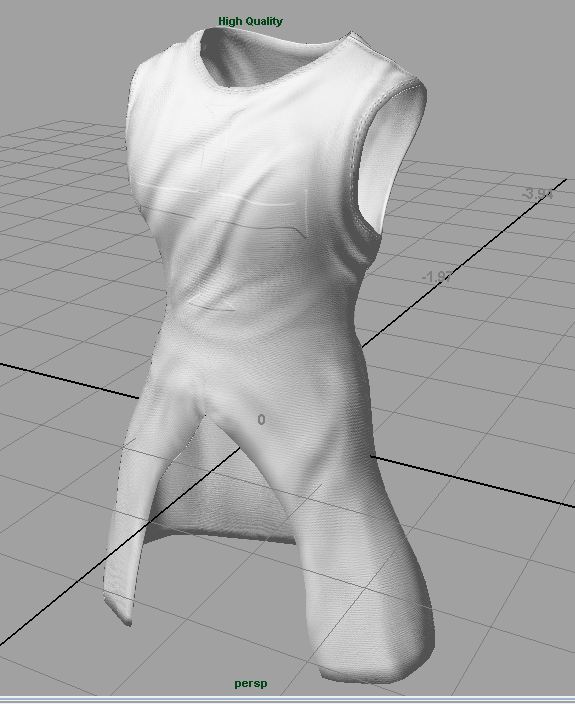
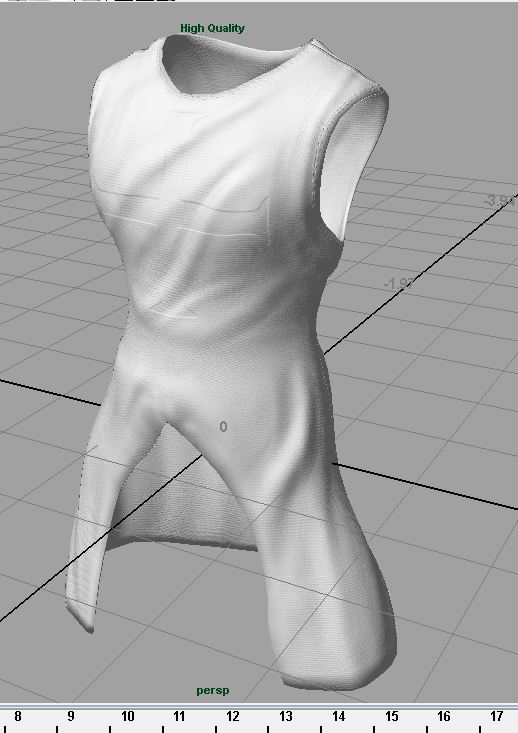
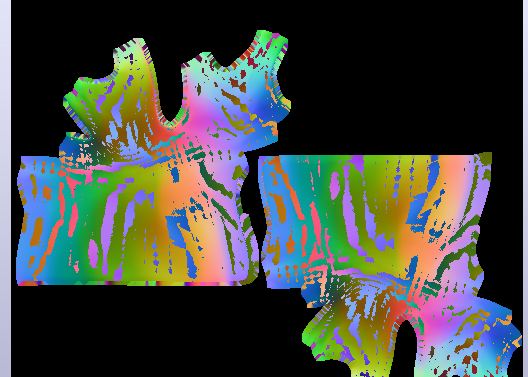
Can somebody please help me! I thought I had this figured out a while back thinking that maya just doesn’t like .psd files for displacement and normal maps, however even using .map, .tif, .tga, etc, my maps are always flipped inside out and I can’t figure out why.
I created a new retopologized mesh inside of zbrush 3.5r3 and exported out the lowest subdivision level to maya 2010. As you can see from the image, the normals inside of zbrush are facing the correct way because the mesh displays correctly.
[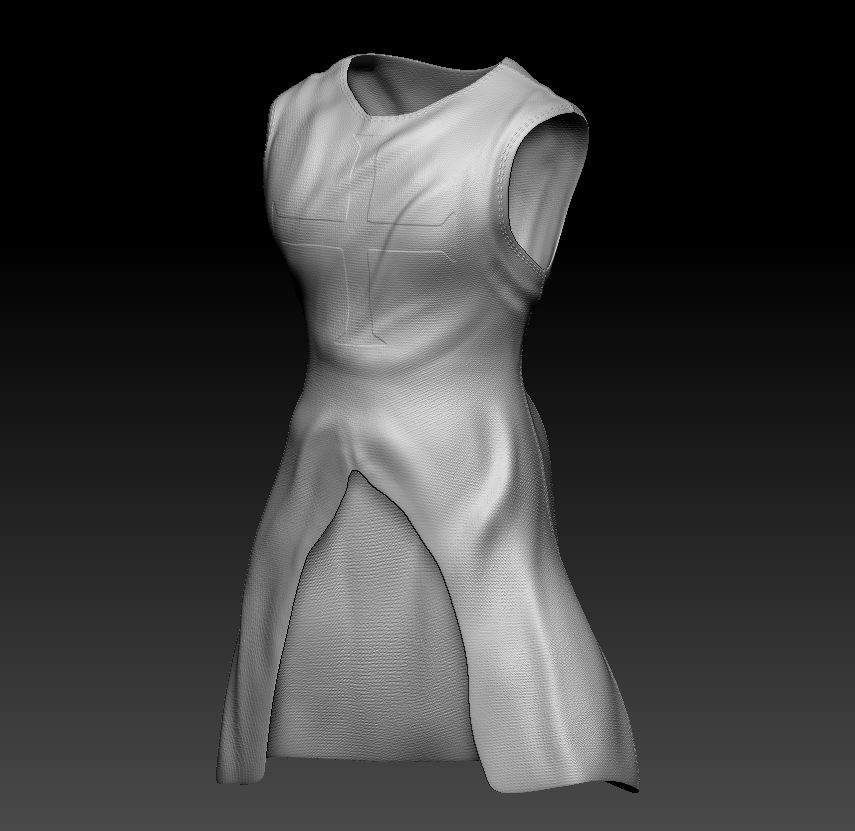 ]
]
Please help, I’m desperate!!
Attachments