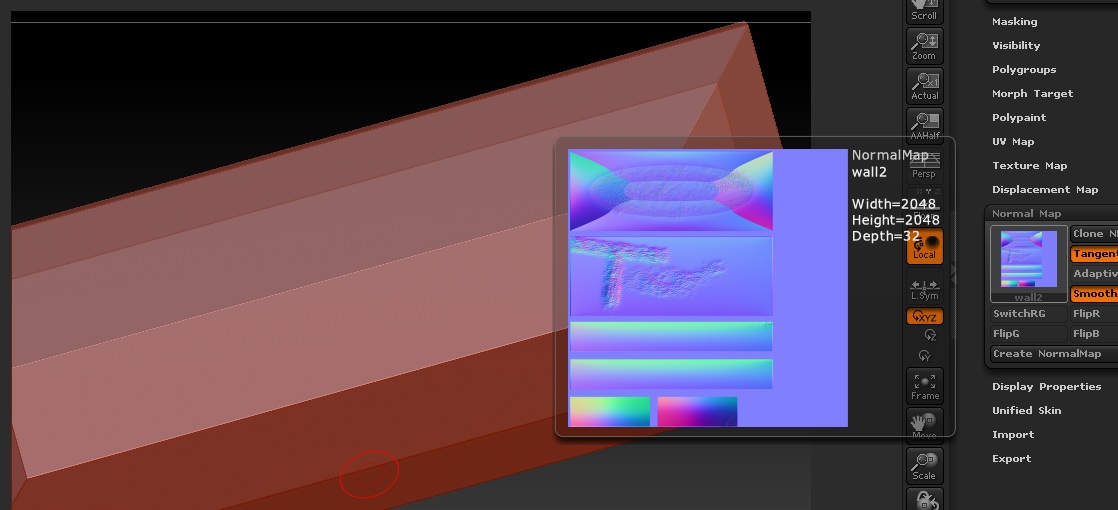
When I create a normal map off most test objects made in max, I recieve a bowed map at the first geometry level. Is it because there to low polly, modeling for a game environment I can’t make a mostly flat face split up five times to make zbrush happy. Example below.
My model high res:
[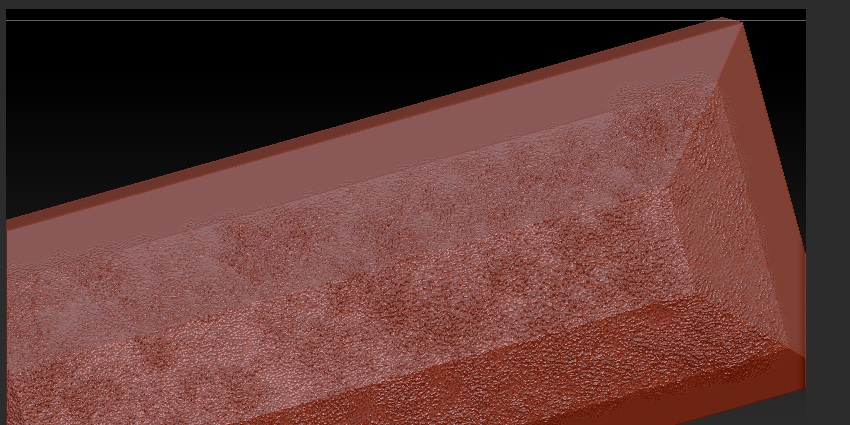 ](javascript:zb_insimg(‘189392’,‘r2.jpg’,1,0))
Notice the bowing in the normal map, when applied in Max it makes the whole object bow as you might imagine placing that normal map on the model.
Why are my fine straight edges bowed in such a way, the effect becomes less pronounced as you raise the division level. How can I stick with my low polly and make a great normal map.
Attachments