When Group enabled, any DynaMesh with multiple PolyGroups can’t split into separate pieces.
Attachments
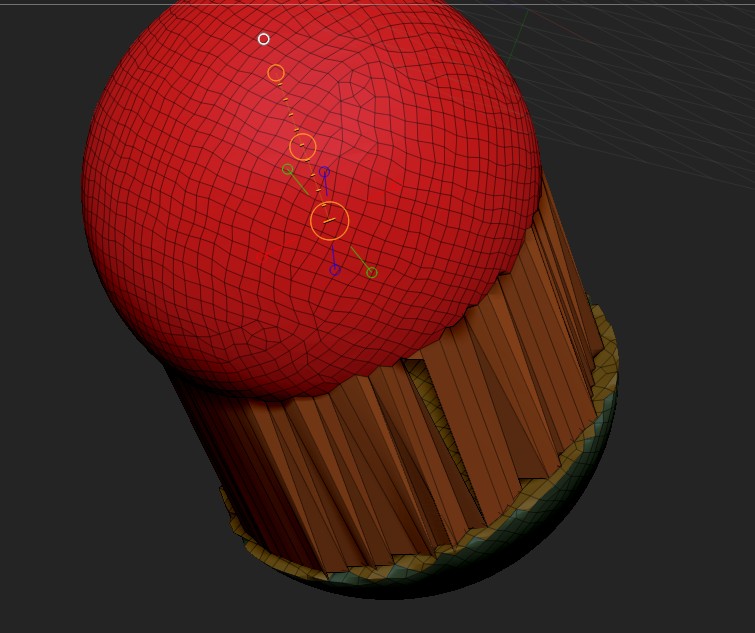
When Group enabled, any DynaMesh with multiple PolyGroups can’t split into separate pieces.
What appears to be happening when that occurs, is that Zr6 is splitting into multiple meshes that have multiple polygroups each that overlap where the split occurred. So when you try to pull one polygroup away, you’re not getting the whole mesh, and you get that stretching where it’s attached to another polygroup.
You can fix this by going to Tool > Polygroups, and hitting “Auto Groups” after you dynamesh. It will group the contiguous meshes together into one polygroup each, and you should then be able to easily pull them apart as a whole.