Good evening everyone
I am not quite sure how to explain my problem or if I can exclude the current problem by explaining what I am trying to do ^^
k, maybe at first the problem that emerges right now:
I was creating all of the maps i need for a character with the UV-Master plugin.
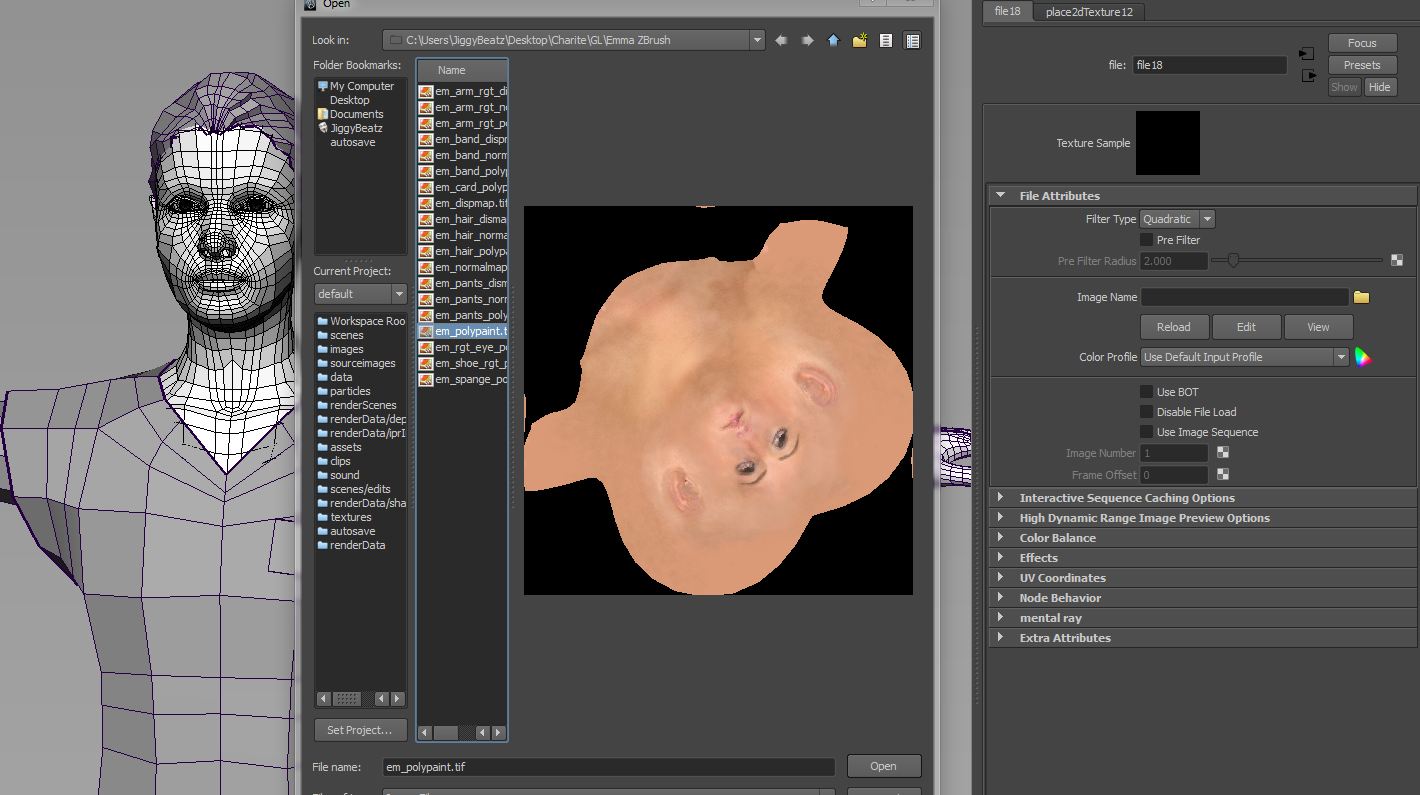
When done, I exported all maps and flipped them in V for use in Maya 2011.
Therefore I’ve used the function without manual UVs by creating those via GUVTiles.
But because I wanted to bake the textures and some strange lines appeared, I thought it might be a wise desicion to create proper UVs “by Hand” with the plugin. And, because I could rework the texture maps then in Photoshop if I need to.
So. After I had created all Maps (Polypaint, Normal, DispM) and exported them, I realized that I need to do some rework. Jumped back into ZBrush and started to import all Textures again and flipped them back in V. The original Textures in the Z-Tool seemed to be broken, as I assume because of the flipped textures.
Now it comes to the original question:
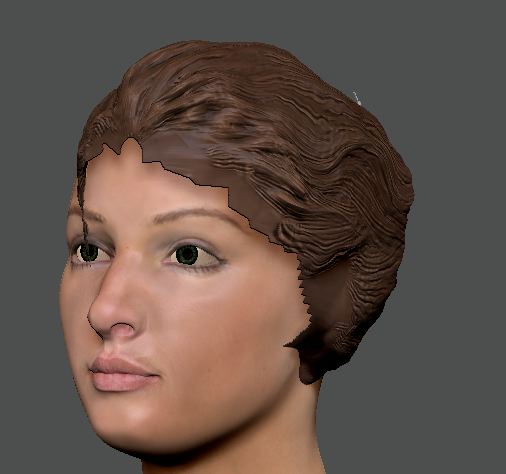
I reimported them and choosed the subtool. Flipped and turned them on in the “Texture Map” pallete. But it behaves strange on my hair-subtool. Polypaint looks fine and when texture ist on (and polypaint off) the hair floats above the head.
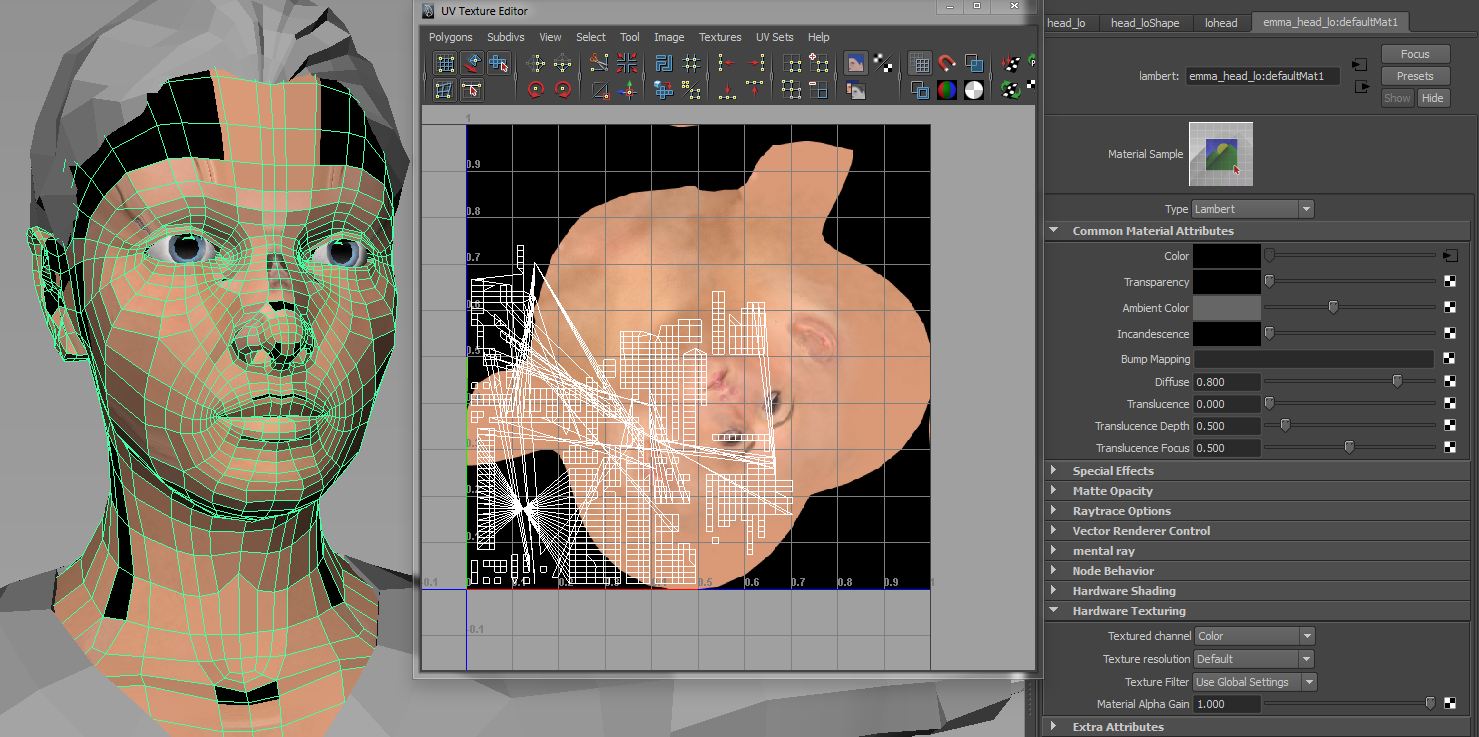
Maybe I moved the UVs when I flattened them in the UV-Master. Can this causes this kind of problem? Is it allowed to move, scale, rotate the UVs when flatten?
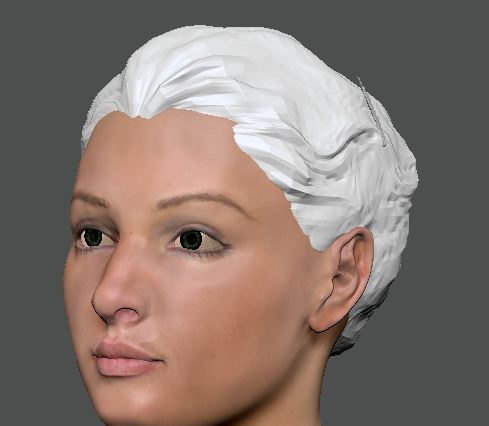
So that was the reason then, why I thought to start everything from scratch:
Exporting LoRes-OBJs > Decimated OBJs > Rework the LoRes to reduce the Polys etc.
Well…uhm…
Ist it better to start again or can I save the work somehow?
I am very sorry for the many words. Right now I’m on Ritalin. Maybe that’s why : /
Attachments