Hi guys, Can someone help me out with this?
I kept doing this by accident and couldn’t figure out how to turn it off. I’m assuming it is some kind of a mask, but every time it happened I had to save and restart to get rid of it…
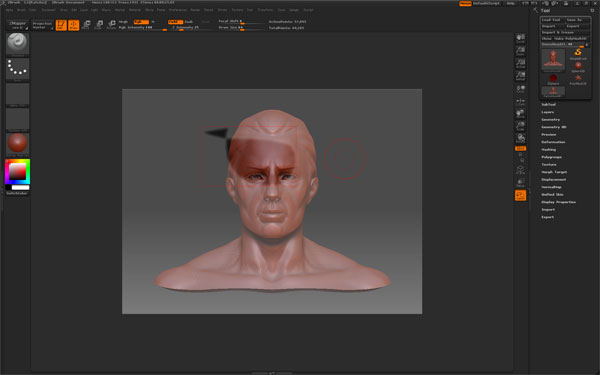
It would happen while I was doing a Lasso selection… Ctrl+Shift+“Click Drag” and after releasing the “Shift” I would also accidentally release “Ctrl” and I would end up with this. It looks like some kind of a mask to me.
Anybody?
Anybody?
Bueller?