ZBrushCentral

what gone wrong with my model (pics included)

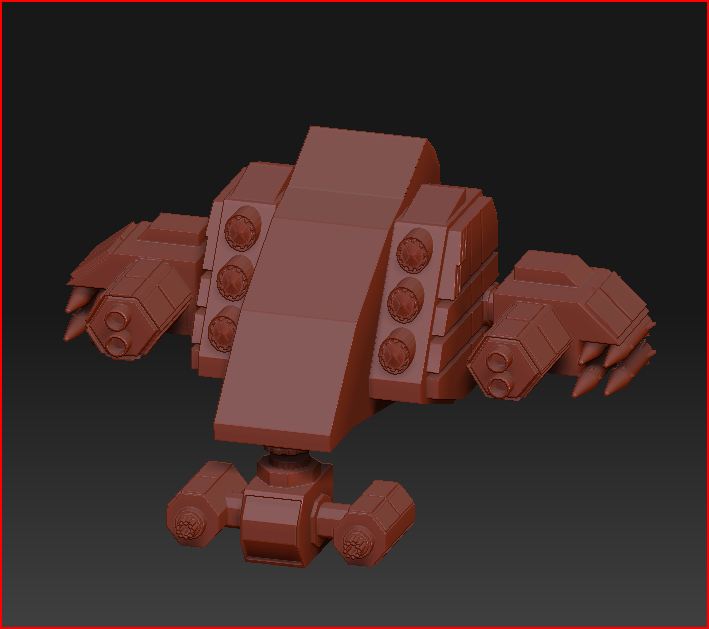
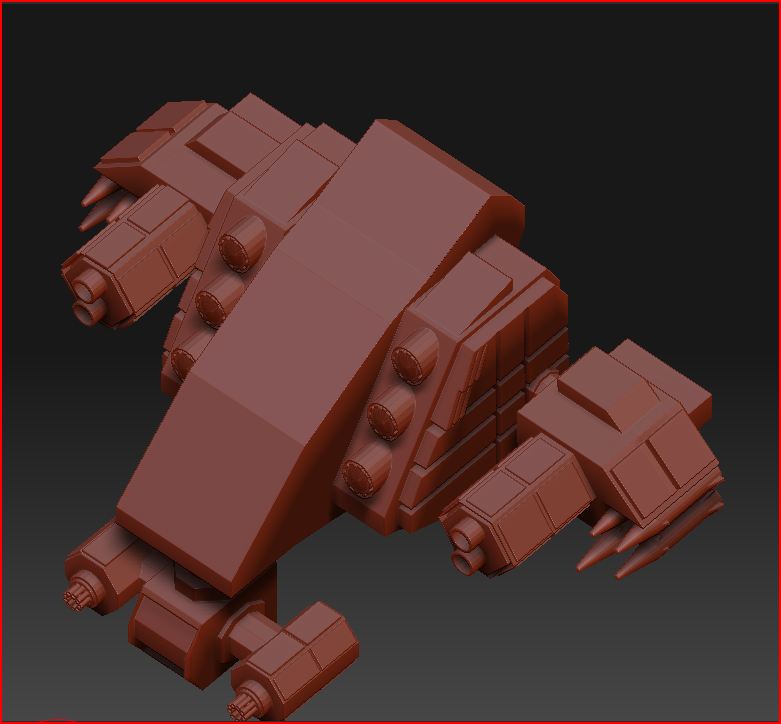
please can someone advise me on what to do with my model im working on
heres the pics
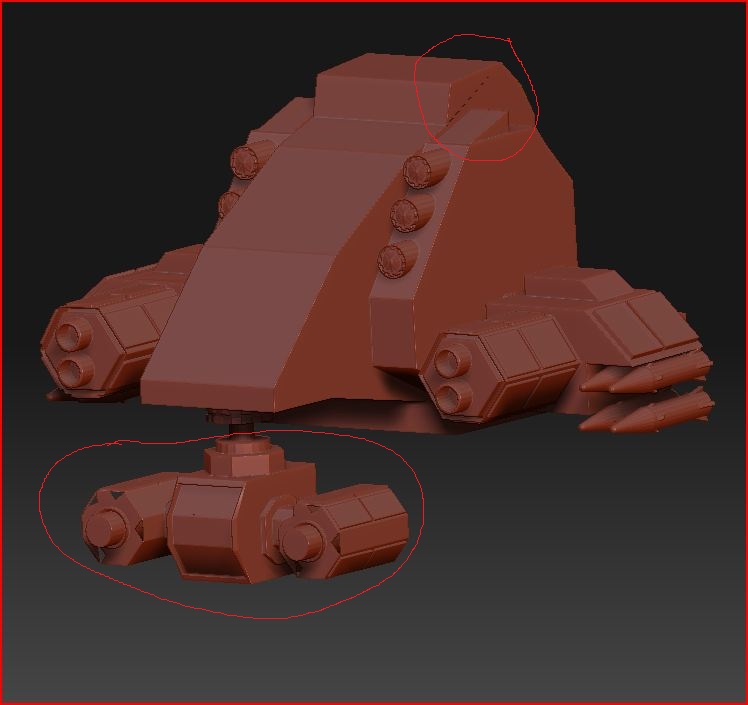
problem 2.JPG

i have gone over this model in maya checking for any visual errors but i cant see anything out of place,which is really annoying me now and ready to check the towel in lol. now have i missed something out prior to exporting it as obj file to zbrush, im lost at what to do next so any ideas please add them below,and i will try them. this model is not complete yet i just wanted to see what it would look like in zbrush.

Attachments
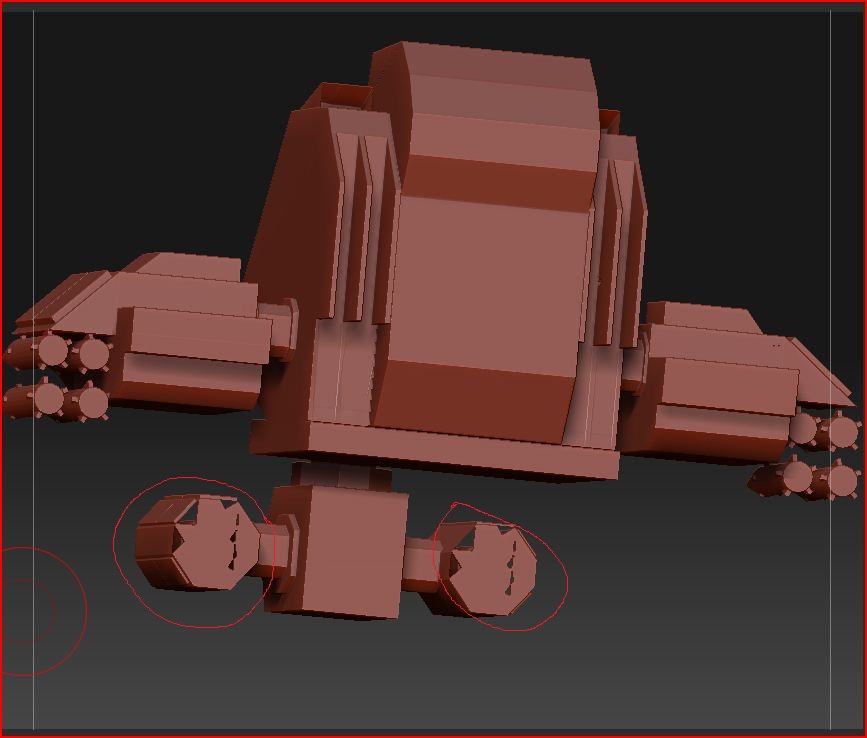
problem3.JPG

surly someone here can help i really need to move on with this model if poss,is there a way i can repair this in zbrush or is there a add on for maya 2008 to fix any issues?

Try hitting Tool>DisplayProperties>Double. Hope it helps

Faces arent joined properly. go bk to maya or 3DS max and fix the faces

ok i think i done it,heres a pic this is only my ruff model i got plenty more to do and add if you got any ideas please let me know. thanks to all who helped so far im sure i will have more questionsCapture.JPG

Attachments

mech warrior 2.JPG

Looks good so far. Yeah, when you get that I’m sure you know already but it just means you have unwelded verts. When working on hard surface objects in Zbrush try checking the SMT button under Geometry to keep your hard edges when subdivided. Then just carefully smooth out the blocky appearance in areas. Keep going with this it has great potential. :+1: