ZBrushCentral

Weird UV Maps

Hey there,

I’ve fiddled with Zbrush on and off since version 2 but only recently started to use it “properlly” :wink:

I’m currently modelling a face but can’t get the UV map to work, none of the mapping options I try seem to fix my problem. The attached images are with spherical mapping applied,
[uv_spherical.jpg](javascript:zb_insimg(‘126134’,‘uv_tile.jpg’,1,0))
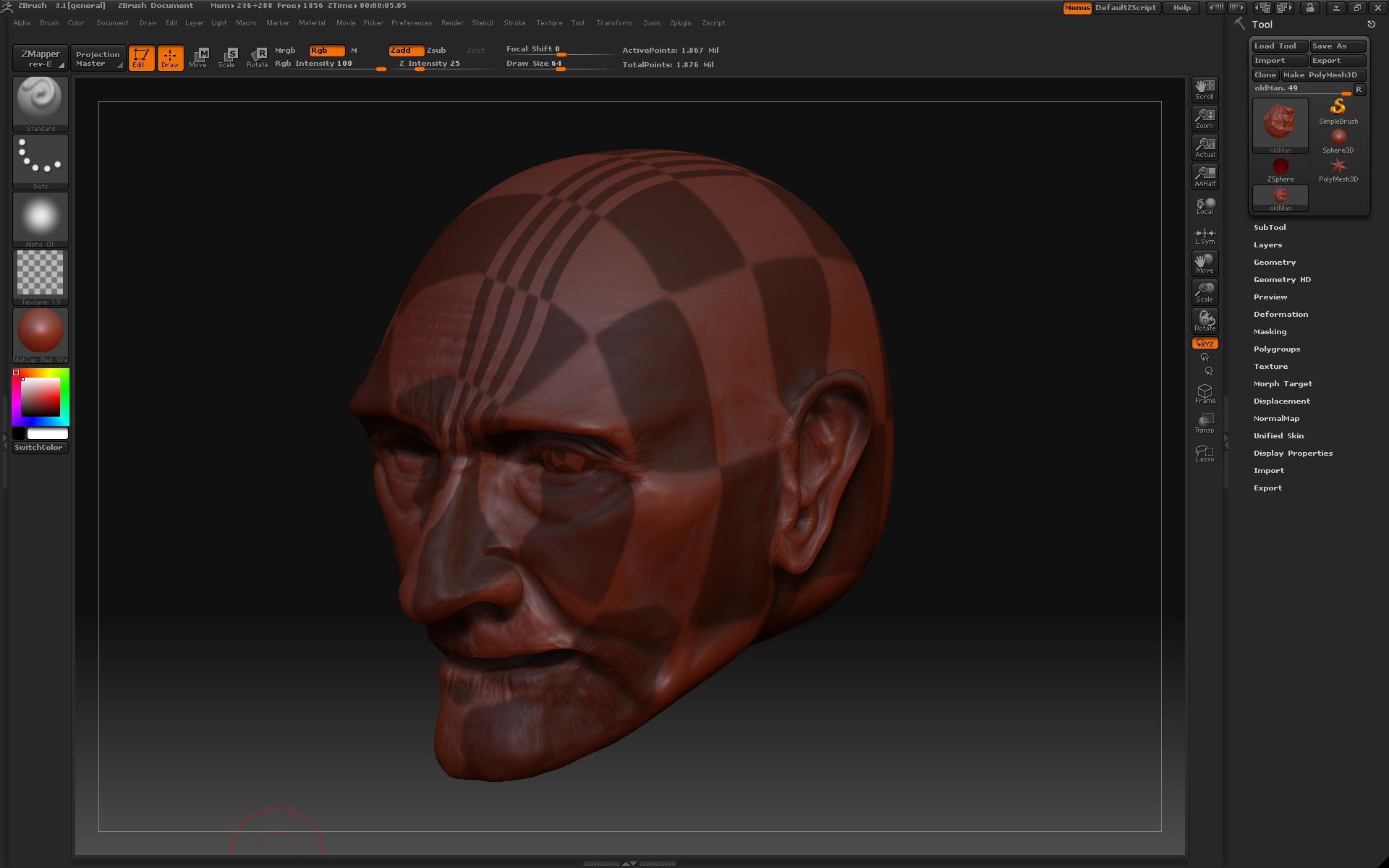
Any and all help much appreciated

Thanks!

Dann

Attachments
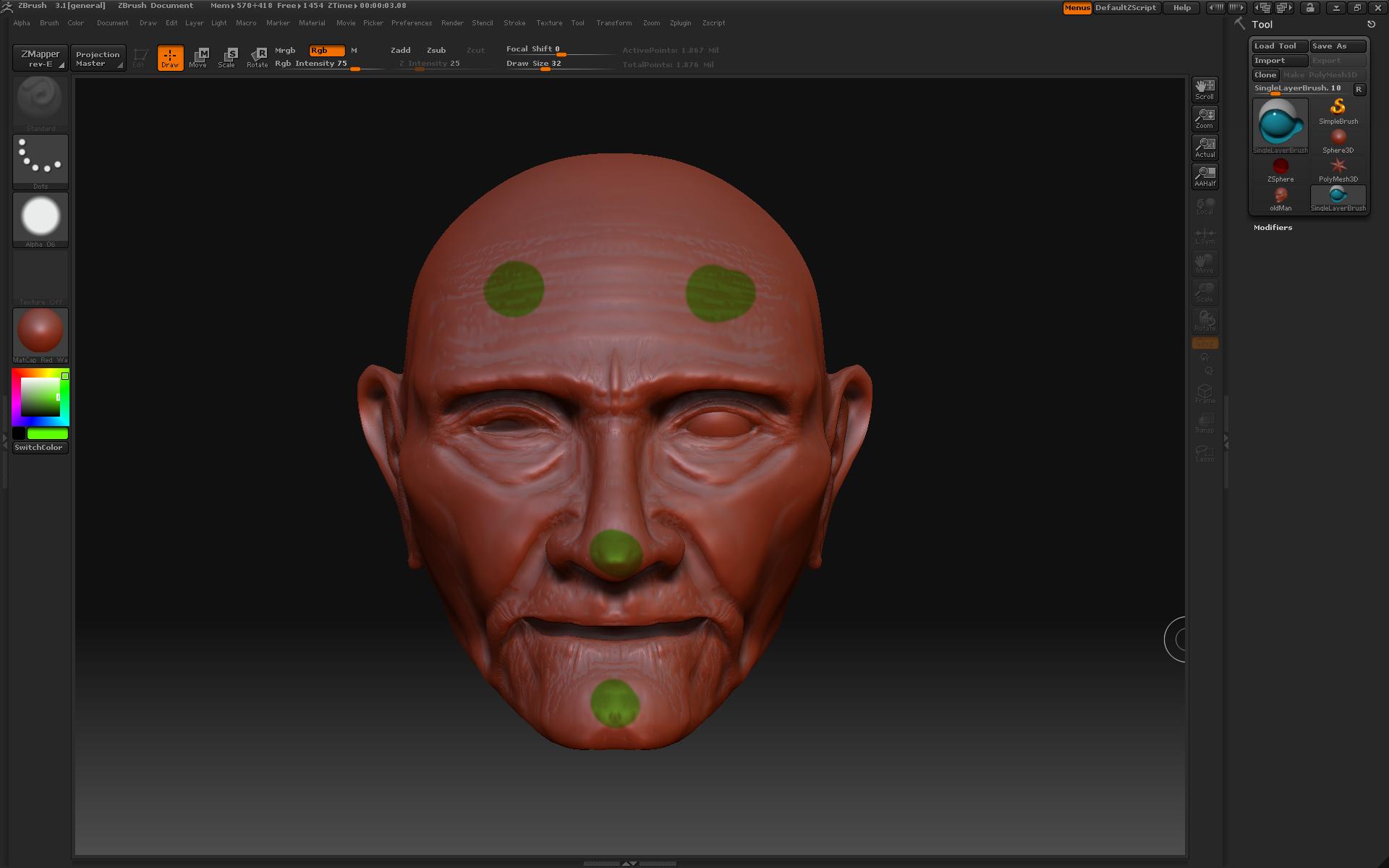
uv_paint.jpg

uv_tile.jpg

Somehow the mapping is being changed. Could you please outline your exact steps?

to unwrap the UV’s on a face you need a true unwrapper…simple as that. Get roadkillUV (free) and simple, if you don’t have another unwrapper you prefer. Basically…the sphere unwrap will only really work on something that is a true sphere, or part of one. same with box, cylinder, etc. They get close but not right on.

If you really really want to use the sphere unwrap in Zbrush
go to
tool>preview> and check the mesh. the top of the head is what you should see. if yoyu don’t, orient the head so that the top is facing you in that view port, then re apply the sphereical UV’s and try again. I hope that helps.