ZBrushCentral

Weird result when importing object from maya to zbrush

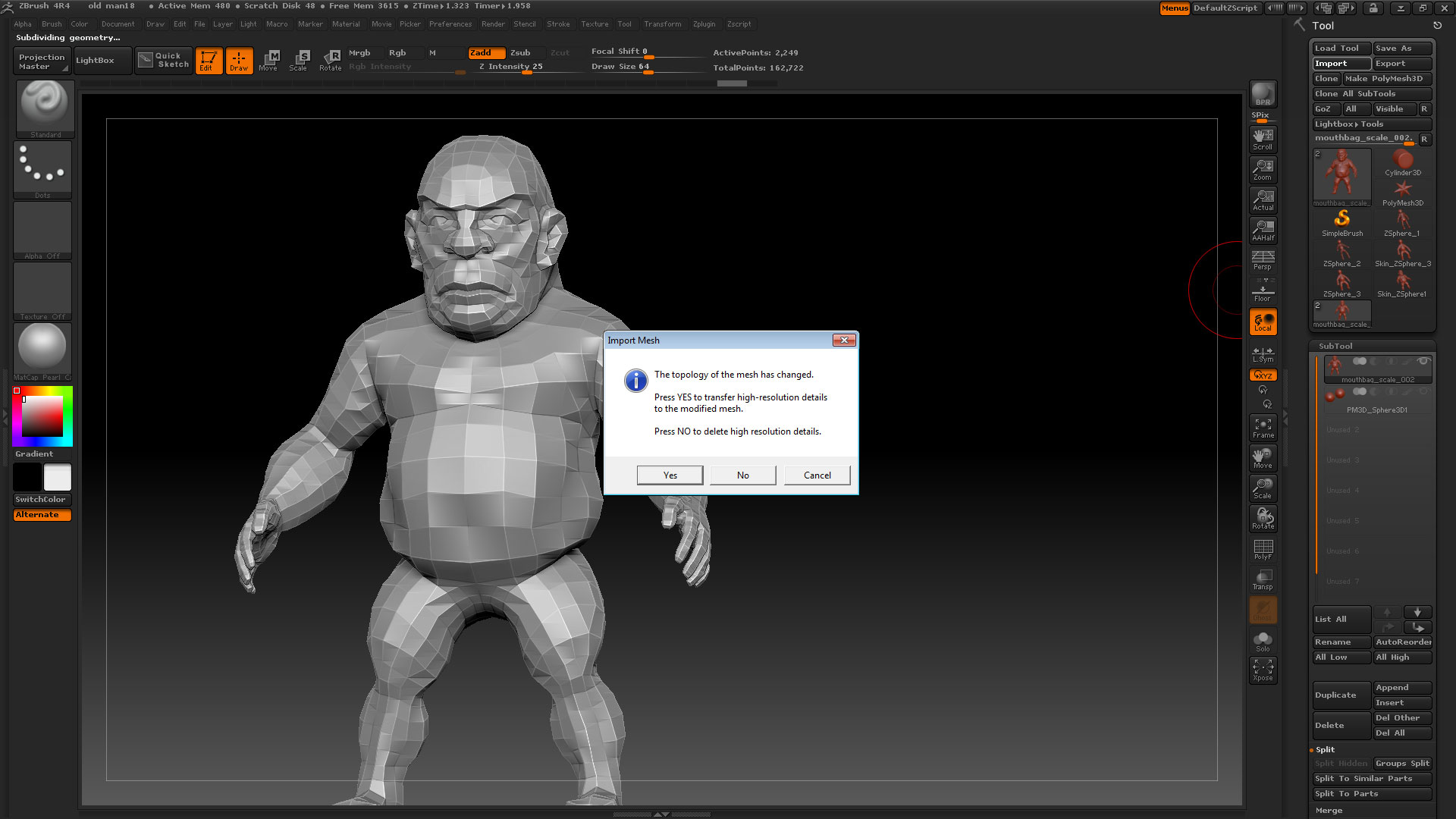
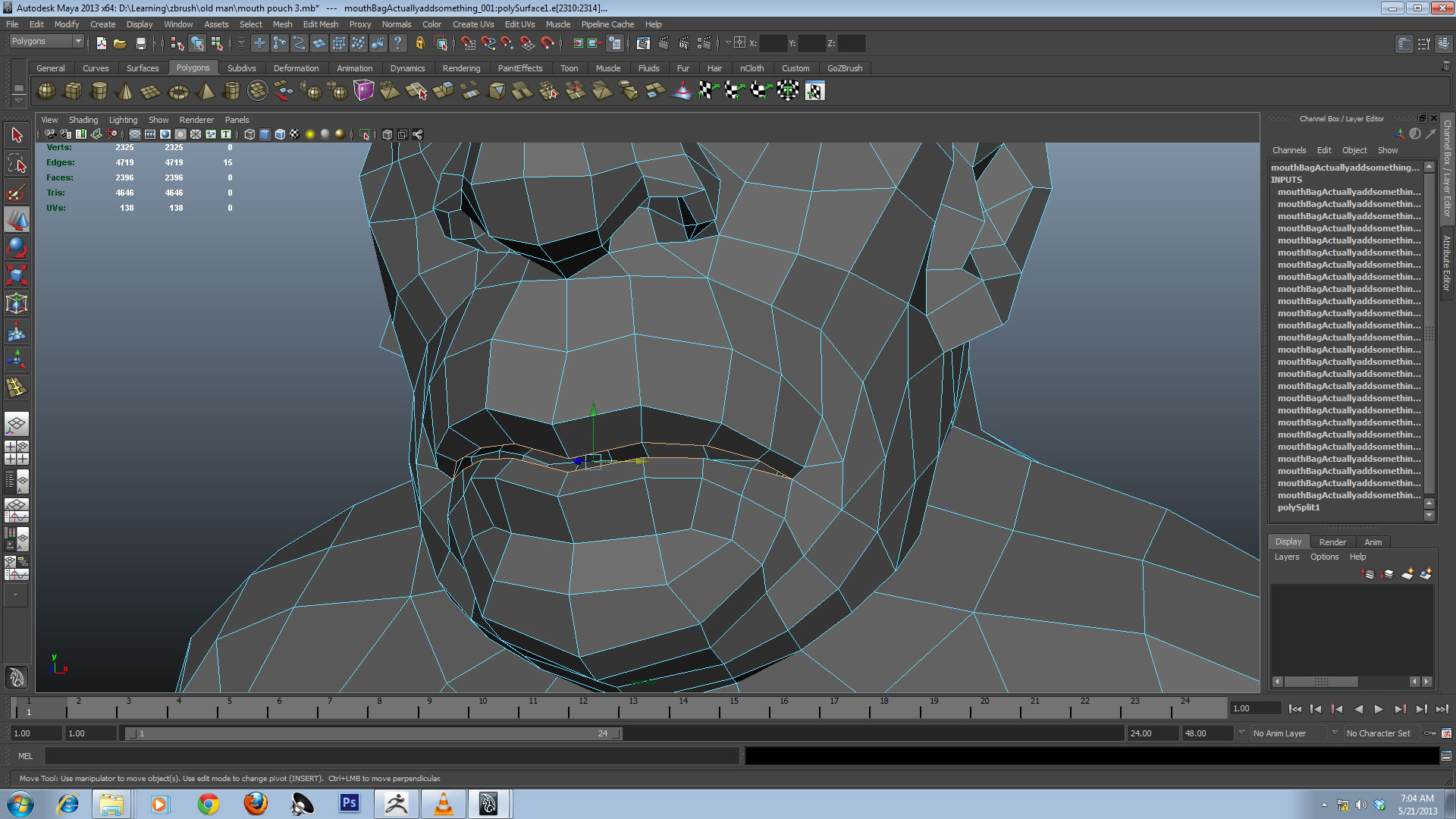
Hi all, I am stuck with another problem in which I exported my model from zbrush to maya at subdivision level 1 to create mouth opening to create inside teeth and tongue. I used split edges and extrude to create mouth bag and then used clean up. When I’m done I exported model in .obj format and imported in zbrush then pressed “Yes” in the warning message to transfer high resolution detail to modified mesh.

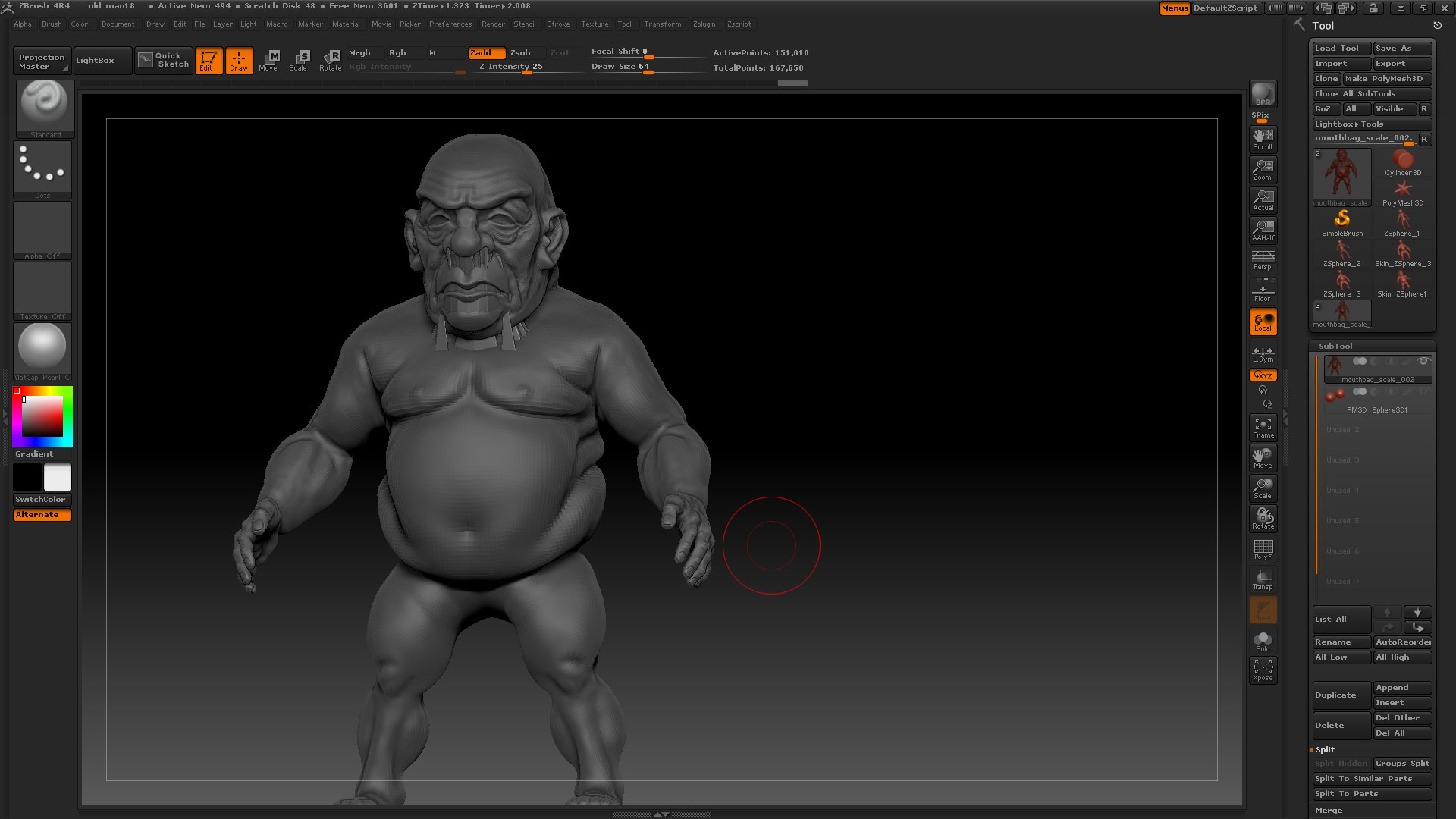
But I got totally weird result when I pressed yes. I have no idea why this is happening but I have double checked my model in maya and repeated same step of creating mouth bag and imported in zbrush but same result. Any guess of solution to this problem? Here is the screen shot.

Attachments
screenshot1.jpg

screenshot2.jpg

screenshot3.jpg

instead of overriding your current mesh with new topo try to append in your new mesh and project one onto the other. Store a MT before hand so you can easily switch back to the “clean” mesh to fix any projection errors.

The problem is probably coming from the scale of your object. Does it fit inside of the tool.preview window?

Thanks buddy, I tried several things but nothing worked out including flipping polygons, projecting all in a new mesh. Later I realized that problem was the new geometry (mouth inside pouch) that I created in new mesh and tried to import in zbrush that gave me ugly results. I imported the new mesh in zbrush as a subtool and then masked the new geometry (mouth inside pouch). Then I projected all information from original mesh to new mesh and it worked out. However I’d to fix some areas but overall it worked out and problem got solved. Thanks for helping me out. Cheers!