ZBrushCentral

Weird problem with transpose in Z4r2

First, I am using system running on Vista 64, with 24 gigs of ram and 4 Xeon 3.0 ghz processors.

Now to the problem.

  1. I loaded a z tool…no subtools.
  2. It has no levels of subdivision on it.
  3. Since it is a single mesh, no subtools, I load a zsphere, go into rigging and begin to rig.
  4. After rigging, I hit the bind mesh button and try to move the rig into a pose.

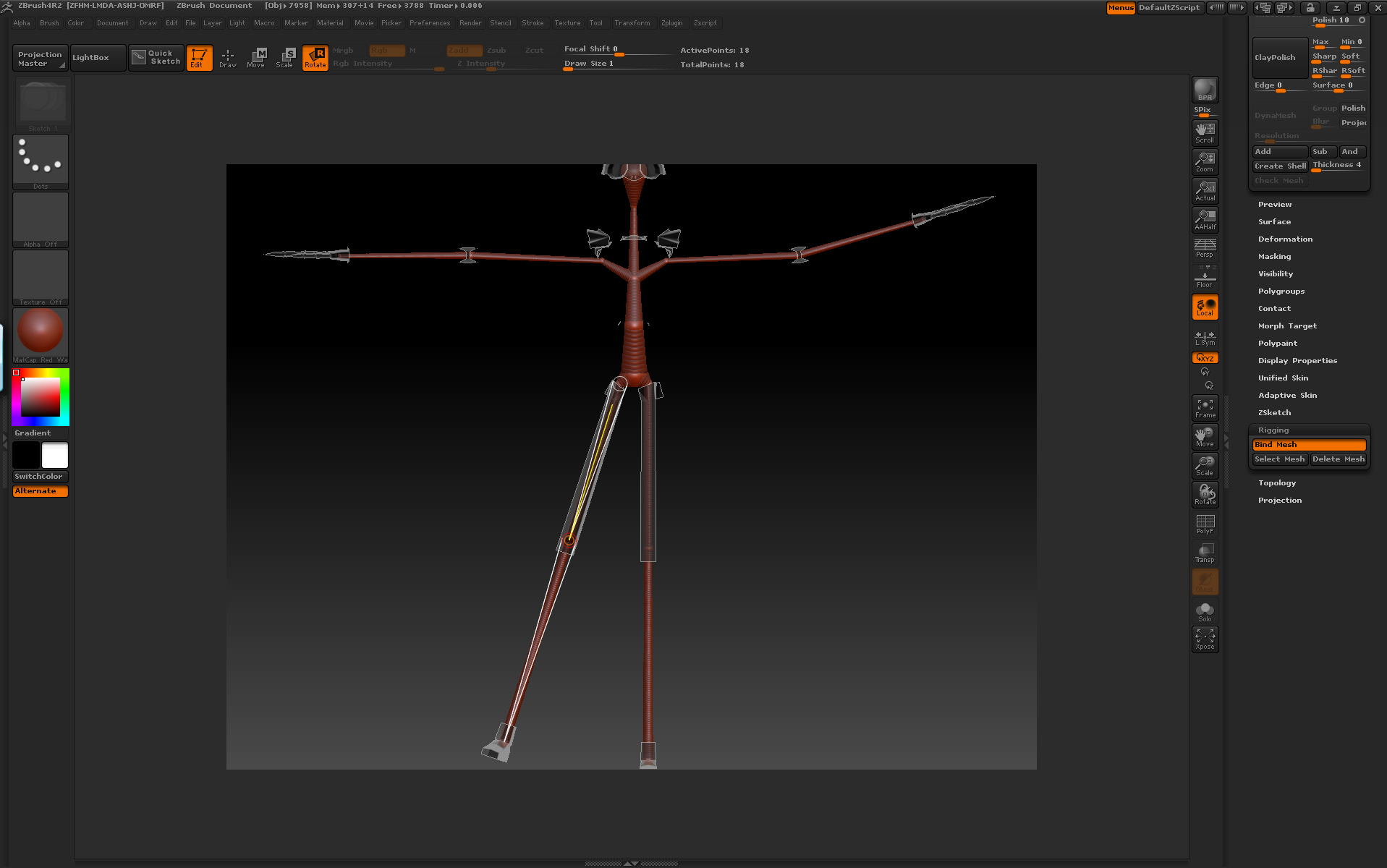
Picture 1 shows the mesh with the rig in it
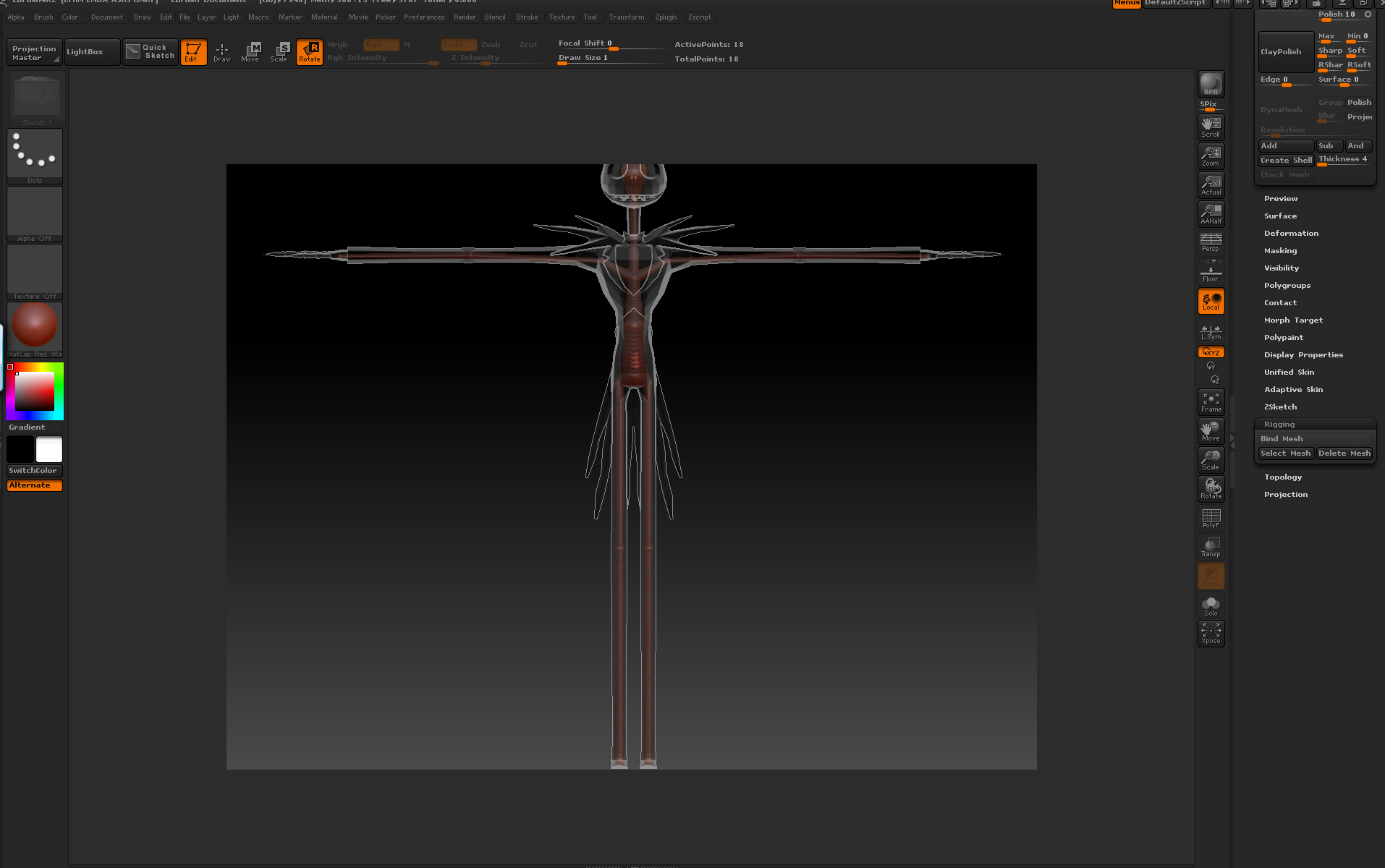
Picture 2 shows what happens when I move the arm or leg…the mesh gets jacked and a significant part of it disappears.

HELP!
Loqutos

Attachments
pic1.jpg

pic2.jpg

It might be a depth setting (ie: clipping plane or floor). Might want to try turning symmetry off as well. Could also try turning double on in the Tool menu. Wish I could be of more help.

So nobody has a fix for this?
Pixologic tech gurus…HELP

Loqutos

Wish I could play around with the file.

If this is consistent, and you’re sure you’re doing everything right, try exporting the mesh as an obj, and then re-import. Sometimes that fixes weird stuff.

You might also check to see if there’s a morph target, and delete that, just to see what happens.

That’s all I’ve got on the info available.

I loaded a different model into R2 and ZBrush 4.0…

Did the exact same thing to both models in both versions of Zbrush…

I had the same trouble in R2, but in ZBrush 4.0…it worked without a hitch.

I think the problem is inherent only in R2…

Hopefully, someone with get this sorted out so I can go back to R2 for rigging.

Loqutos

Yeah, I’m no longer surprised at this point. Z4R2 is the buggiest version Pixologic has ever released by far. Hopefully they’ll release a patch in the intervening time between now and when they plan to release Z5. Until then all we can do is try to work around these various issues by approaching them from different angles, which is one of the great things about ZBrush; there is always more than one way to skin a cat. :wink:

Rig-Ribbing.jpgI too am having an issue in Z4r2 with rigging a character properly. My character was created utilizing DynaMesh.
I haven’t added the my other subtools (clothes, hair, eyes, etc) yet cause I wanted to see how it would pose first.
After binding and trying to move my character, it doesn’t look right. Even when my Adaptive skin is at the same level as the subdivision level.
Well, it becomes noticeably distorted with ribbing on the arms and part of the hands as you can view in my photos.
Z4.0 will not load my character ztl file to test rigging out.