ZBrushCentral

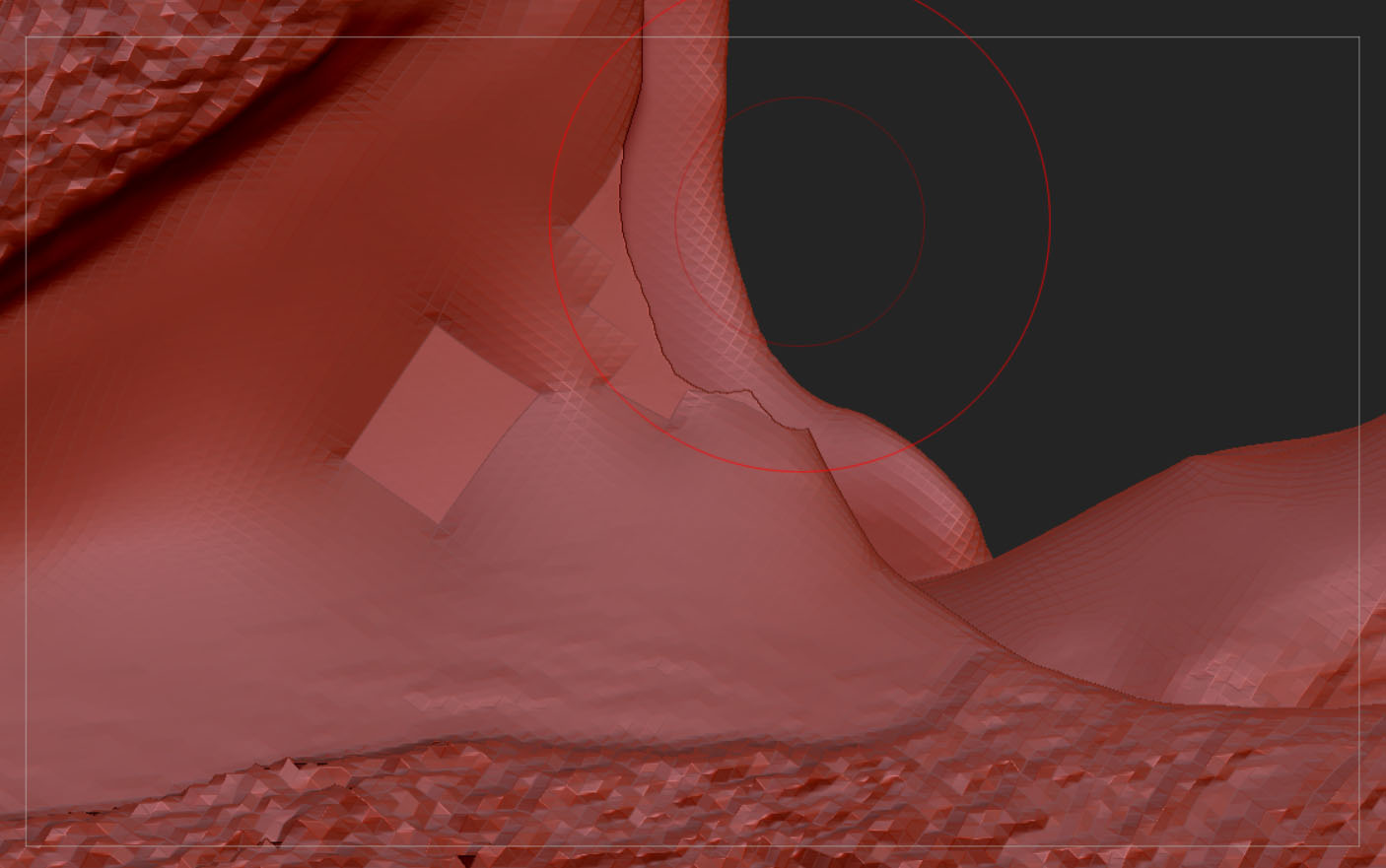
Weird polygons, can't fix.

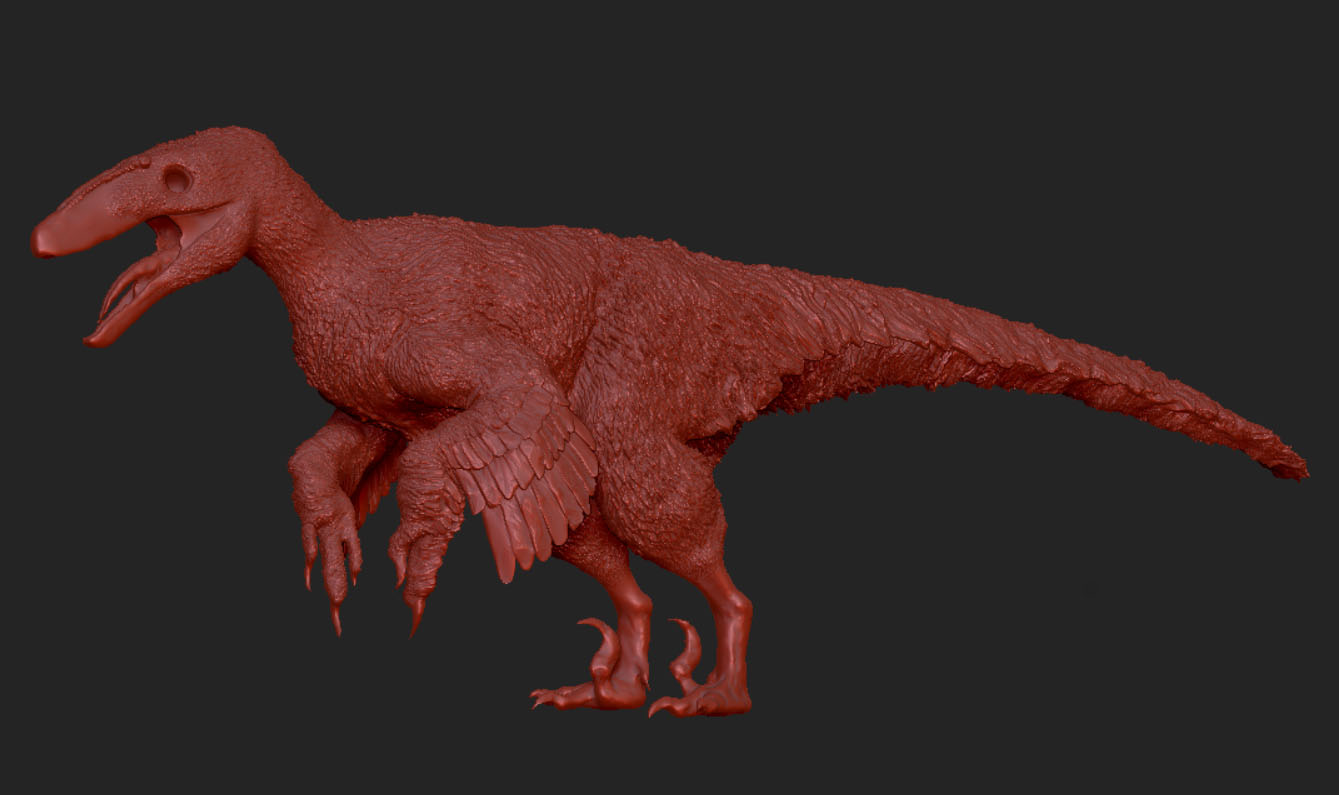
I’m relatively new to ZBrush and while working on a model, encountered strange, unnatural polygons.

It is supposed to be the cheek between the upper and lower jaw of the dinosaur. It is both on the lateral and medial surface on the right side of the model and won’t fix, despite using move, inflate, and build up.

You can see the cheek on the left side it doesn’t have the same issue as the right side does. Using resymmetry wont work, as it is far too many polygons, thus takes too much time. Can words of advice?

Attachments
frickin zbrush.jpg

Deinonychus WIP 12.jpg

Is the flat part a separate subtool, or a stray bit of geometry? If it has its own group, you should be able to hide it and Delete Hidden.

It is a stray bit of geometry.

If the stray has its own polygroup, Shift+Ctrl and click on it to isolate and then mask it. Then, Shift+Ctrl and click on canvas to bring everything else back, invert the mask and in Visibility palette click on Hide Part. Then in Geometry palette go to Modify Toplogy where you can delete hidden.

I would say it is the two parts of the model that are overlapping.
If it is the case,
think to activate ‘backface mask’ for your move brush or whatever brush you use,
even and maybe especially the smooth brush to fix and or prevent it.

ps: if it is overlapping issue, then it is the same polygroop
ps(2): otherwise if it is a dynamesh model, maybe try to dynamesh it again to fix this
ps(3): if you use r7, maybe zmodeler can help you, or even it is the source of this issue by a non wanted use of zmodeler ?

Doing what dillster did worked. Thanks for the help! I had to use close holes on Modify topology to fix the missing vertices.

This is how it looks now.