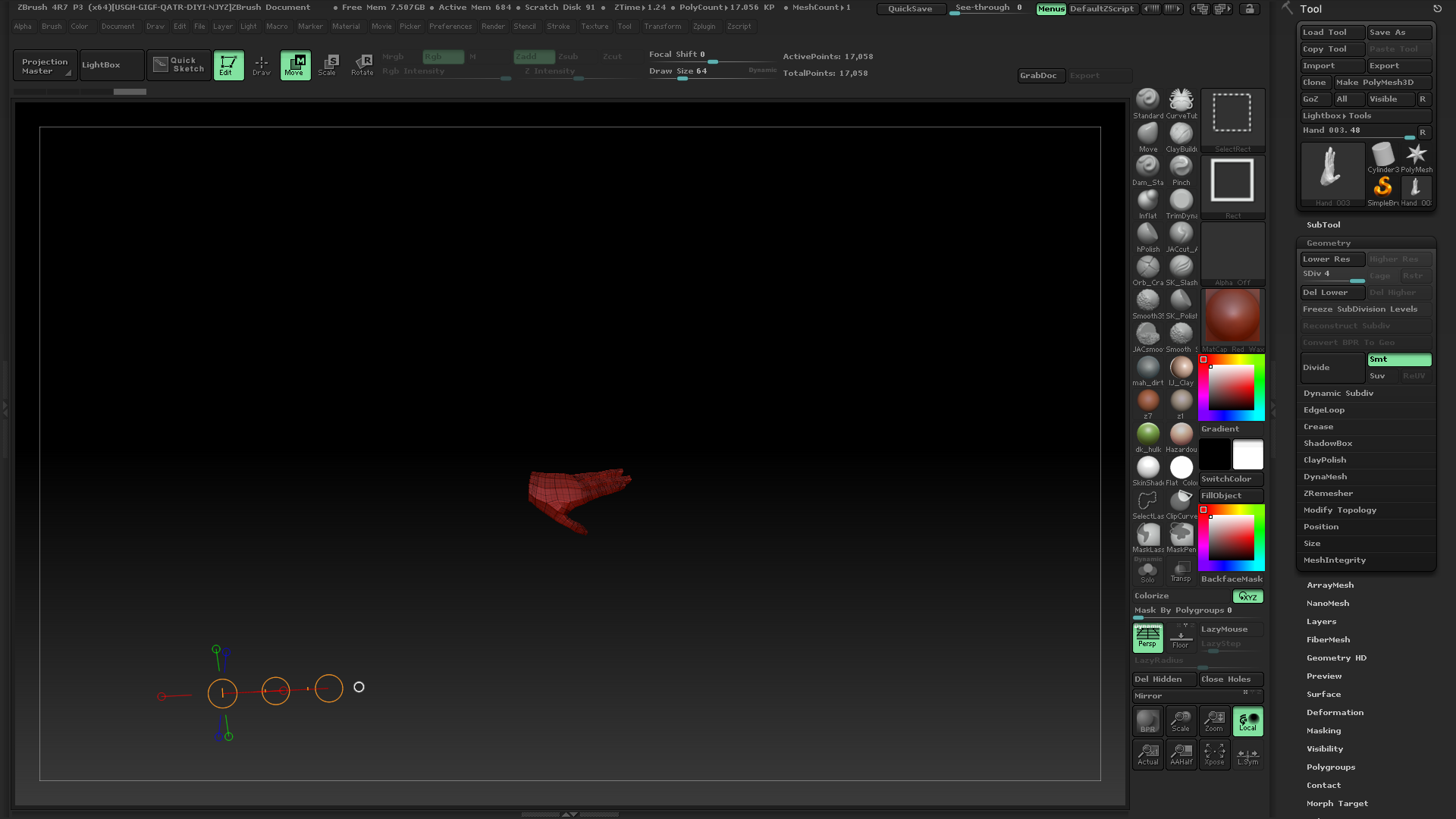
I’m working on a character, and I am using a hand from Super Average Man tool as a base mesh. I selected the hand and did a delete hidden. I saved the hand as a tool and opened a fresh project.
The thing is, it appears as though there is something hidden. The transpose tool shows up very far away from the hand, and even moving the hand around it behaves as if it is still attached to something far away, like Zbrush is remembering the rest of the geometry even though I deleted it.
How can I get my transpose tool and moves to behave normally with this hand? There appear to be no layers, and as I said, I deleted hidden and saved the tool!
Help?
Attachments