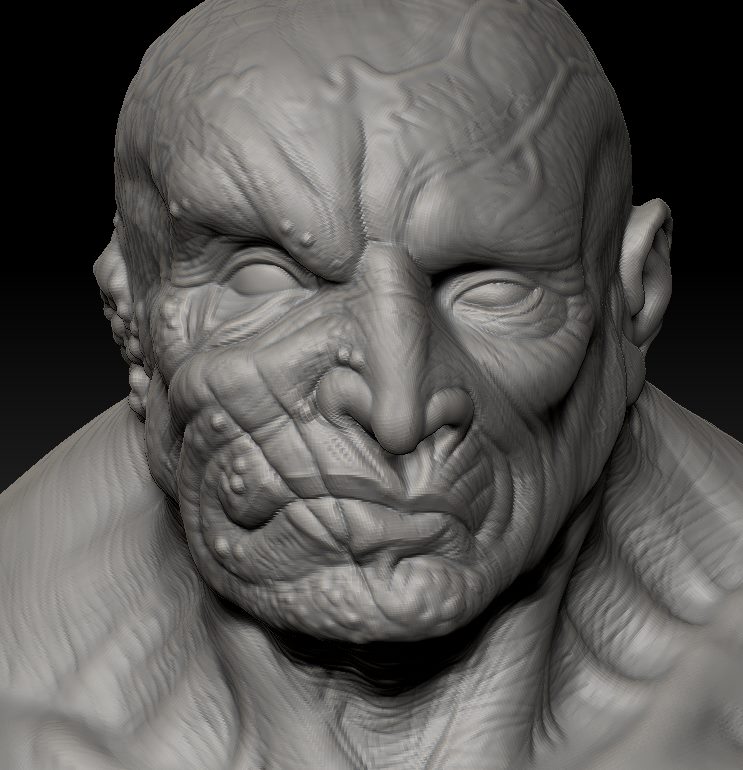
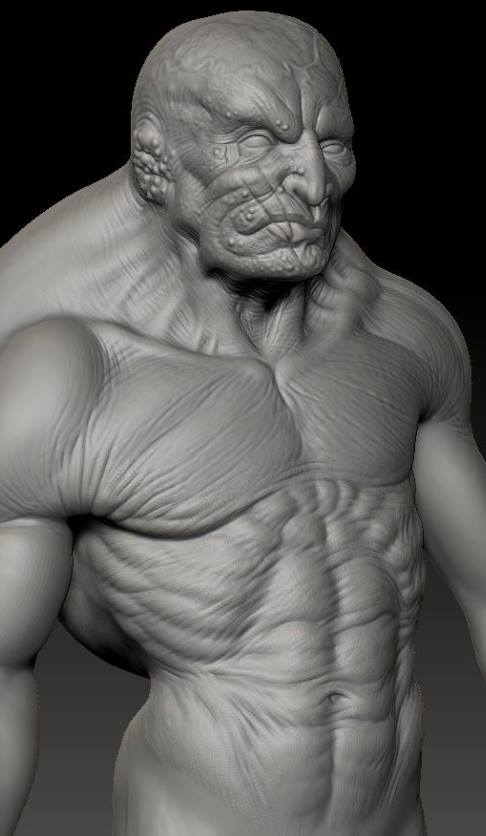
Hey guys, been a long time since I’ve been here. Found a few old pieces I’ve done browsing around, and figured I’d compile everything in some kind of chronolog order to demonstrate how not to do things. Lol
I’m going to start off with footage of my first sculpt that I found on youtube, It was very blurry because I didnt know how important video resolution was back then, so to make it more interesting, I spent a few hours playing with some filters 
[youtubehd]UaRsZnzHkMA[/youtubehd]
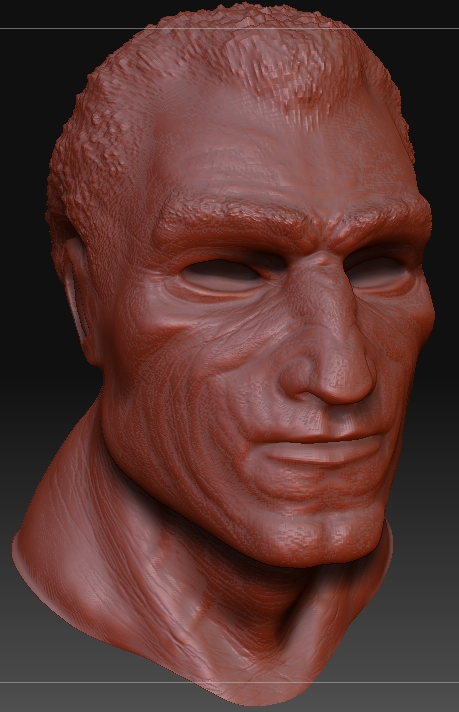
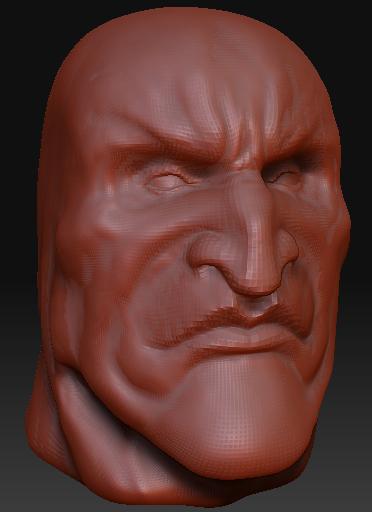
Clearly I saturated my work flow with masks for some reason. Here’s a look at the finished model itself in higher resolution.
I had no idea what anatomy was back then. Hah.
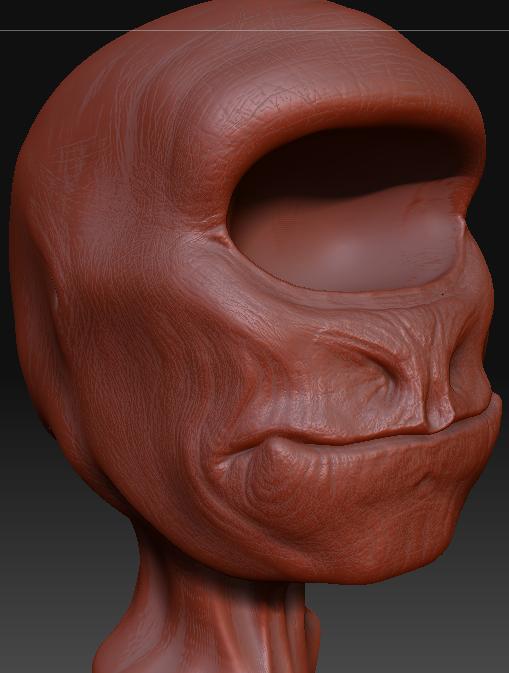
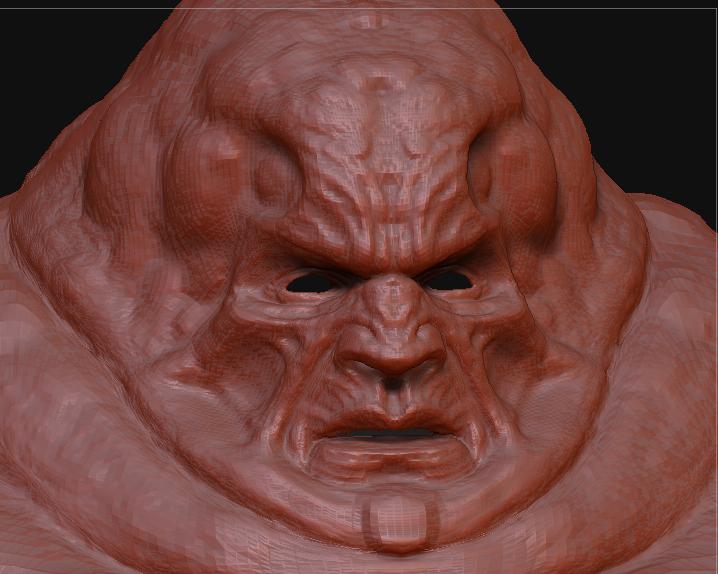
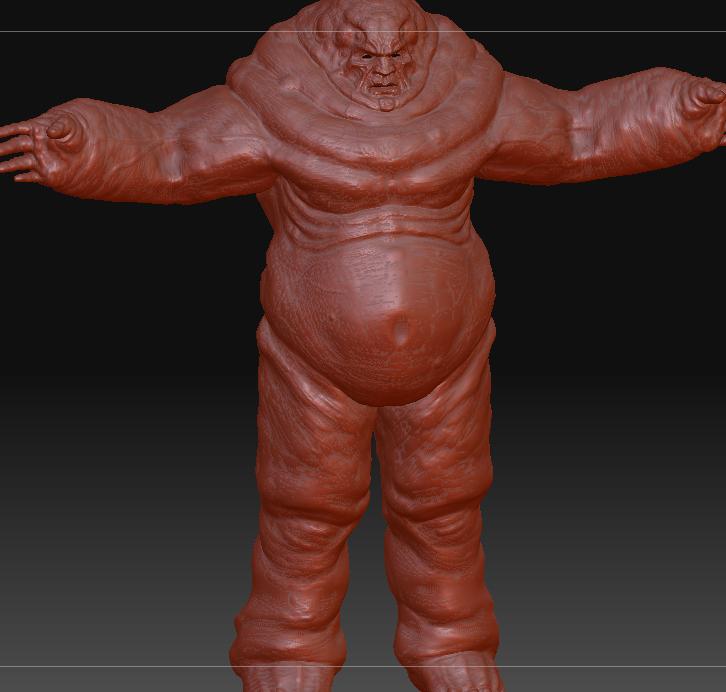
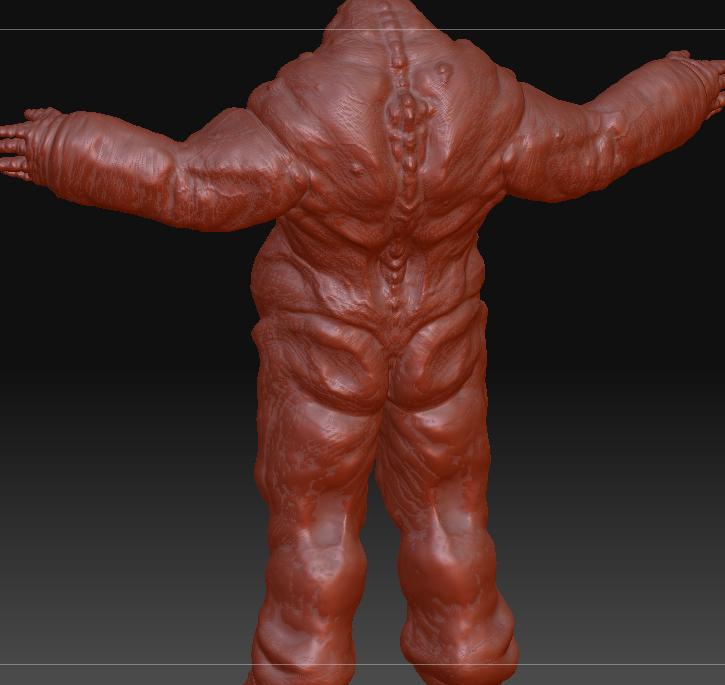
Here’s a few other pieces made around the same time.
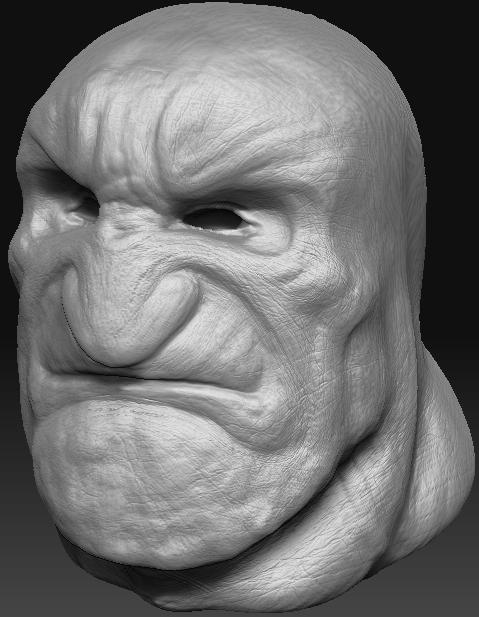
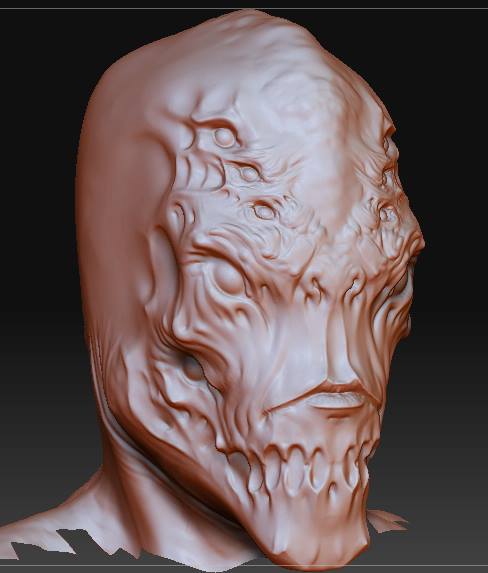
It was all very lumpy. Anyways, I dont have a lot of footage between then and now of projects I had due to losing a hard drive to catastrophic failure, but here’s some more recent work 
I have to get my cintiq from my a family member so I can get back into producing more pieces and fine tuning my skills, but I’d love to know what you think of the few new samples I have. I am open to all forms of critique!
Attachments