What would be the fastest way to get some base 3d volume to sculpt on based on a page of idea thumbnails such as this one ? Is there a way to take an image and have it painted directly onto shadowbox? Or even better just a part of it so I don’t have to do additional cropping & saving in photoshop? I know I could ctrl-paint on the shadowbox using the thumbnail as reference, but isn’t there a way to use the image directly? Or maybe there is a better/non shadowbox way of quickly using a b&w thumbnail to generate a 3d volume?
Thank you in advance. Thank you in general to all the great people here and for your patience answers to my past questions!
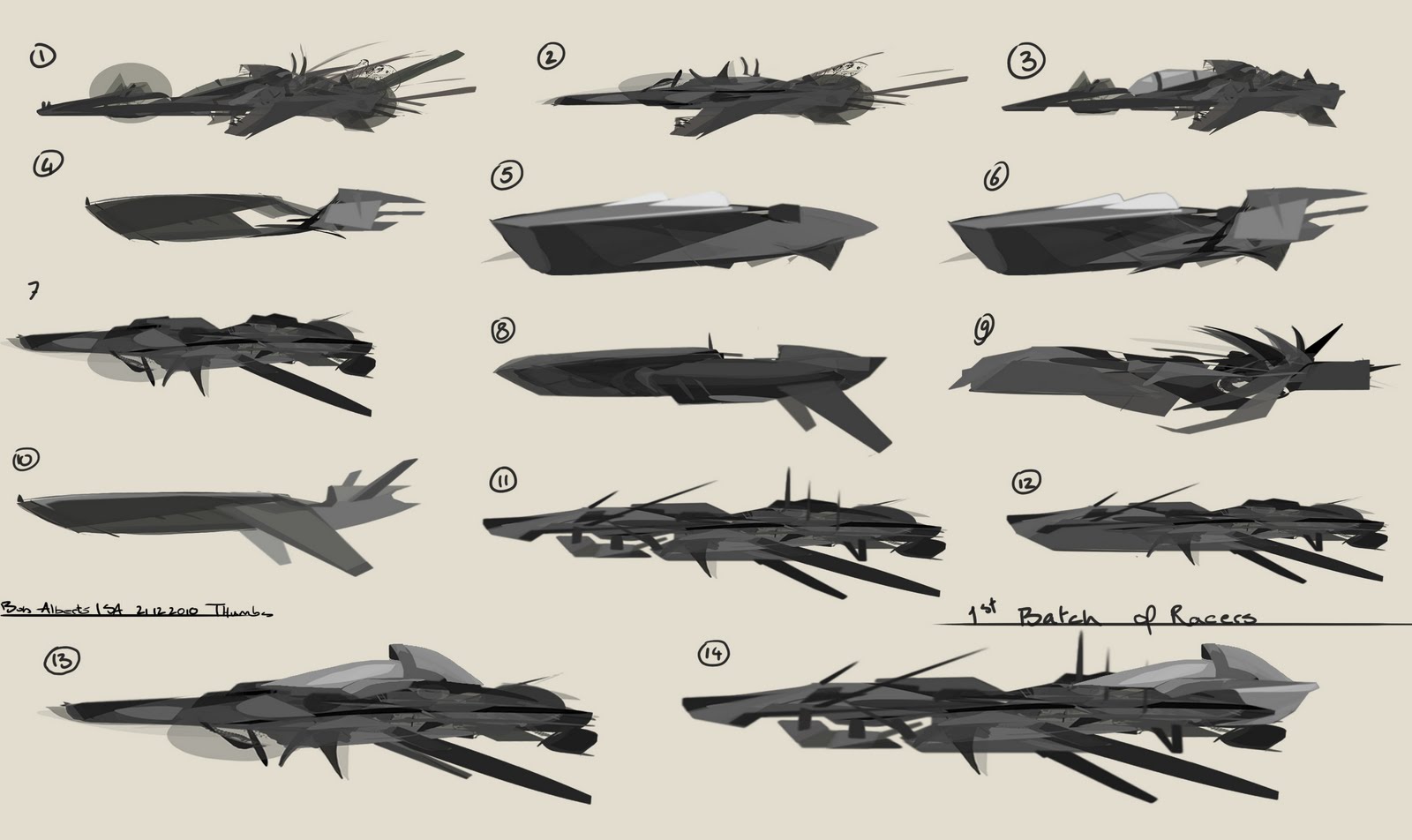
I was hoping for a way to transfer an already drawn image (say jpg from photoshop) with b&w silhouette into a 3d shape without having to retrace over it.