Hi, I am an idiot.
I did my sculpt and polypainted it, and now I wan to export a displacement and texture map. Once I get an okay result the other time not as good. Please tell me what I’m doing wrong? How to reorganize the uv’s? Why do they get screwed up in the first place? Is it okay to read in the multi displacement 3 under get mesh info tile:0? or does it have to say tile:1? How is that accomplished. My models are either red or black.
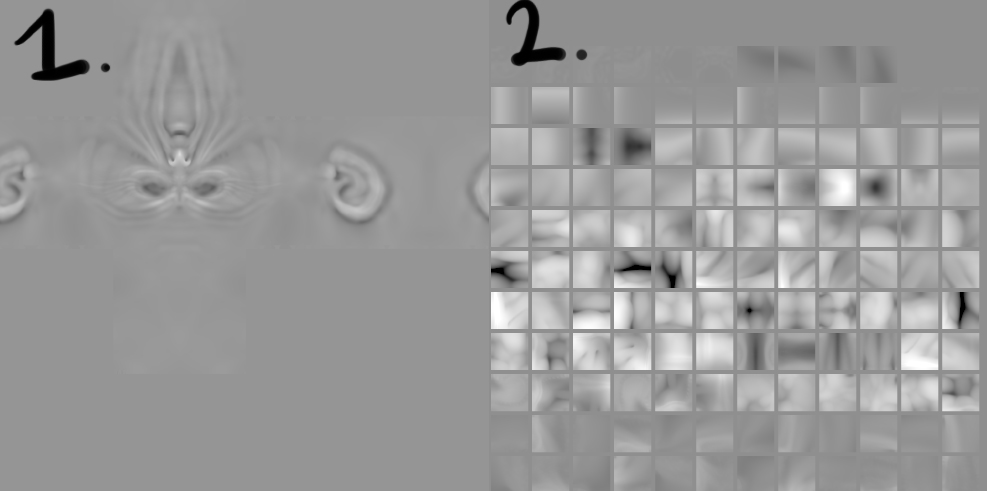
This is the example, 1 is one type I get, and 2 is another, is one of them wrong, or atre they both ok? Same thing with textures, it’s a lottery pretty much, and I don’t want it to be.
I’ve gone through pixologic manuals, and a lot more, so don’t know if iit’s a languge barrier or I’m as sharp as a spoon, but please make me sharp 
Thanks,
cr
[[attach=151694]example.jpg[/attach]](javascript:zb_insimg(‘151694’,‘example.jpg’,1,0))
Attachments