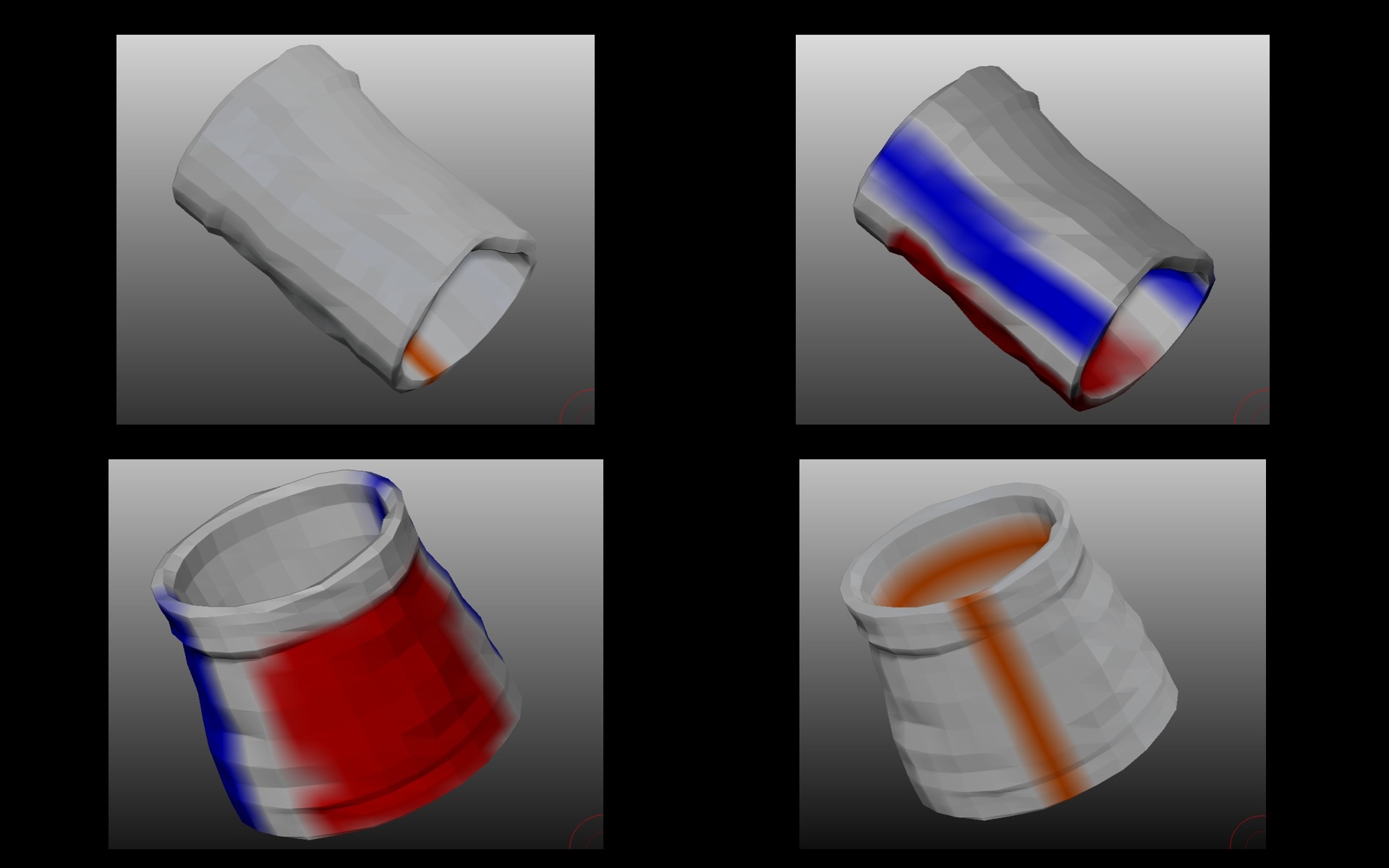
I’ve just used UV master on a simple cylinder and the seams have appeared in the exact opposite areas defined by the control painting. It’s consistent behaviour as I’ve ended up switching the protect/attract areas to get the result I want.
I’m thinking it may be a brush modifier I’ve turned on. Any ideas?
thanks
 so now I’m afraid - the control painting’s disappeared off the clone, and there’s no point in posting just the result. I had another batch of problems with another object - the polypaint from the original was colouring the low-poly clone when I turned on control painting; a restart of zbrush fixed things though and it worked perfectly after. I’m assuming the two (control and normal painting) are closely linked…