ZBrushCentral

UV Troubles

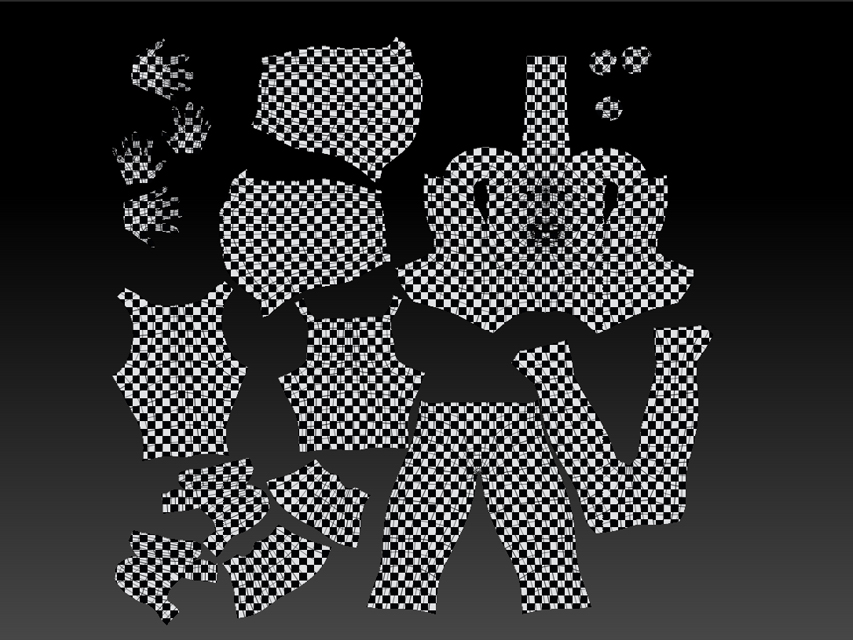
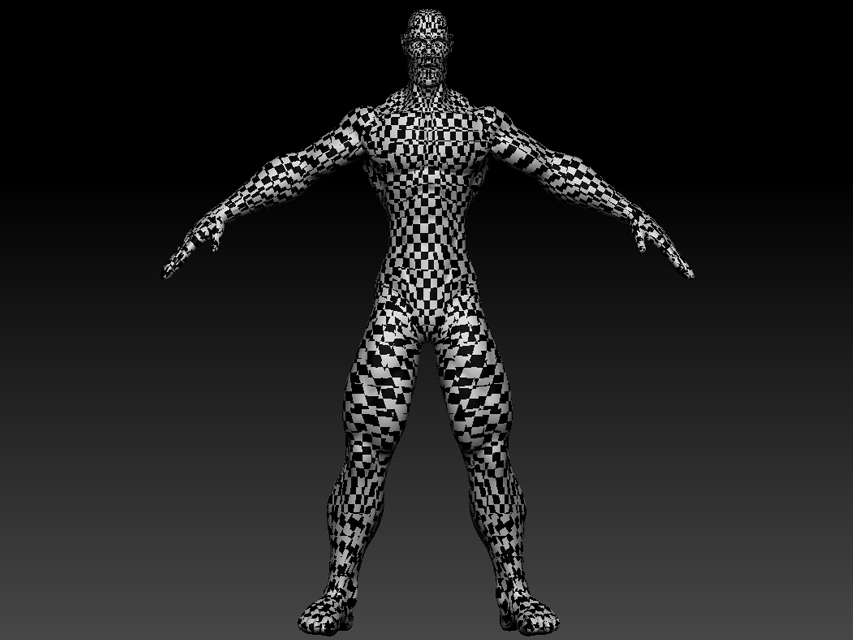
Man i need some help, tried google’in the issue but no luck, I sculpted up a hi res model, i dropped to the lowest sub division and exported that to 3ds max 2011, there i unwrapped then exported it back to zbrush 3.5 R3. the model with edited UVs looks good as shown below, but when i try to copy and paste uvs with UV master i get a damn mess, also shown below, so yeah i could use a friend right about now.

main
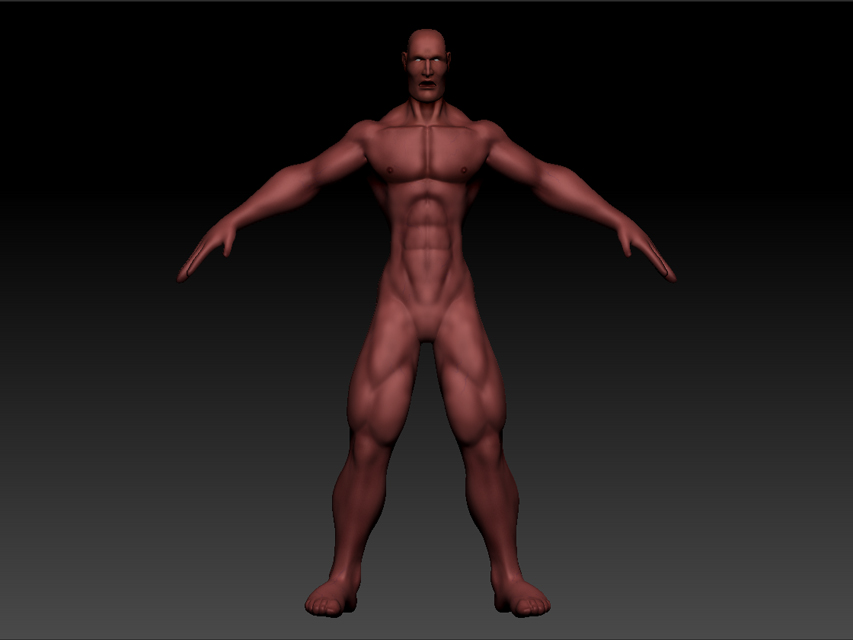
main.jpg

please say this isn’t some weird issue and i just suck at using google
thanks
Matt

Attachments
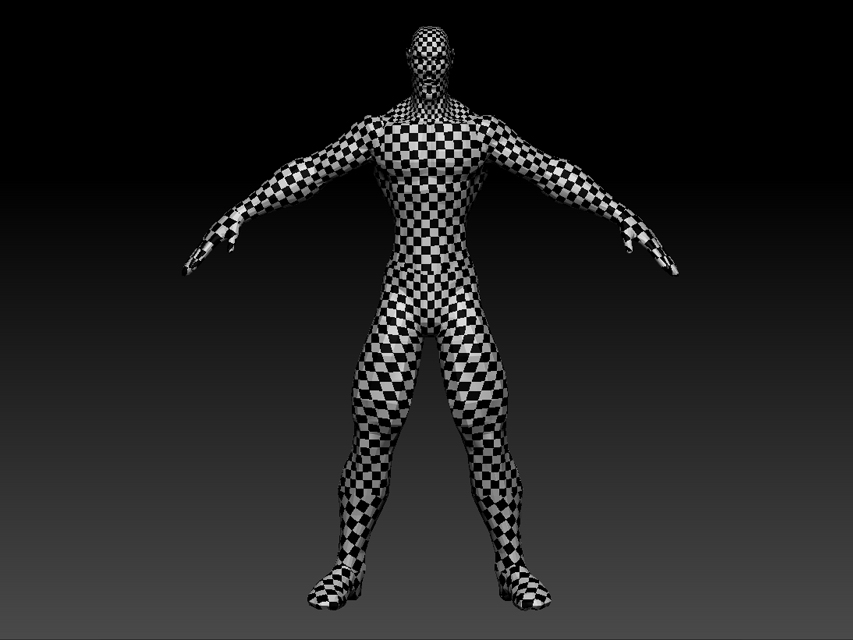
goodUV.jpg

badUV_flat.jpg

badUV_main.jpg

Could you describe the exact steps that you’re following, and settings you’re using?

  1. I start with a generic character model (no UVs) and import this to zbrush
  2. sculpt in zBrush untill i am somewhat pleased with the results, i also poly painted as seen above.
  3. I export out the lowest sub division of the model to max
  4. in max i uv unwrap and export back (making sure that uv coords, polygoup and almost everything is on, with the preset for zbrush)
    5.i use the newly exported in model as a “clone” of the main sculp in UV Master to copy the UVs from and what i get on the main model is what you see above.
  5. I attempt another export from max to see if something is amiss with the export and get the same result.
  6. after a few hours … rage quit.

so again is this a new one, the documentation vaguely says that its possible,
i don’t alter the low res model in max ei adding edge loops, retop, anything like that just edit uvs then collapse the stack and export

If you just going into Max to unwrap it, why don’t just do it in ZBrush using UVMaster?..Ok lets say you want to specify the “correct” seams in the UV and because Z can’t do that, you bring it into Max, then what I suggest you to do is unwrap it back in Z using UVMaster but before that check the button that says “Use Exiting UV Seams” in the UVMaster palette. Hope this help! :wink:

_Revel

Yeah went down that road it freezes up, also imported the bad UV mess out again to max to see the issue. For some reason when the UVs are copied every edge becomes a seam but are still in there correct UV island.

When you are going to export the UV from ZBrush into Max, you should turn on the [Mrg] button on the Tool:Export, so that it will merge all the UVs (not separating all the polys like you have right now). I’m not sure when you import UV to Z you have to turn on [Mrg] also or not, you can try experimenting with and without turning that button, see which on work.

_Revel

we’re getting destracted here, the problem is in Zbrush when i hit copy UVs from the imported model then paste to the high-res model that was originally sculpted in zbrush.

It seems i just need to adjust the workflow to do UVs first. Then sculpt followed by unwrap UVs, with use existing UV layout selected.

thanks for the input though

I had a similar issue going from ZB > Max > ZB which I detailed in this thread:

http://www.zbrushcentral.com/showthread.php?t=86271

I never found a solution to the exact issue you are having, but it seemed to be related to the point order issue between the two programs and I listed a solution in my thread which fixed it for me when dealing with the UV issue.

Hope that helps.