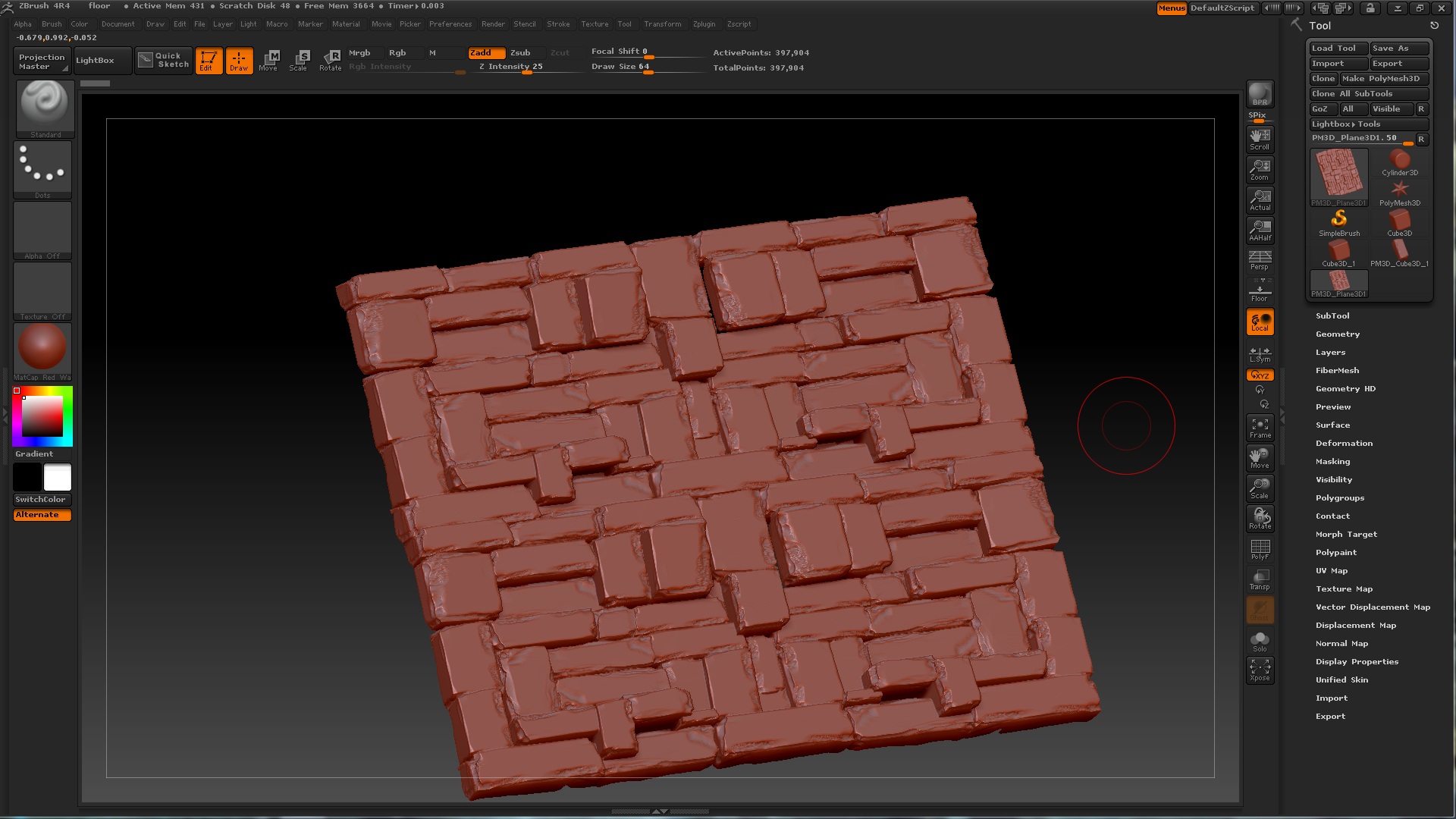
Hello, I’m currently struggling with UV master. I used to do UV mapping in Maya but it still had quite a bad quality, since I still can’t figure out how to do it properly.
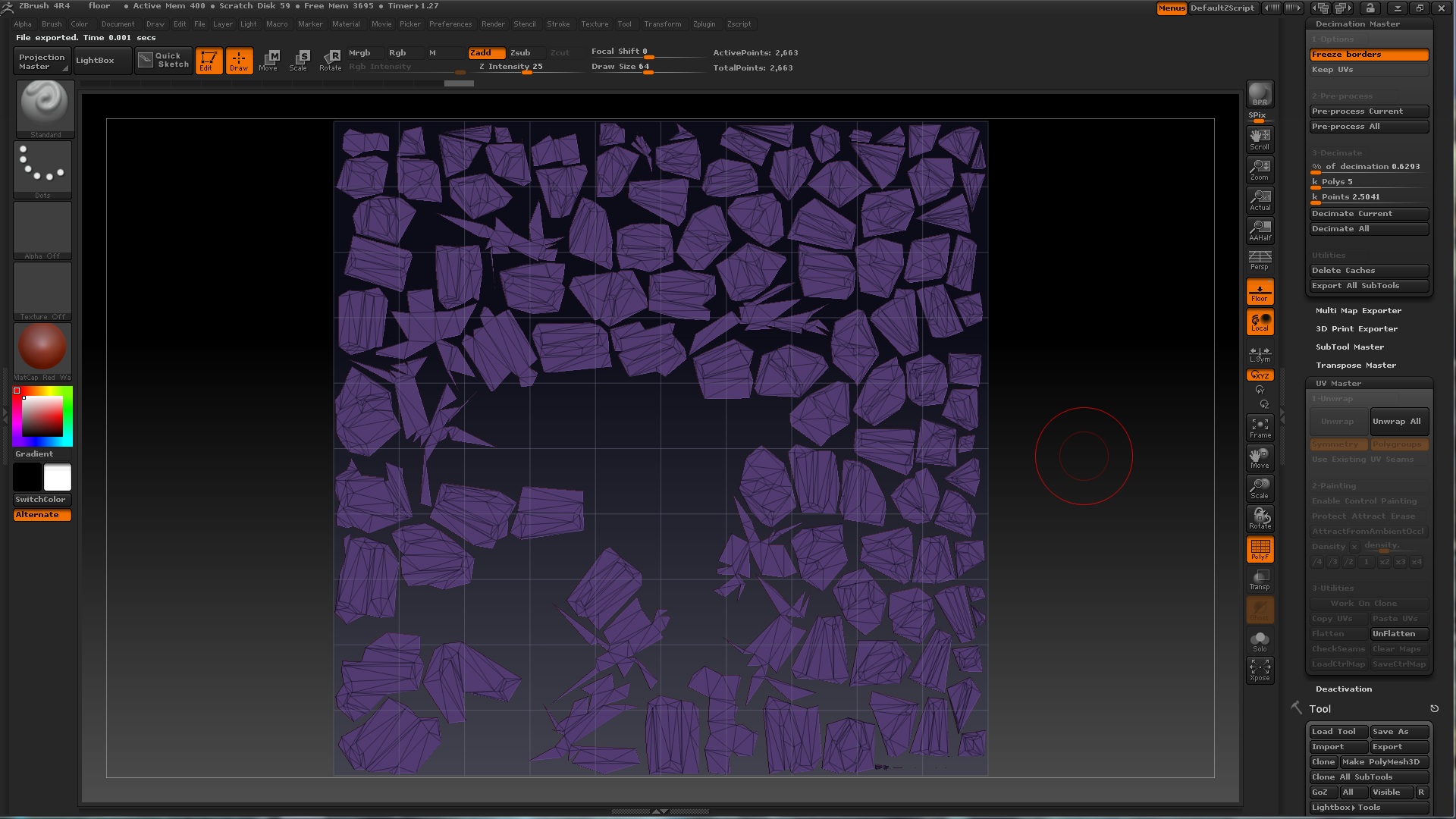
I made a couple of meshes for my project and I couldn’t UV them even with UV master. I watched a couple of tutorials, explaining the seams and stuff like that but it still creates weird uv’s for me. Sometimes it’s to small or even distorted in some spaces. Even a stone block wall was distorted.
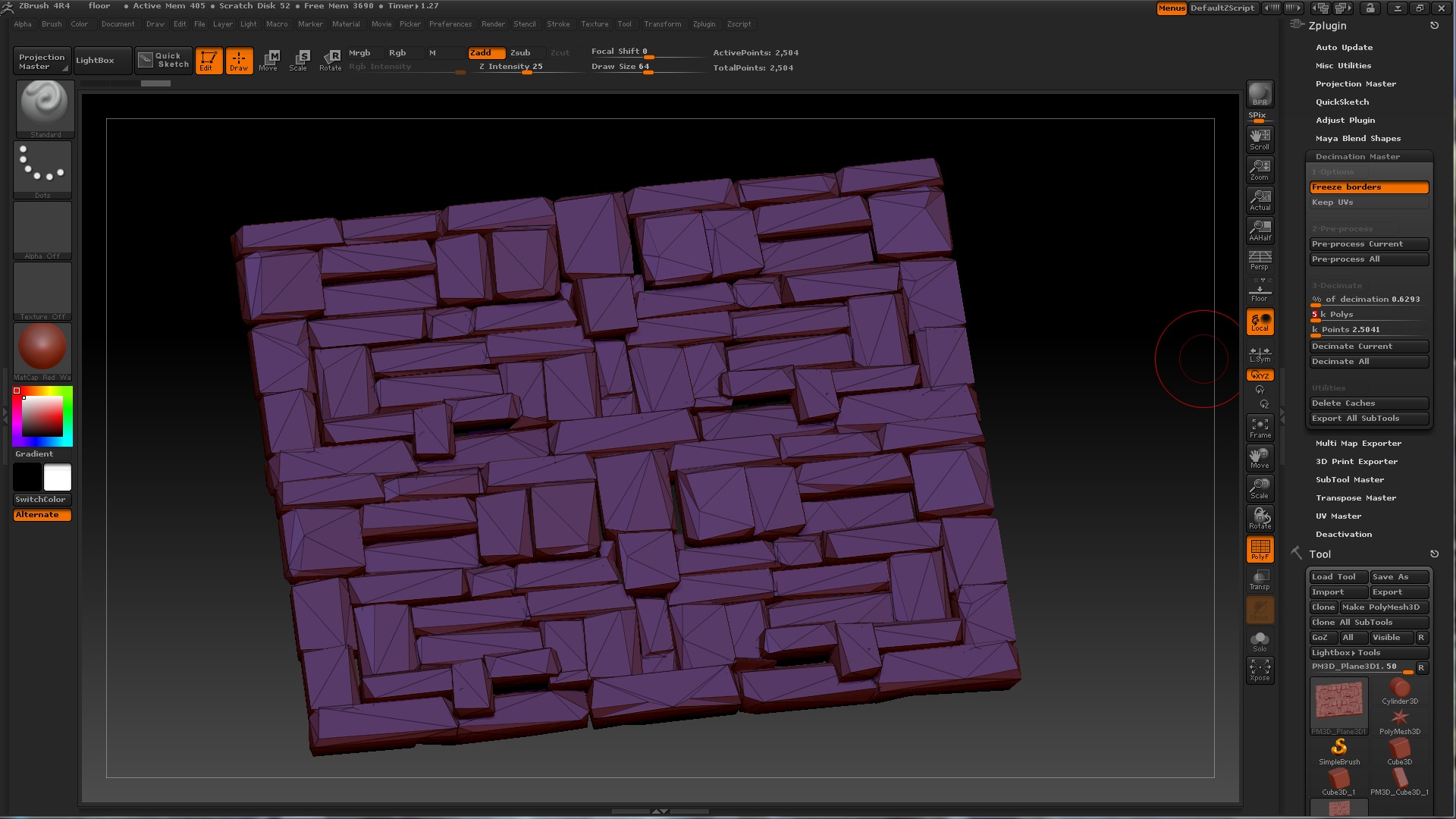
Although, before I can layout uv’s I have to use the decimation master to lower the amount of polys for a normal level (like 4-5k for game engines) and dm cut’s it into triangles. After that, laying out uv’s is pure nightmare.
Can you please suggest some tutorial, which explains step by step method of creating UV’s. I was searching, nothing could help or explain the appearance of bugs.
I personally wouldn’t recommend Decimation Master for the final mesh. It’s good for the high-poly version (which doesn’t need UVs), but otherwise the topology is hardly optimized for games even if it’s in the 4-5k range. You’d get a much better result retopologizing it by hand, either through GoZing to to another program or using QRemesher, zspheres, etc.
Beyond that, do you have any screenshots of the results you’re getting? I’m not sure if you mean the UVs are actually distorted after you’ve baked your maps, or if they’re too relaxed for you to manually paint a straight line on (I think it’s more suited towards projection painting or polypaint-baking as opposed to a model that you’d plan to spend more time texturing in photoshop or doing any tiling / heavier UV optimizing).
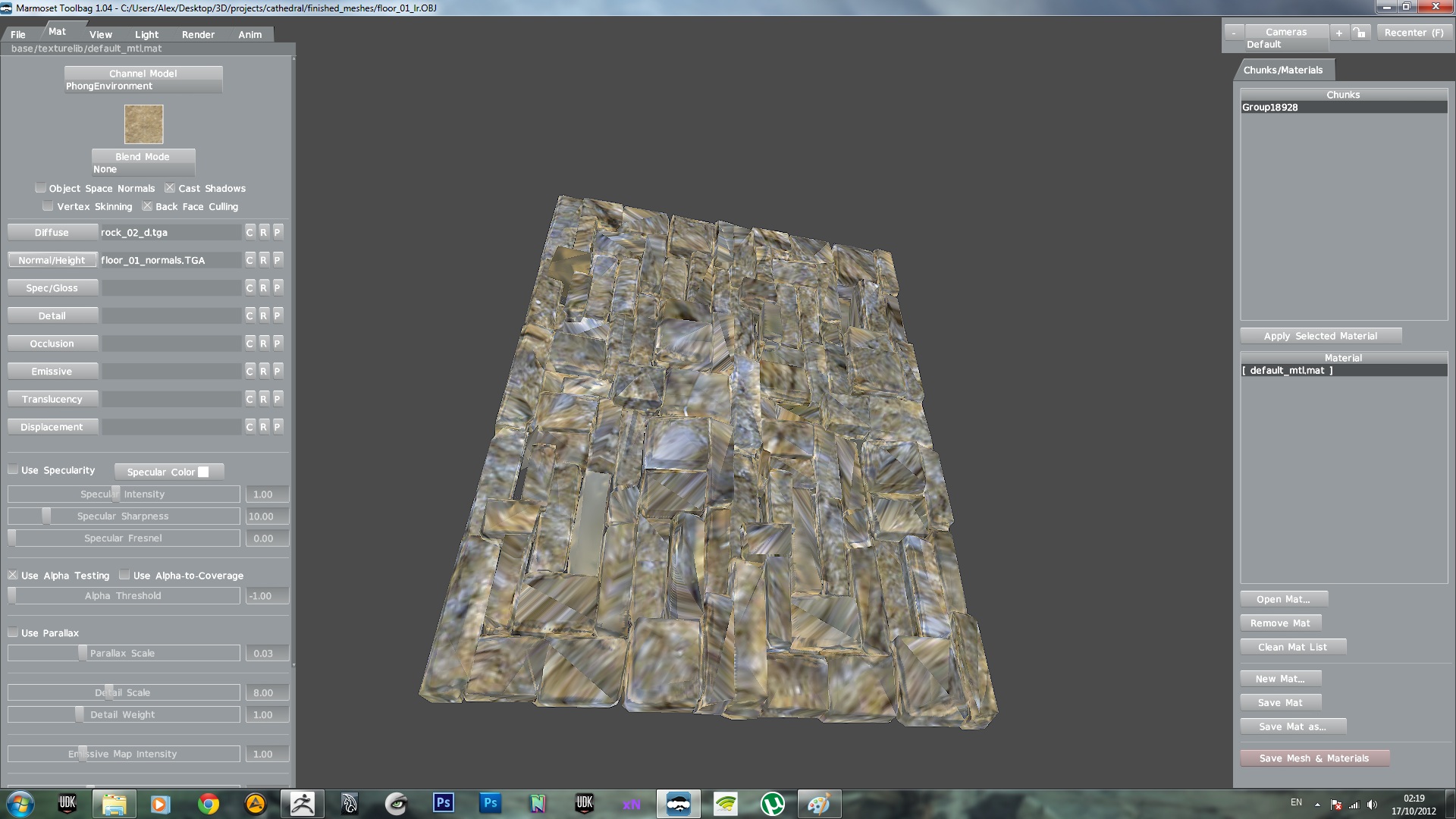
There you go, this is a result I get all the time. I’m not focusing on spending lot’s of time in texture optimization. But I need to get proper uv’s. At least without glitches…
I get a stone wall, decimate it (by the way, how can I use qmesher to optimize it if it only deletes half of the polys at most?), then try to do uv mapping (by simple unwrapping or by painting my own seems, neither works). And then I get the map but it’s wrong.
It wont require a lot of time for texture optimization, but spending some time (a few minutes depending on the complexity of the wall) would make the asset significantly better if your goal is real-time rendering. Otherwise the UVs will complicate your workflow, and all those UV islands are going to significantly raise the vertex count (which matters more than the polygon count). In this case, you’d probably want your lowpoly model to be a single solid mesh, instead of being made out of dozens of unique bricks. The entire thing could be retopologized to more of a basic rectangular shape (even a plane if it doesn’t require any volume), which would leave the texture being a straight-on projection.
For speed, you could either try to dynamesh a clone of the tool at a low resolution, or remesh + project it to have the new skin match the volume. It doesn’t have to preserve all the details like the chips and bevels of the bricks, that’s where your baked maps will come into play. ZSpheres or Retopology in another program would be slightly slower, but would give you even more control in case you wanted to pop out a few bricks for a nice uneven surface/silhouette.
As for QRemesher, above the ‘half’ button there is a slider where you can specify an amount (in thousands) to aim for. If you type in 2, it will aim for 2000 polys. The half/same/double are just quick presets (and if you ever need to go lower than 1k, you should be able to keep hitting the half button to get half of a half).
Two other notes to consider:
1 - If you’re baking the textures inside of zbrush, you may need to flip them vertically before or after you export them.
2 - If you’re baking the maps in another program such as Maya or XNormal, export your lowpoly mesh from there as well and be sure to include your vertex normal data, tangents, and anything else that you can that relates to normal maps. AFAIK, zbrush doesn’t touch usernormals so it doesn’t include them in the OBJ, and engines like Marmoset are going to want those unless you’re baking an object space normal map. I think Marmoset supports FBX, so that should be the best way to go.
I’ve tried qmesher but for some reason it distorts all the forms of the blocks. It creates round low-poly meshes which is not exactly what I need, but using dynamesh and meshlab to decimate the number of polys sounds like an idea I’m trying to do that now. Thanks for advice
Regarding qRemesher, if you check out that tutorial there is a step towards the end where they use Project All to have the original shape projected back onto the new mesh.
Decimation Master / Meshlab should not be required for this. If you use Dynamesh, just keep the resolution low.