ZBrushCentral

uv master scale problem

Hi,

I need some help with the new uvmaster tools.
I’ve unwrapped the zbrush standard models like the rhino etc …
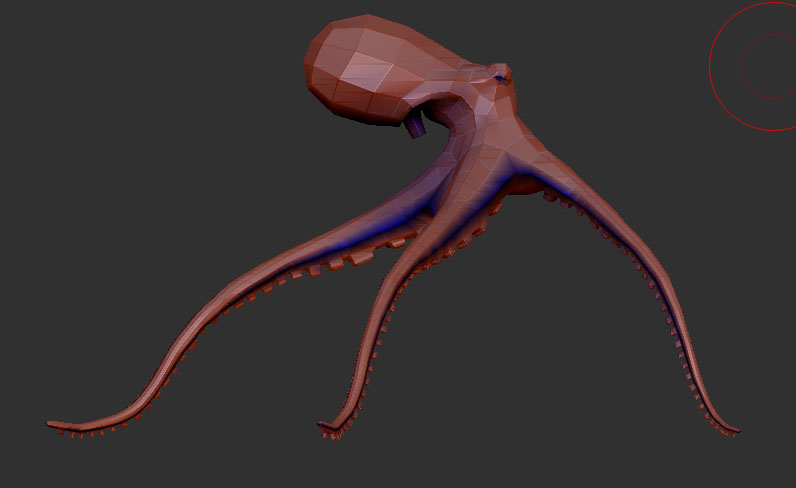
succesfully, but when I try the tools on my own model, a octopus,
I’m getting the same error. It will unfold ok, but when flatten the
model to check the uv’s, my model is way oversized, as not visible
on the grid. If I try to rescale the flattened model to fit within the
grid or unify and then try to unflatten, zbrush crashes, each time.
So this is definitely repeatable. Any one have the same problem or
have a work-around.

thanks

e1

Attachments
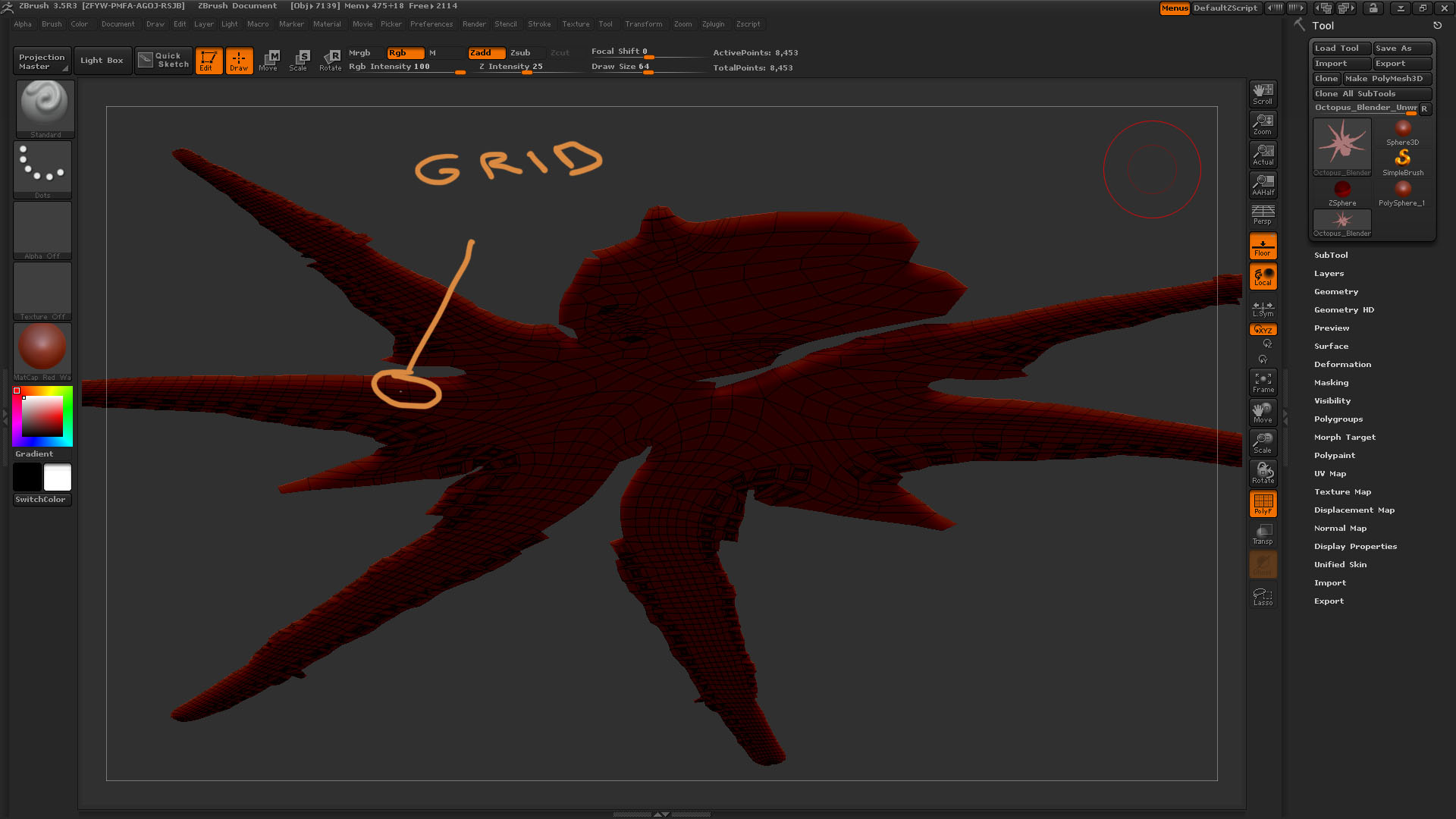
two.jpg

one.jpg

are you unifying before you do any sort of UV stuff?

After lots of hair pulling I have found a workaround

  1. Select object
  2. Open uvmaster, paint control map and unwrap
  3. before flattening, unify your object
  4. flatten
  5. now if you find your uv-map is way out of scale
    just push the unify button again
    and your uvmap will be sitting nicely within the view grid
  6. now if you unflatten zbrush will not crash
  7. hurrah!

I have no idea about the logic of this and why there are these scale and
pivot issues with zbrush, beyond my brain I’m afraid, but at least this works. The real problem is that using zbrush often involves a lot of these
workarounds.

e1