Hi guys, I am using UV Master in a model with 4 subdivision levels and when I try to use UV Master I hit on “work on clone”, and as you know it makes a new white subtool with a low resolution level. Then I activate “Enable control painting” and try to use the “protect” or “Attract” but these options do not work. Commonly when I try to paint with “Protect” (red color) or Attract (blue color) it works correctly, but now I cant use these options. I GOT THE SOLUTION: It happens when we have created previously a texture map (maybe white) and if this texture is still activated we cant paint over it on UV Master. I forgot this option! :s
How can I create UV’s and unwrap them so I can export the texture map into cinema 4D if I have a complex model like this one? I recently used zremesher to bring the poly count down to about 50,000 polys and then work on clone in uv master and drew where I wanted to attract the seams in red and not attract in blue. And when I start to unwrap the loading bar starts and says (unwrapping : polygroups 1/42, cutting handle 25881/11…) it has been doing this for like 7 hrs. Can anyone please tell me how to fix this??? I know it shouldn’t take this long to unwrap. The model is on piece and merged together, the original was 3 sub tools. And I did not set up different polygroups. The model is just one polygroup.
Attachments
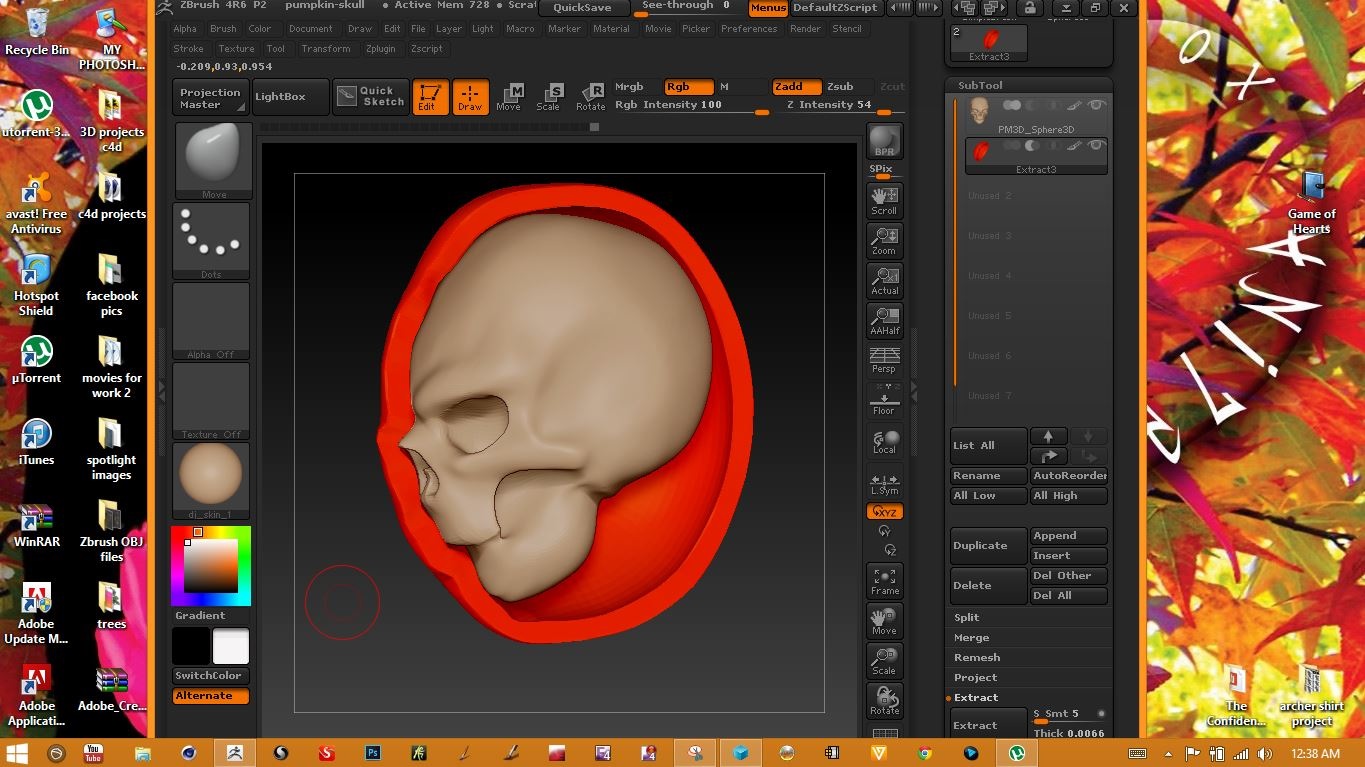
I’m having the same issue. So I have a coloured plane 2d and when I go to “Work on clone” the clone 2d is white?!? Which I don’t know why it keeps on changing to white instead of cloning the colours that I have on my model. I’ve been trying to correct this issue, but no luck. Hopefully you can help me out here!