Hi,
I´m quite new to ZB but have trying to learn it now for few days. I have sculpted 2 heads, polypainted, UV Mastered and exported to Lightwave succesfully.
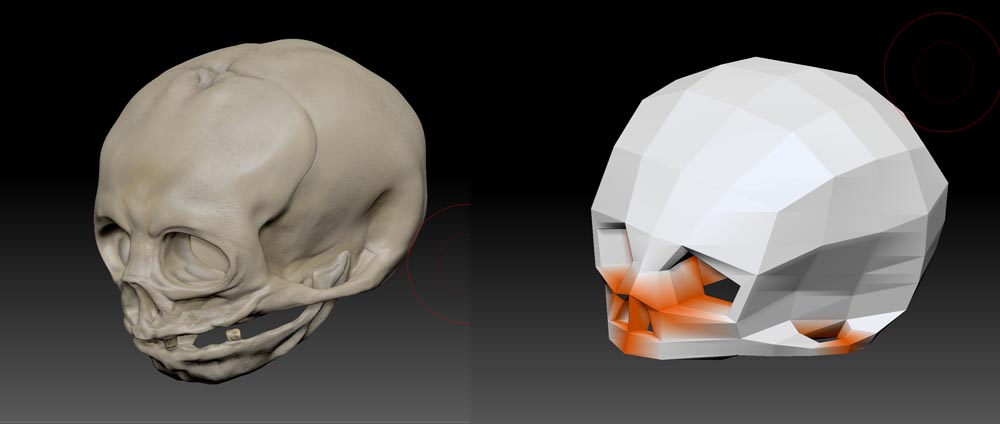
Today I started a new skull model. Everything went fine until it was time to use UV Master. When UV:n the upper part of the skull the seams come to worst places (eyes, etc.) I use “protect” on the front and set “attract” to the back of the skull but it didn´t change the seam placement at all.
What should I do to get the seams to move to back of the skull?
(I think the “holes” in mesh are causing the problem but I don´t know how to fix it…)
- built
Attachments