ZBrushCentral

uv help

untitled.JPG
hi guys

i have problem that zbrush is not showing my uv mapping

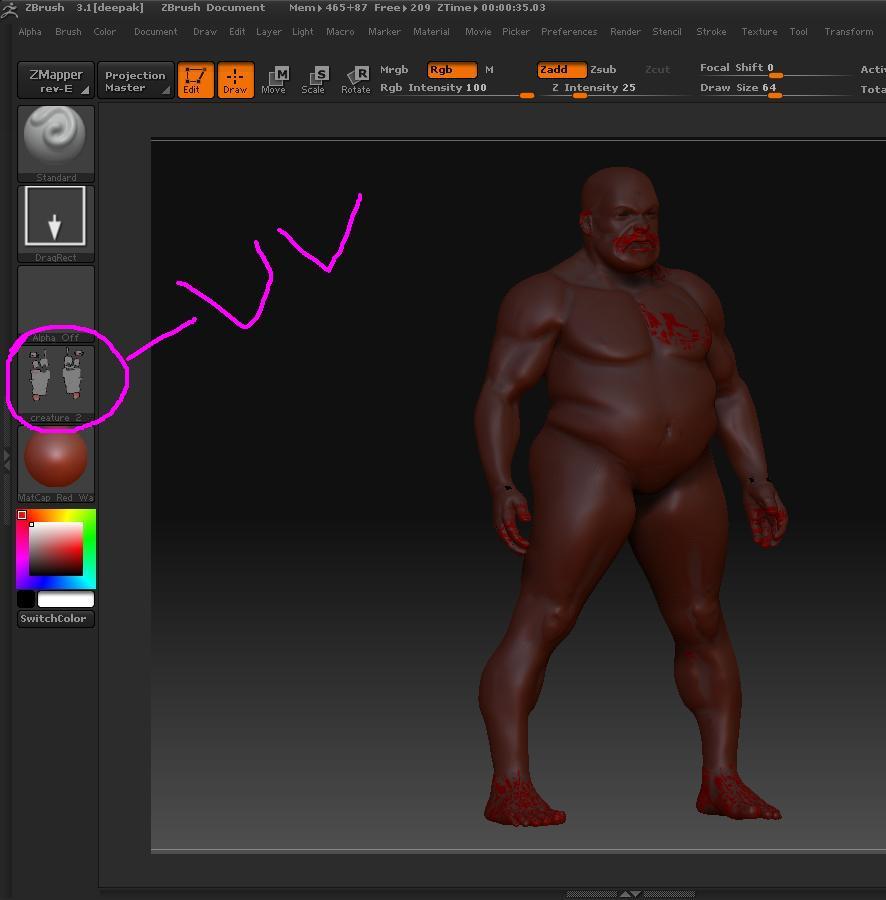
in the first image it is showing when i click on uv check .I had saved it (creature 2.ztl)

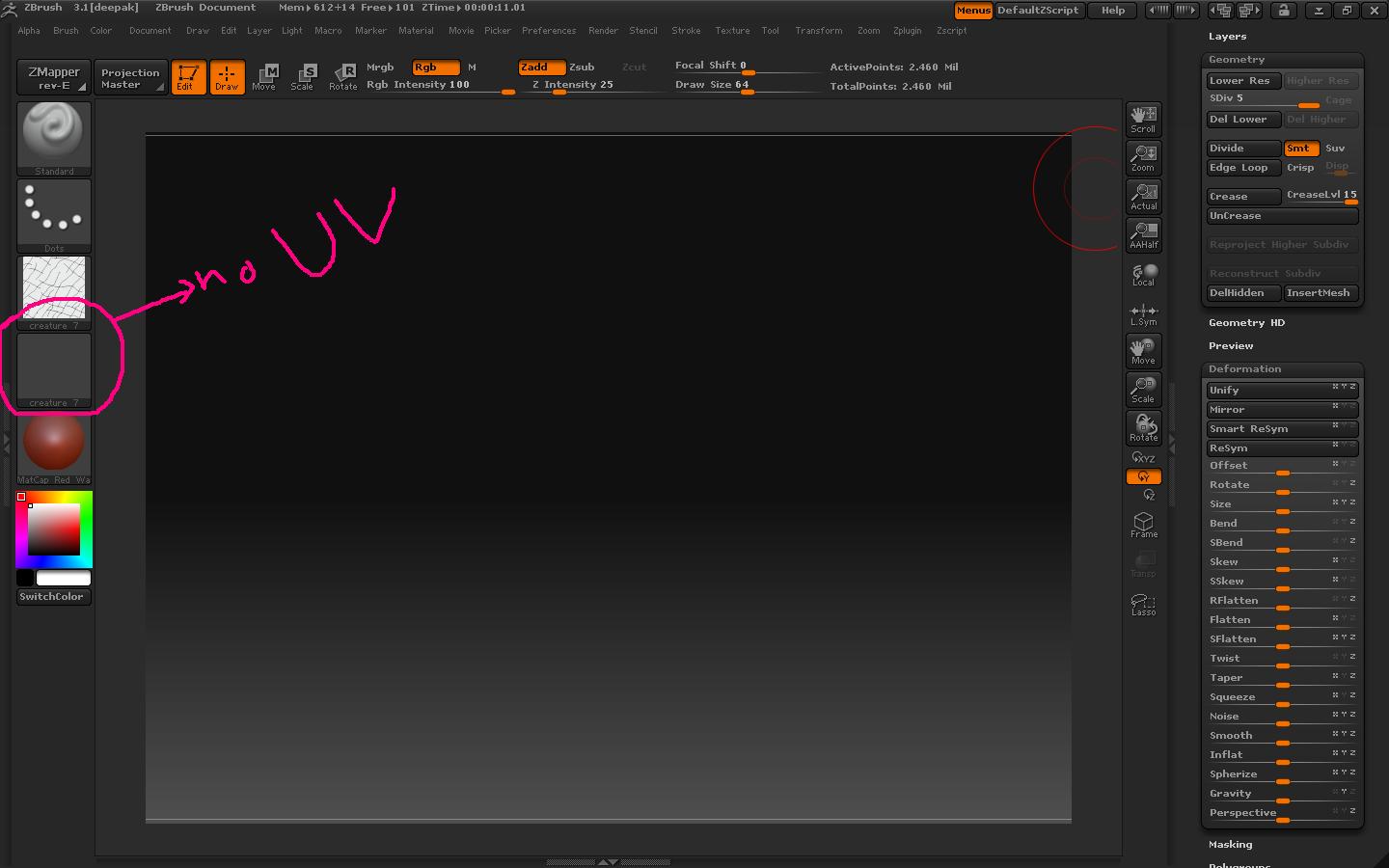
but when i had give details to my model and saved it creature7.ztl another file
and click on uv check my uv are not showing and even my model disappear i dont know why
i have to create displacement map and it showing blank gray image

plzzzzzzzzzzzzzzzzz help me

Attachments

untitled1.JPG

During your work, did you click the Tool>Texture>DisableUV button? If so, then that erased your UV’s, even if you later enable UV’s again.

Something that you can do (assuming that UV’s are enabled) is to go to level 1 of your model. Store a morph target, and then import your original UV’d OBJ again. That will restore the UV’s and allow you to continue.

It’s important to restore your base mesh before creating a displacement map, anyway. So this is a step you should be taking as it is.

thanx aurick
yes i had disable uv and then enable it
can u explain it in more details how i restore my uv`s plzzzz becouze i m new to zbrush i dont know how to restore it , is storing a morph target neccessary

plzzzzz

pls

how to create uv in zbrush
i have painting in potoshop

how ??

I already gave the exact steps that you need to follow. Enable your UV’s again and then do the following: Go to level 1 of your model. Store a morph target (Tool>Morph Target>StoreMT), and then import your original UV’d OBJ again. That will restore the UV’s and allow you to continue.

hey aurick
thanx for helping me
one more question , If i change my uv in 3d max and then import it again , is zbrush than also let me to work and replace my level 1 with the newer one and do i have to click to switch button when i export displacement map