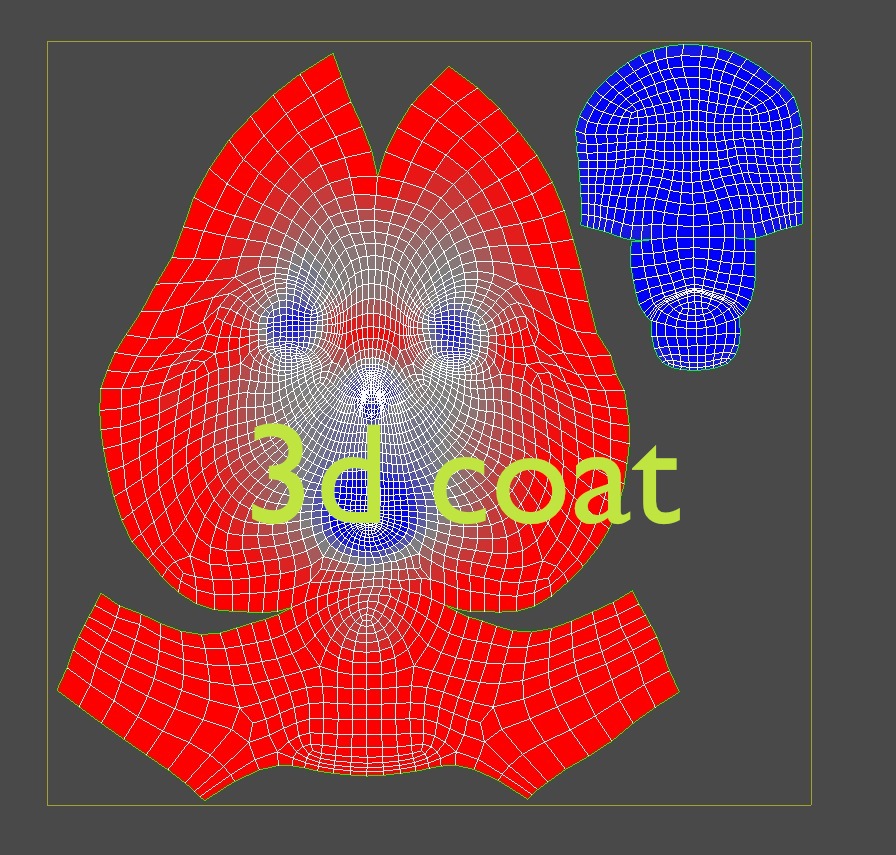
hi,
I’ve created uv’s on an exported ztl in 3Dcoat and imported the new .obj back into ZBrush. the UV layout is simple and works fine in ZBrush, but the map is flipped in the txtr palette. I’ve exported out to mudbox too, and had to flip the map when doing so, then flip it back when reimporting back into Zbrush.
I can’t find any option to flip the map in ZBrush - it’d save a lot of hassle as I’m continuously flipping it in an image editor 'twix applications.
Any help?
thanks
j
Attachments