ZBrushCentral

using spotlight grayscale as a mask

Hello,

i’ve encountered this video:

http://vimeo.com/5475113

that shows a neat way to quickly put alot of details on a solid mesh. I’m trying to recreate this in zbrush. I’ve uploaded an apropriate image into spotlight, but i dont know how to use it as a mask, the way he does in Coat3D. Everytime i sculpt with that image under i’m getting results as in the attached image.

Anyone knows how to get zbrush to do it?

Regards,

Jamaj.

Attachments
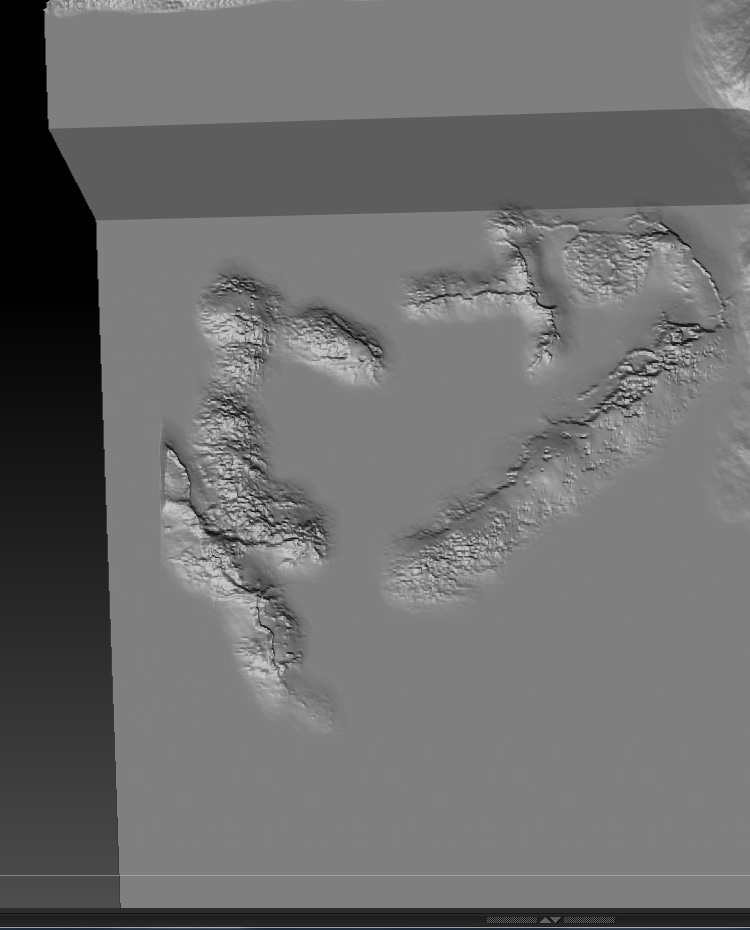
Untitled-1.jpg

Zbrush doesn’t have a feature like the one in the video, unless my tired mind is failing me tonight.

Here’s something of a workaround:

-Paint the black and white color data on the model. (You’ve already done a bit of this.)
-Go to your masking options and use “Mask by Saturation.”
-Use the clay brush (or something similar) with a large brush size, and stroke over the entire model.

You’ll have to decide what the proper brush intensity and zAdd or zSub will need to be.

You should have plenty of options. If I have time I’ll look for a better way to get what you’re looking for. Maybe I already know one but I’m overlooking it because I’m tired. :wink: