Ihave just today made this model, and I used the projection master to give it a paintjob. But it has given me a few questions. When you use projection master to paint a model, can you save the information… as far as I can figure, once you ‘pick up’ the model again all that work is lost? and also, once you have rendered an image, how do you save a copy? I see no options in the render menu for this, and the document only saves as a zbr. file. Is there no way to save out a jpg or similar to open up in 2d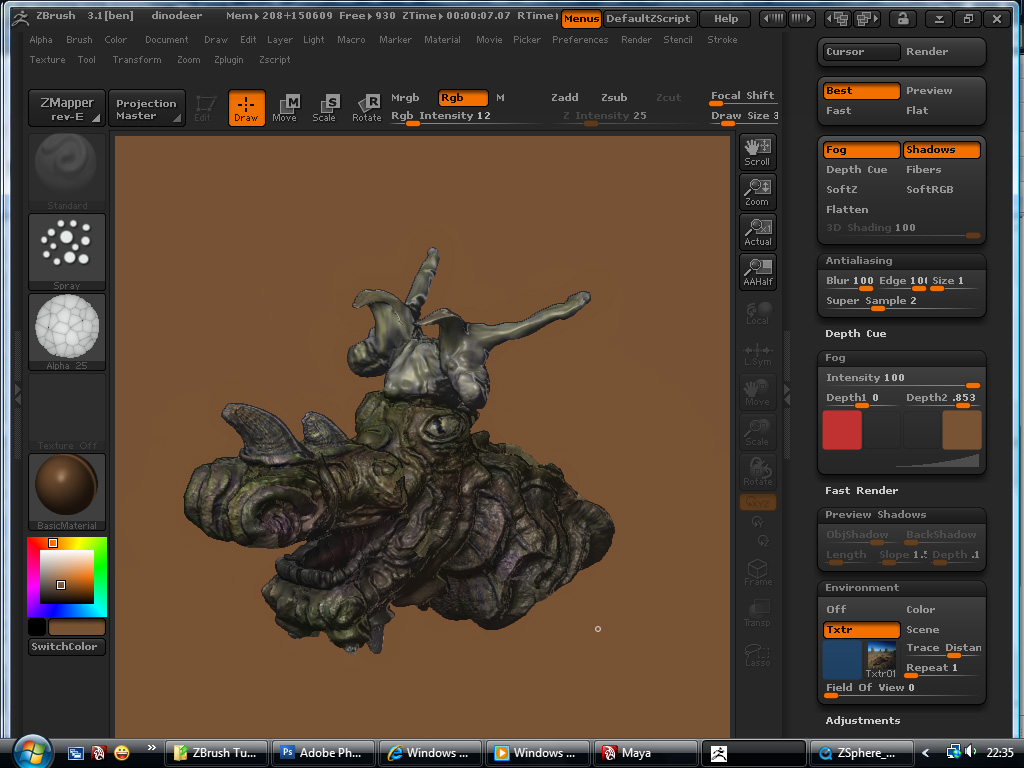 image editing software
For painting with color, Projection Master requires a texture (with UVs) to be applied, or Polypainting mode to be active.
If a texture is applied, that information is saved to the texture. If polypainting is active, that color info is saved as polypaint, and can later be converted to a texture if UVs are applied.
You can save your “render scene” (minus any active tools) by saving a “document” in the Document menu. You can export an image in a number of formats via the “export” option in the same menu.
This is all fairly basic information easily available in the Zbrush documentation.
thanks scott. I did check through the render section of the documentation, but I couldnt see anything there. I was interested in working through the tutorials at the bottom of the documentation page, but the one I was interested began witha file which I have to download from the ‘resources folder’? Do you know where I can find this?
It would help if you could point me at a specific item or tutorial, but it is most likely one of the default models that comes with Zbrush (accessible in 3.5 via the Lightbox menu at startup).
The tutorial is
:-
Tutorial: Modeling a Telephone:Edge loop and low-resolution mesh modeling, Projection and Normal maps, edge crisping, (a different way of maintaining edge sharpness).
I use zbrush 3.1.