Hi guys,
I just updated to 4R7 and now my Wacom settings don’t work. I am using an Intuos. I had the front button set to option, so that I can drag by holding that key and then release the key to zoom in and out.
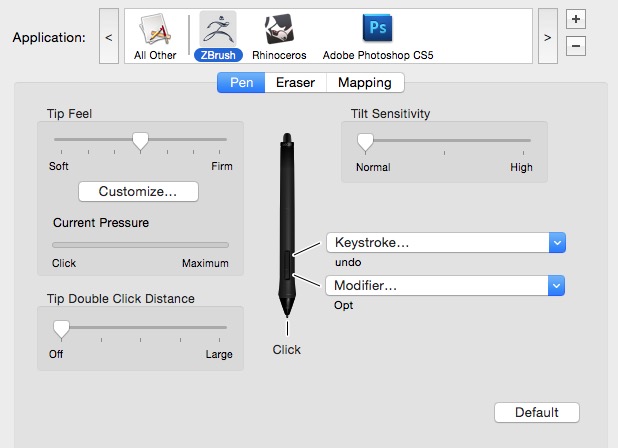
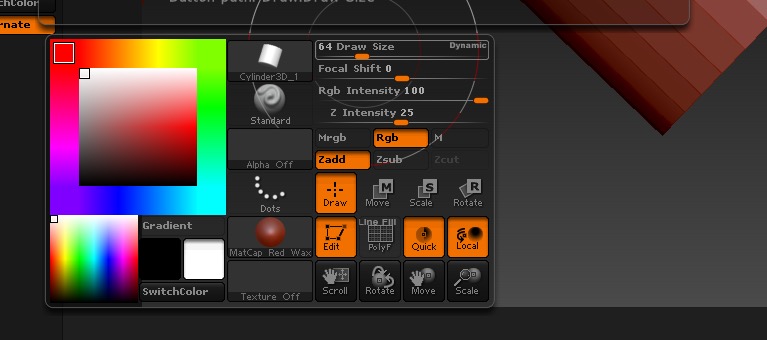
I see in my Wacom settings that the Opt key is indeed still set to the front click buttom, but it does not function that way. When I use the front click I just get the stroke settings panel coming up.
Please see images above of current wacom settings (image 1) and what happens when i front click (image 2). Can you please advise me I can return to my normal settings, so drag and zoom can be operating with front click?
best,
CdeV
Attachments