ZBrushCentral

Updating a UVW map in zbrush 3.5

Hi Everyone

I’m currently working on a model and I’m just about to start poly paint it but before I do so I want to update my UV map. can some tell me what is the process of doing that in Zbrush 3.5?

I asked that question in the zbrush forum in cgtalk and I received that answer:
"Originally Posted by meats
You can do this.
Go to your lowest version of your object (the one with the old UVs).
Press the morphtarget> store morph target button.
Fix the UV’s in your external program (XSI in your case).
Import the new model (new UV’s) into the model of your old UV’s.
Press morphtarget> switch geometry.
Good to go."


I did exactly like it says but apparently it’s not working in 3.5 the uv remains the same.

I’d really like to hear a solution to this problem as well…
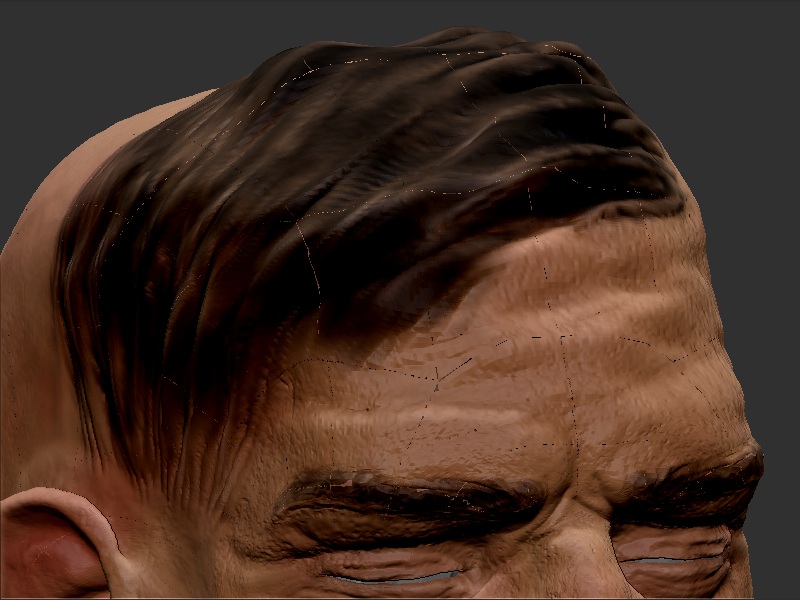
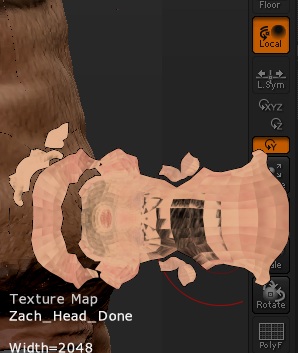
when I import a mesh with new UV’s, everything seems fine until I try to make a texture, normal, displacement or any other map… it somehow adds odd seams all around the model and screws up the new uv.

The overall shape of the uv-map to which the textures are rendered is as I made it, but a lot of the polygons have just randomly switched places in it!

Seriously, guys, what’s going on? :confused:

Attachments

pfffffffft.jpg

pfffffffft_prkl.jpg

I have the same problem!! :mad:
What do?

I would check your new UVS to see if there is no overlap (or near overlap) of your UV islands and there are no points too near the surface of the uv space. Its difficult to see in your attached texture but you may have some overlap. Use the ‘Texture from UV check’ in the Tool / Texture menu to make sure there is no red colouring indicating errors in your UVs.

Richard

Done that, and UV check showed no problems.
And even if it did, it wouldn’t explain random polygons just switching places with each other in it.
This is seriously something Pixologic should look into. :confused:

I’m using 3.5R3 and having the same issues. I’ve done this process a million times before so its odd to run into it now. All the subtools have UV layout on them and when I import the new mesh and generate the texture it uses the old layout. If I delete the UVs in Zbrush and then import the new mesh it will sometime bake the texture to the map but in the wrong place. I know for Maya you have to flip the texture on the vertical but as of right now I have to flip it multiple times. And thats when I get it to generate a texture map instead of a solid black map… Odd, very very odd . . .

I have the same problem. Its very frustrating

i have the same problem.

i try to import a obj with its new uv, which i want to project on to my sculpture with old uv’s

zbrush crashes everytime!!!

You can just UVMaster now to copy and paste the UVs. Have you tried that?

Paul

in XSI you have to make sure you don’t have more than 1 UV layout, same goes for MODO, MAX, Maya. An obj can only support one set of UV coordinates.

When you import an object into XSI you have to make sure that it isn’t getting a UV layout from Zbrush before you unwrap it.

during the import make sure that Zbrush isn’t saying that your point order changed and it is fixing it…it does wonders for the GEO, not some much with UVs.

In max I have found that you have to import, export, import export and then go back into Zbrush. Literally export out of MAX, then import it right back in just to export it back out. This doesn’t happen to me when I’m using MODO though.

If that doesn’t work…hmm…I don’t know. Do some tests on a box.

yea i tried that paul, but it didnt work.

ive solved the problem anyway now. i just merged the old normal map with the new normal map in photoshop.

Hi brothers… I tried all but I have the same problem…

I am a new Zbrush user… I load my “.obj” that I created in max to “Zbrush 3.5 R3.” After I brushed the lowpoly mesh I have created a normal map… all UV pacement was OK!

But after I saved the file as Ztool and opened it today for work it don’t accepted the my uvw map that I created in max before…
I installed UV Master and have try to copy the UV from my .obj file and paste it to the new maped Ztool… But My Zbrush crash then I try this…

I need Help please! :frowning:

I’ve been trying to solve this problem for 2 days now on a model. I’ve almost every imaginable combination of importing and exporting, with merge on, weld on and off and what programs i export the uv with and what i do to the model before exporting (changing from mesh to poly in 3ds max) and also directly exporting from UV layout. NOTHING WORKS!! I’m convinced this is a problem with Zbrush, hardly any doubt. I’ve come to realise that Zbrush chops the UVs as it pleases for no reason. Why is that even a default function in Zbrush? Why can’t it just read the UVs like every other 3D program does?

just ran into this myself…

I have discovered the core issue. Took some time to find what the problem was, but it will never happen again that is for sure! The models surface normals were flipped, and subsequently was set to two-sided on display properties in ZBrush. This caused a chain-reaction of problems regarding the exporting and importing, obviously.

I lost my cool a bit in my previous post. But I guess most people would when they feel they are about to ruin lot of work if you can’t sort it out :stuck_out_tongue:

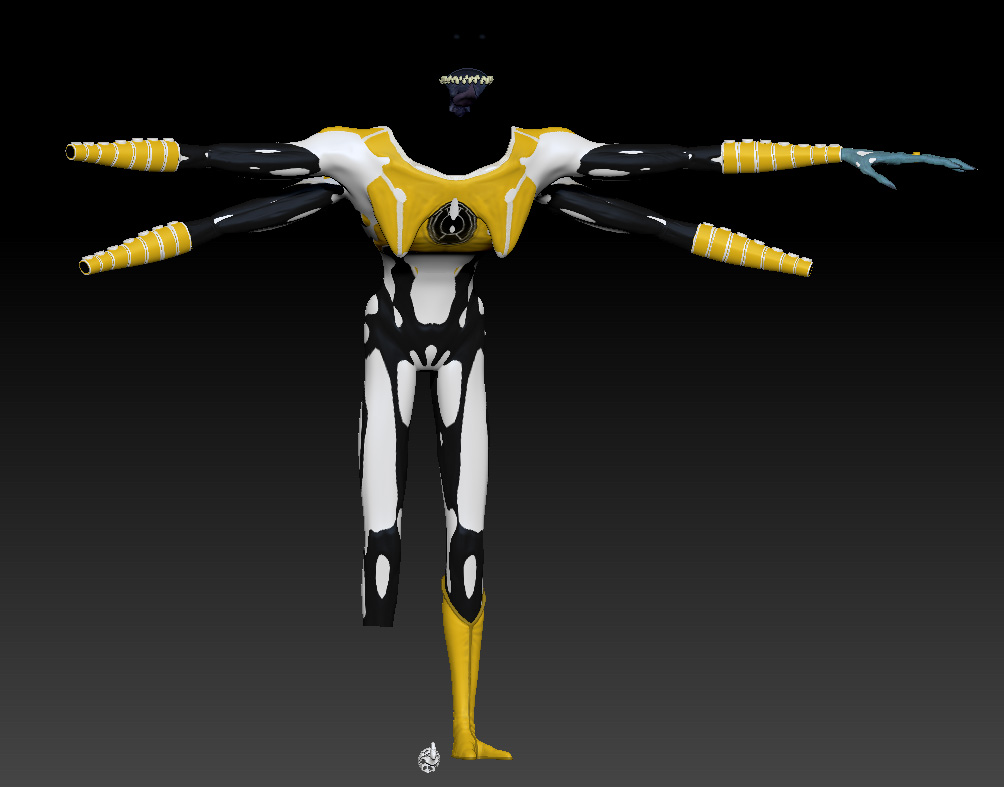
I’m also having issues with transferring uvs using morph targets, My characters body and hand uvs update when i import but for some reason zbrush makes a mask and only updates in certain spots making it all blotchy. Even weirder the head sub tool gets shrunk when I import, the file I exported is identical to the original one.

My friend suggested using .ma files instead of .obj for importing but that just renders the same results.

Attachments

morph target glitch.jpg